Turn Word documents into clean PDFs.
Share a fixed, universal PDF that looks the same everywhere, rendered by our own LibreOffice engine. Fonts our converter has carry over; see below for the ones it may not have.
Inside The Conversion
See The Input. Inspect The Result.
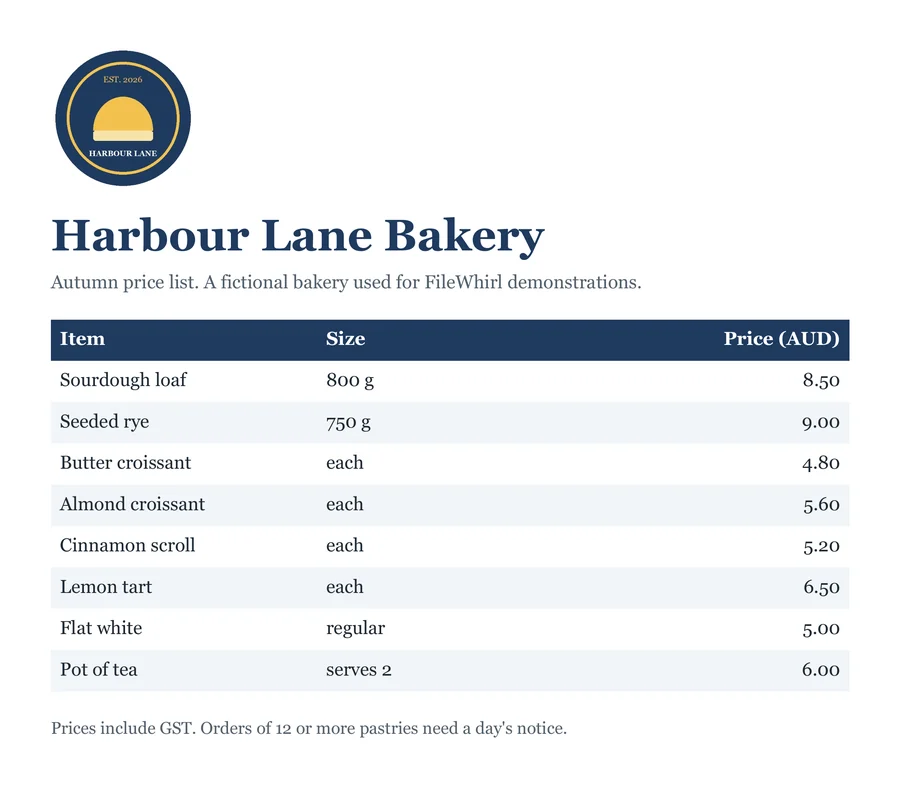
A real WORD to PDF conversion using a sample file. Compare the files below, then use the converter above with your own file.
Recorded Sample
Converted on the server in this run.
harbour-lane-price-list.doc
harbour-lane-price-list.pdf
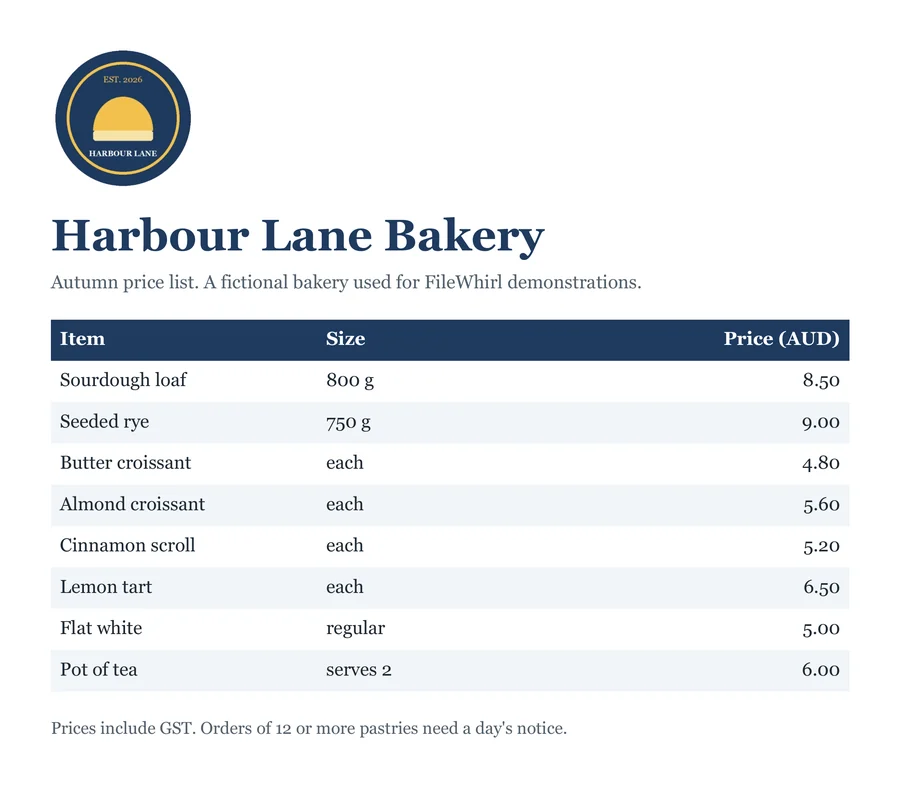
Previews show the sample files from this recorded conversion. Choose Input or Result to focus on one file.
View The Original Run Capture
A screenshot of the completed run, preserved in its original theme. The comparison above adapts to your current theme.

Why send a PDF instead of the .docx
A Word file can render differently depending on the reader's app, version and installed fonts : margins shift, fonts substitute, page breaks move. A PDF freezes the layout so it looks the same for everyone. That's exactly what you want for a final document: a resume, a contract, an invoice or anything you're sending out to be read, not edited.
What's preserved
The conversion is rendered with LibreOffice, so headings, page breaks, images and tables carry across cleanly, and selectable text stays selectable (and searchable) in the PDF.
Need to edit it later?
PDF is a final form, so keep your original .docx for future edits. If all you have is the PDF, you can go back the other way with PDF to Word, though complex layouts may reflow on the round trip.
How it works
- 01
Upload your Word
Drop a file or pick one from your device. Private by default.
- 02
Convert on our server
Word becomes PDF using a best-in-class open engine, no paid API in the loop.
- 03
Download
Grab your PDF.
Rendered with LibreOffice: headings, images and tables kept
Private uploads, auto-deleted after 1 hour
No watermark, no signup to try
Handles large files
Looks identical on every device
DOC to PDF
Your DOC is rendered to a fixed-layout PDF with fonts embedded, so it looks the same on any device and can't be accidentally reflowed. Unusual fonts may shift a little, worth a glance if exact layout matters.
Common questions
Is it free?+
Yes. Convert Word to PDF free. No signup and no watermark. Free covers 10 server conversions a day, up to 100 MB a file. Pro removes the daily limit and raises the file limit to 2 GB.
Is my file private?+
Uploads go to a private bucket, are converted, and auto-delete after 1 hour. Files never touch a third-party converter.
Will the layout hold up?+
We render with LibreOffice, so headings, images and tables come through, and common fonts carry over. Very Word-specific extras (tracked changes, comments, macros) are flattened: PDF is a final, fixed form.
Why do fonts change?+
A PDF can only use fonts the converter has. Common fonts such as Calibri, Arial and Times New Roman came through as themselves in our test. Aptos (the default font in newer versions of Office) and downloaded fonts are not on our converter, so that text is drawn in a similar substitute font and line breaks can move. To avoid it, turn on Embed fonts in the file in your Office save options before uploading, or export to PDF from Word itself.