From dense PDF to study-ready notes.
Drop a textbook chapter, research paper or report. Get back structured notes, a summary, flashcards and a self-quiz, without reading 60 pages first.
Inside The Conversion
See The Input. Inspect The Result.
A real PDF to NOTES conversion using a sample file. Compare the files below, then use the converter above with your own file.
Recorded Sample
Converted on the server in this run.
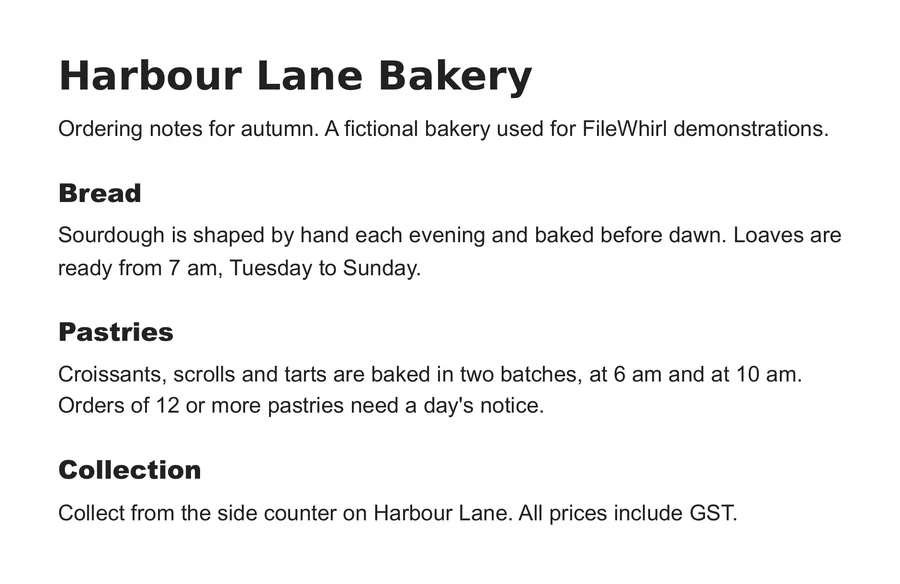
harbour-lane-ordering-notes.pdf
harbour-lane-ordering-notes.txt
Opening Lines
Harbour Lane Bakery
Ordering notes for autumn. A fictional bakery used for FileWhirl demonstrat...


Bread
Sourdough is shaped by hand each evening and baked before dawn. Loaves are
ready from 7 am, Tuesday to Sunday.


Pastries
Croissants, scrolls and tarts are baked in two batches, at 6 am and at 10 am.
Orders of 12 or more pastries need a day's notice.
Previews show the sample files from this recorded conversion. Choose Input or Result to focus on one file.
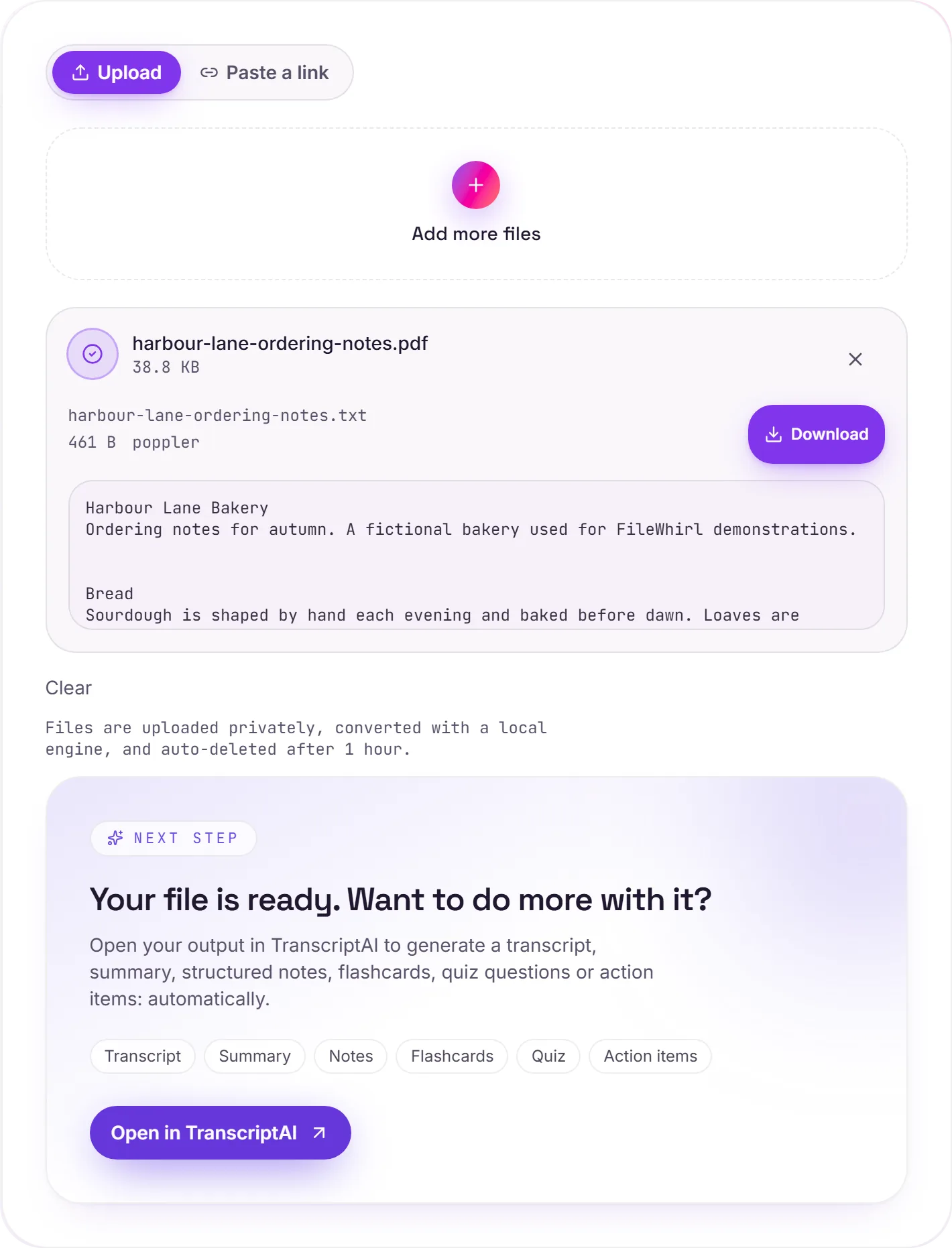
View The Original Run Capture
A screenshot of the completed run, preserved in its original theme. The comparison above adapts to your current theme.
How it works
- 01
Upload your PDF
Scanned, exported or born-digital. We extract the text with OCR when needed.
- 02
We structure it
TranscriptAI breaks the document into sections, key concepts and definitions.
- 03
Study, share, learn
Export notes, flashcards and quizzes. Built for students, analysts and curious humans.
OCR for scanned PDFs
Section-by-section summaries
Auto-generated flashcards
Quiz questions with answers
Action items and key quotes extracted
Export to Notion, Markdown, Anki or DOCX
How PDF to text works
Your PDF is uploaded and processed on our servers. Text-based PDFs have their text pulled out directly, so the .txt is exact. Scanned, image-only PDFs fall back to Tesseract OCR, very good, but not perfect on faint scans or complex multi-column layouts.
Need more than a conversion?
Send your audio or video to TranscriptAI to generate a transcript, summary, structured notes, flashcards, quiz questions or action items: automatically.
Common questions
Does it work on scanned PDFs?+
Yes. TranscriptAI runs OCR automatically when needed.
How long can the PDF be?+
Free tier handles up to 50 pages. Pro and Business handle full books.
Will it understand technical material?+
Yes. It preserves formulas, code blocks and citations, and adapts the tone of summaries to the source.