Convert EPUB to MOBI.
Convert EPUB to MOBI for older Kindle devices. Chapters, formatting and metadata preserved by Calibre.
Inside The Conversion
See The Input. Inspect The Result.
A real EPUB to MOBI conversion using a sample file. Compare the files below, then use the converter above with your own file.
Recorded Sample
Converted on the server in this run.
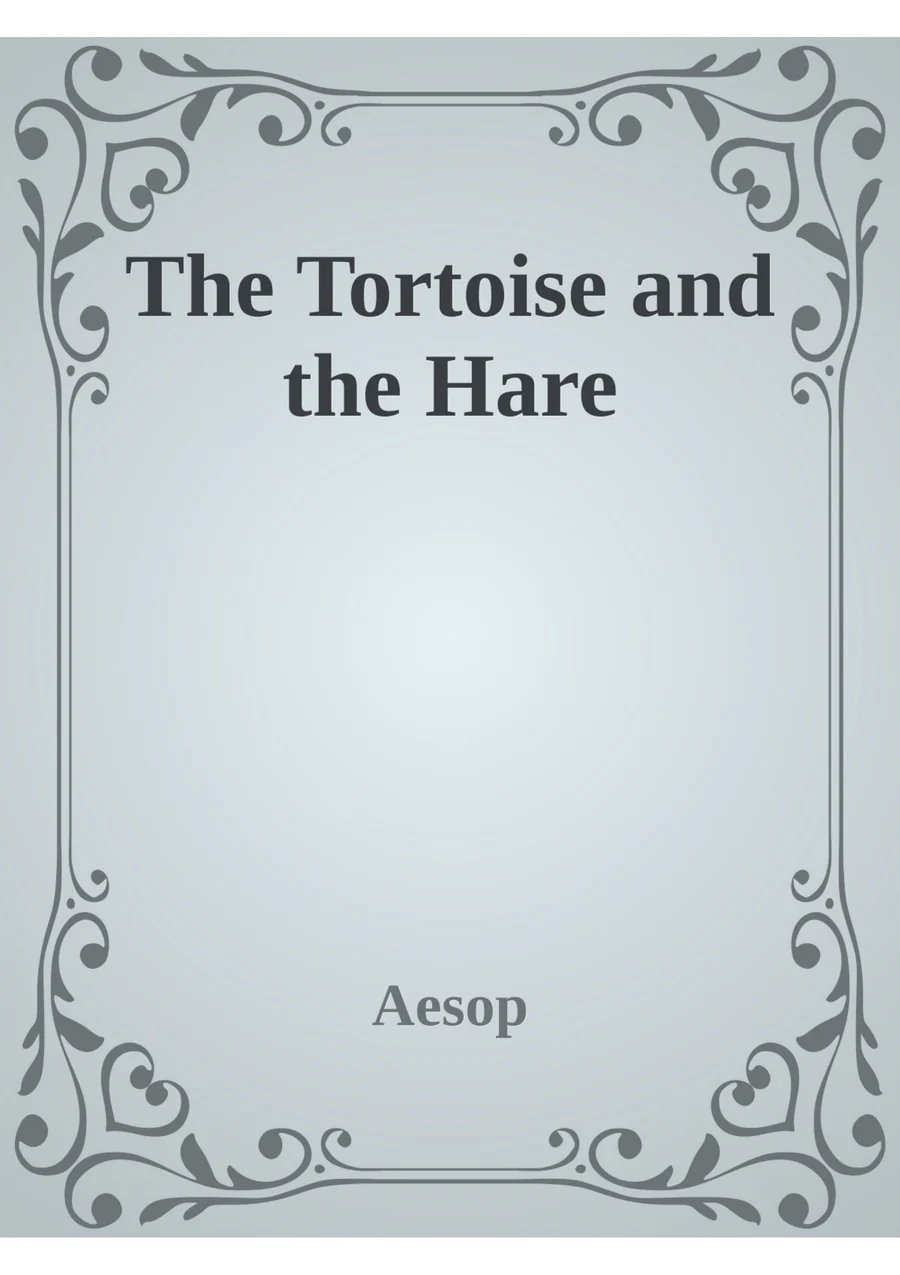
the-tortoise-and-the-hare.epub
the-tortoise-and-the-hare.mobi
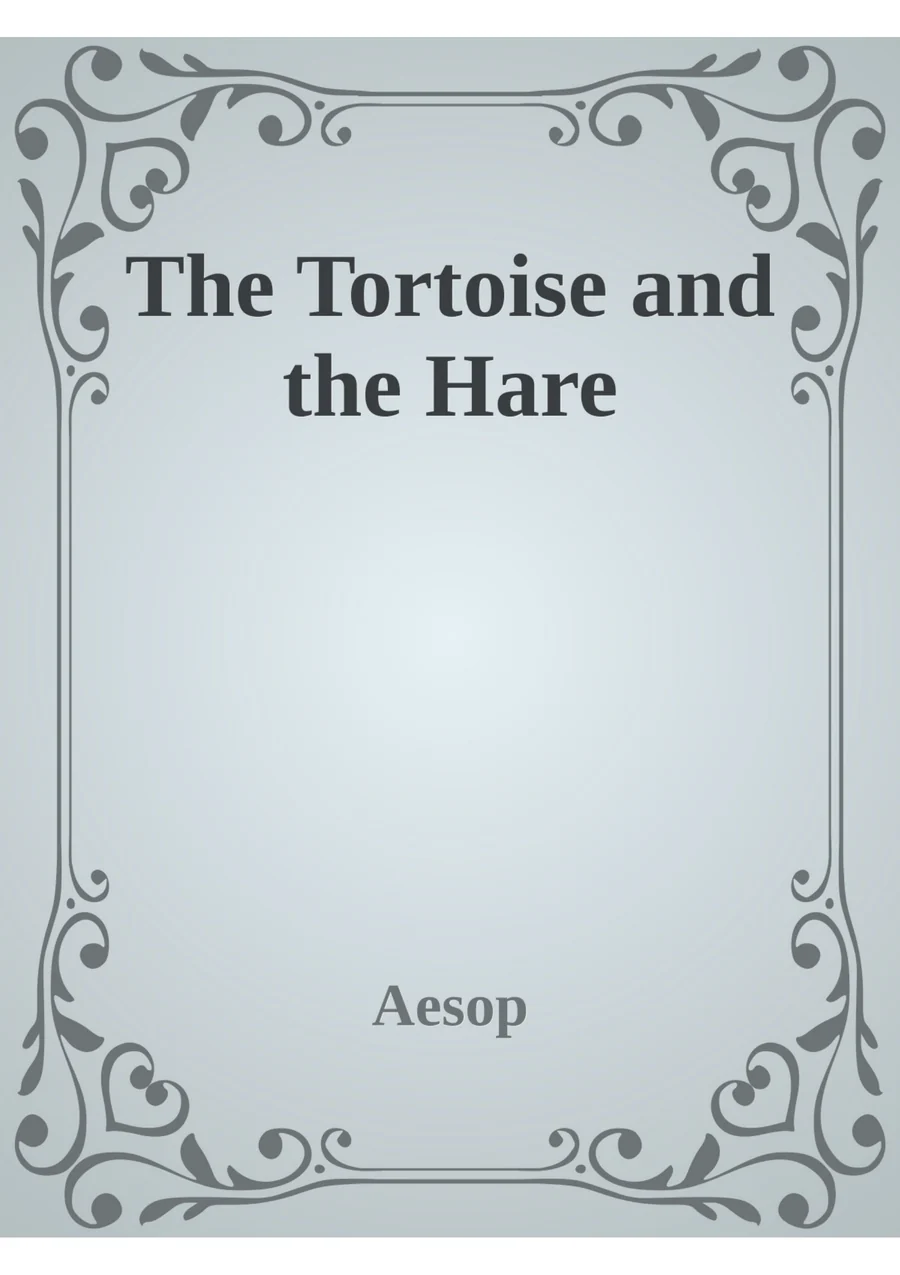
Previews show the sample files from this recorded conversion. Choose Input or Result to focus on one file.
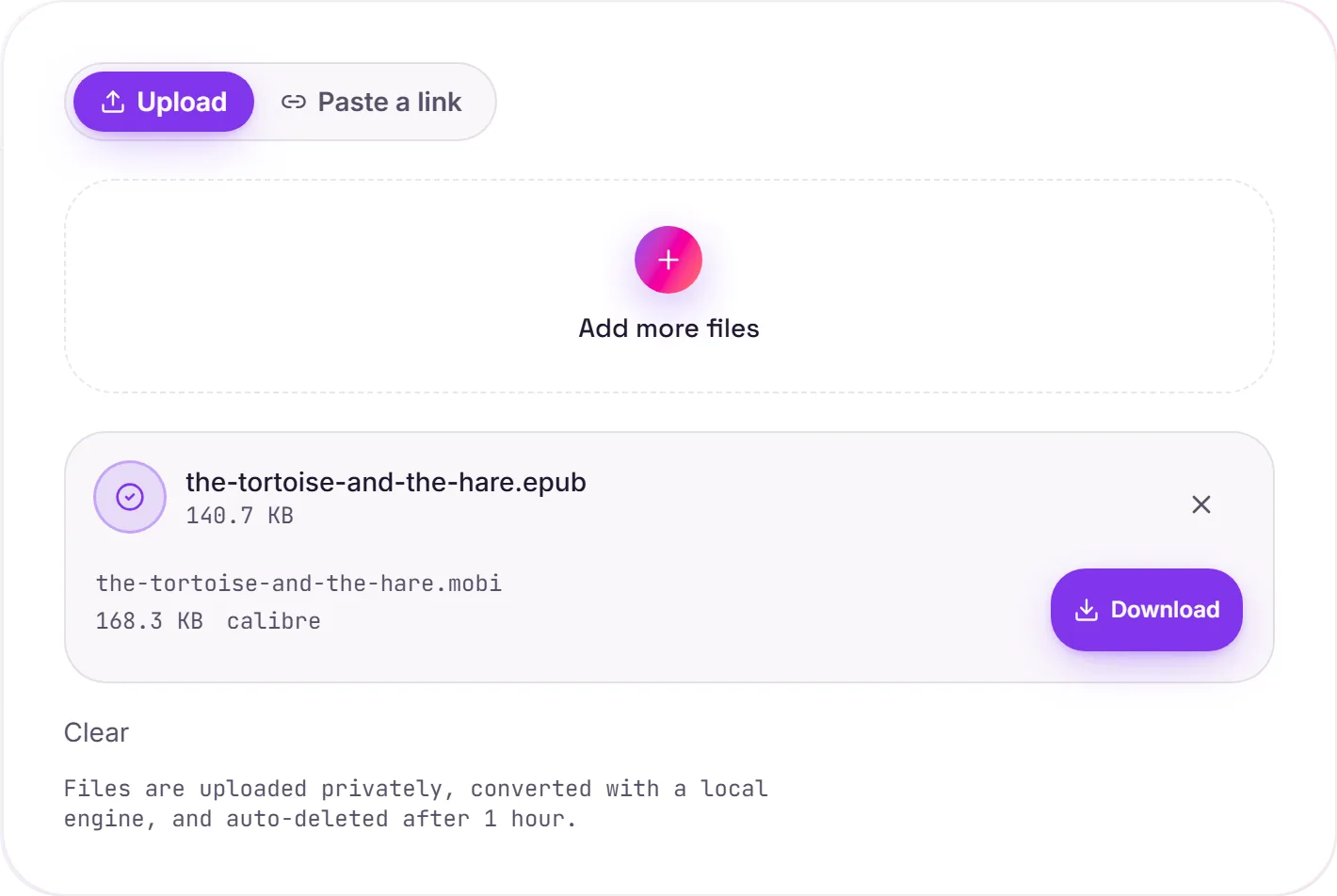
View The Original Run Capture
A screenshot of the completed run, preserved in its original theme. The comparison above adapts to your current theme.
EPUB to MOBI for Kindle
MOBI is Amazon's older ebook format. If you've got an EPUB you want to read on a Kindle, especially an older device: converting to MOBI lets you sideload it over USB or email. Calibre handles the conversion, carrying chapters, the table of contents, formatting, metadata and the cover across.
Do you actually need MOBI?
Worth knowing: Amazon has retired MOBI in favour of newer formats, and current Kindles plus the "Send to Kindle" service now accept EPUB and PDF directly. So MOBI is mostly useful for older Kindle hardware or tools that still expect it, for a modern Kindle you may not need to convert at all.
DRM-free files only
This converts standard, DRM-free EPUBs. Your own books, public-domain titles, or anything without copy protection. It doesn't remove DRM from purchased ebooks.
How it works
- 01
Upload your EPUB
Drop a file or pick one from your device. Private by default.
- 02
Convert with Calibre
EPUB becomes MOBI using Calibre, the best-in-class open-source ebook engine, no paid API in the loop.
- 03
Download
Grab your MOBI.
Chapters, formatting & metadata preserved
Private uploads, auto-deleted after 1 hour
No watermark, no signup to try
Handles large books
Free and open-source engine (Calibre)
EPUB to MOBI
This re-flows the book into MOBI, carrying chapters, the table of contents and images. Reflowable ebook formats adapt to the reader's screen and font size. Heavy fixed layouts (comics, textbooks) convert less cleanly.
Common questions
Is it free?+
Yes. Convert EPUB to MOBI free. No signup and no watermark. Free covers 10 server conversions a day, up to 100 MB a file. Pro removes the daily limit and raises the file limit to 2 GB.
Is my book private?+
Uploads go to a private bucket, are converted, and auto-delete after 1 hour. Files never touch a third-party converter.
Will formatting hold up?+
We use Calibre, the standard open-source ebook toolkit. Chapters, text flow and metadata are preserved.