Convert ZIP to 7Z.
Repack a ZIP as a 7z archive for stronger compression. Every file and folder preserved exactly.
Inside The Conversion
See The Input. Inspect The Result.
A real ZIP to 7Z conversion using a sample file. Compare the files below, then use the converter above with your own file.
Recorded Sample
Converted on the server in this run.
harbour-lane-bakery-files.zip
Archive Contents
harbour-lane-bakery/
 13.1 KB  harbour-lane-bakery-logo.png
   621 B  harbour-lane-bakery-logo.svg
   229 B  harbour-lane-price-list.csv
108.5 KB  harbour-lane-price-list.pdf
harbour-lane-bakery-files.7z
Archive Contents
harbour-lane-bakery/
 13.1 KB  harbour-lane-bakery-logo.png
   621 B  harbour-lane-bakery-logo.svg
   229 B  harbour-lane-price-list.csv
108.5 KB  harbour-lane-price-list.pdf
Previews show the sample files from this recorded conversion. Choose Input or Result to focus on one file.
View The Original Run Capture
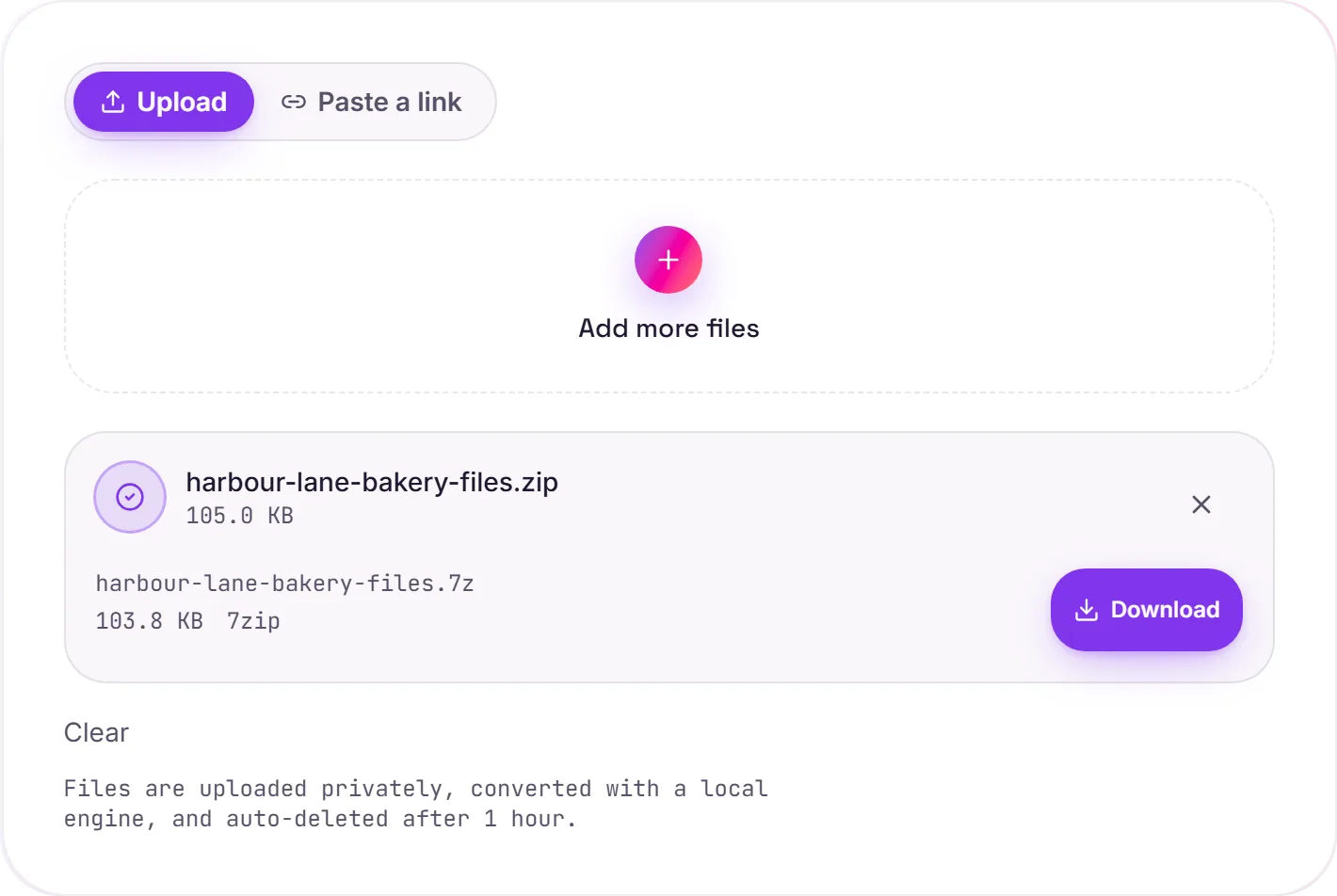
A screenshot of the completed run, preserved in its original theme. The comparison above adapts to your current theme.
Why repack a ZIP as 7z
7z uses LZMA/LZMA2 compression, which usually squeezes an archive noticeably smaller than ZIP's older Deflate. The difference grows with large or numerous files. It also supports strong AES-256 encryption and very large archives, which is why it's popular for backups and distributing big bundles.
Your files are untouched
The ZIP's contents are extracted and repacked into the 7z container without modification, folder structure intact, every file byte-for-byte identical. Only the compression wrapper changes.
One compatibility note
ZIP opens just about everywhere out of the box; 7z needs 7-Zip or another archiver that reads it (most modern ones do). If the recipient's setup is unknown, ZIP is the safer choice. Pick 7z when smaller size or encryption matters more than universal support.
How it works
- 01
Upload your ZIP
Drop a file or pick one from your device. Private by default.
- 02
Repack with 7-Zip
ZIP is extracted and repacked as 7Z using 7-Zip, every byte preserved, no paid API in the loop.
- 03
Download
Grab your 7Z.
Bit-for-bit faithful, files never altered
Folder structure preserved
Private uploads, auto-deleted after 1 hour
No watermark, no signup to try
Free and open-source engine (7-Zip)
ZIP to 7Z
Your archive is unpacked and repackaged as 7Z, keeping the folder structure and file names. The contained files are not altered, only the container format and its compression change.
Common questions
Is it free?+
Yes. Convert ZIP to 7Z free. No signup and no watermark. Free covers 10 server conversions a day, up to 100 MB a file. Pro removes the daily limit and raises the file limit to 2 GB.
Is my archive private?+
Uploads go to a private bucket, are converted, and auto-delete after 1 hour. Files never touch a third-party converter.
Are my files changed?+
No. Contents are extracted and repacked unchanged. Every file comes out byte-for-byte identical.
Related conversions