Convert SVG to PDF.
Convert SVG to a true vector PDF: paths and text stay sharp at any zoom, never rasterized. Print-perfect.
Inside The Conversion
See The Input. Inspect The Result.
A real SVG to PDF conversion using a sample file. Compare the files below, then use the converter above with your own file.
Recorded Sample
Converted on the server in this run.
harbour-lane-bakery-logo.svg

harbour-lane-bakery-logo.pdf

Previews show the sample files from this recorded conversion. Choose Input or Result to focus on one file.
View The Original Run Capture
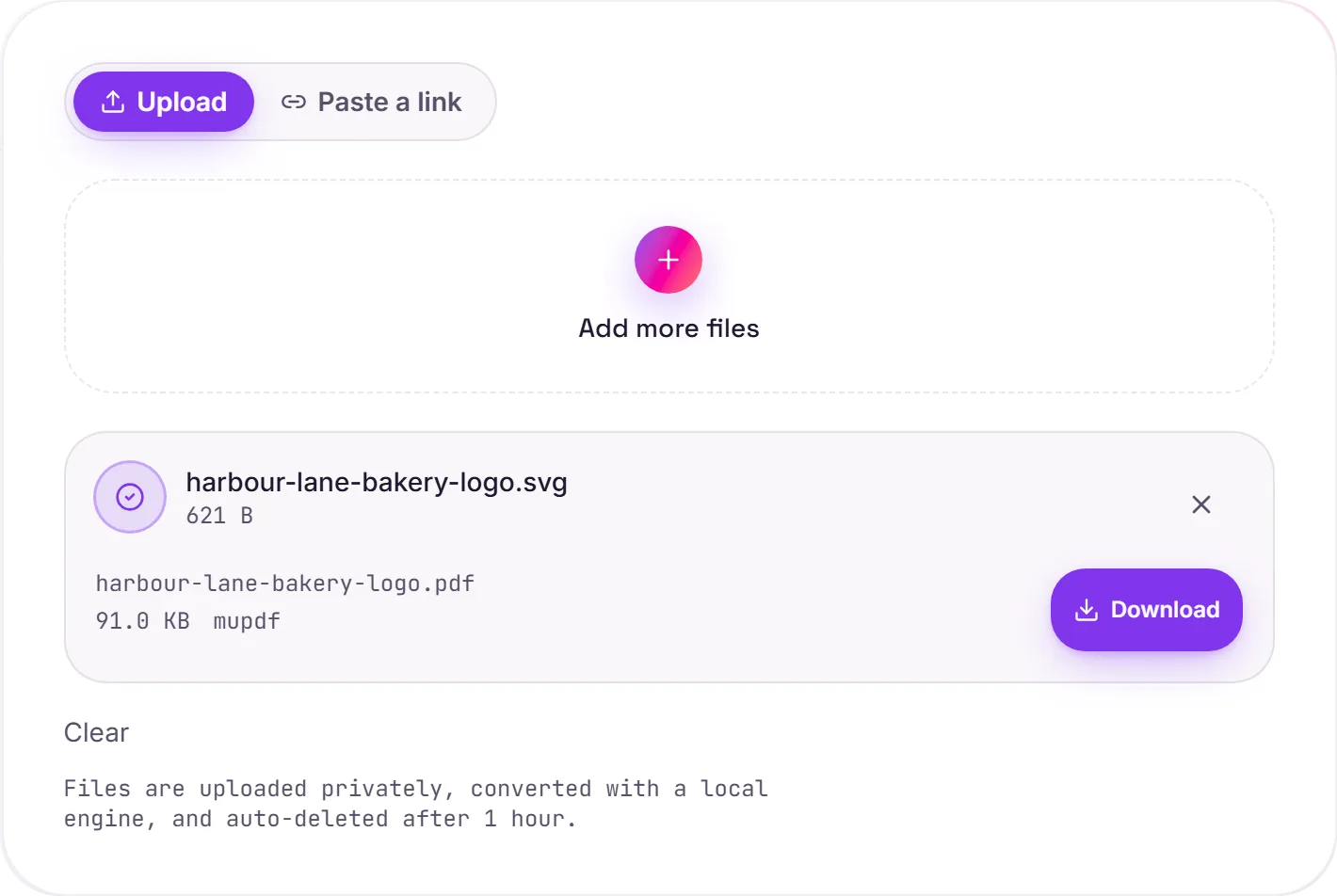
A screenshot of the completed run, preserved in its original theme. The comparison above adapts to your current theme.
A true vector PDF, not a picture of one
Unlike SVG to PNG, which rasterizes the artwork into pixels, this keeps your SVG's paths and text as real vectors inside the PDF. The result stays razor-sharp at any zoom and prints perfectly at any size, exactly what you want for logos, diagrams and posters headed to a printer.
Vector or raster?
Choose vector PDF when the destination is print or a document and scalability matters. If you instead need a flat image for the web or a platform that only accepts PNG/JPG, rasterize with SVG to PNG.
A note on fonts
If your SVG uses text in a specific typeface, make sure the font is embedded or convert the text to outlines (paths) in your editor first: otherwise a missing font may be substituted. With the font handled, the text stays selectable and crisp in the PDF.
How it works
- 01
Upload your SVG
Drop a file or pick one from your device. Private by default.
- 02
Convert with MuPDF
SVG becomes PDF using MuPDF, a best-in-class open-source engine, no paid API in the loop.
- 03
Download
Grab your PDF.
High-resolution, edge-crisp rendering
Private uploads, auto-deleted after 1 hour
No watermark, no signup to try
Handles large and complex graphics
Free and open-source engine
SVG to PDF
SVG and PDF are vector formats, so the artwork stays resolution-independent. It scales to any size without going blurry. Paths and text are preserved; fonts may be converted to outlines for portability.
Common questions
Is it free?+
Yes. Convert SVG to PDF free. No signup and no watermark. Free covers 10 server conversions a day, up to 100 MB a file. Pro removes the daily limit and raises the file limit to 2 GB.
Is my file private?+
Uploads go to a private bucket, are converted, and auto-delete after 1 hour. Files never touch a third-party converter.
Will quality hold up?+
Yes. We render with MuPDF at high fidelity. Edges stay crisp and colors accurate.