Convert MKV to MP4.
Make Matroska .mkv videos play everywhere as MP4, re-encoded with ffmpeg to H.264 video and AAC audio.
Inside The Conversion
See The Input. Inspect The Result.
A real MKV to MP4 conversion using a sample file. Compare the files below, then use the converter above with your own file.
Recorded Sample
Converted on the server in this run.
earthrise-apollo-8.mkv
earthrise-apollo-8.mp4
Previews show the sample files from this recorded conversion. Choose Input or Result to focus on one file.
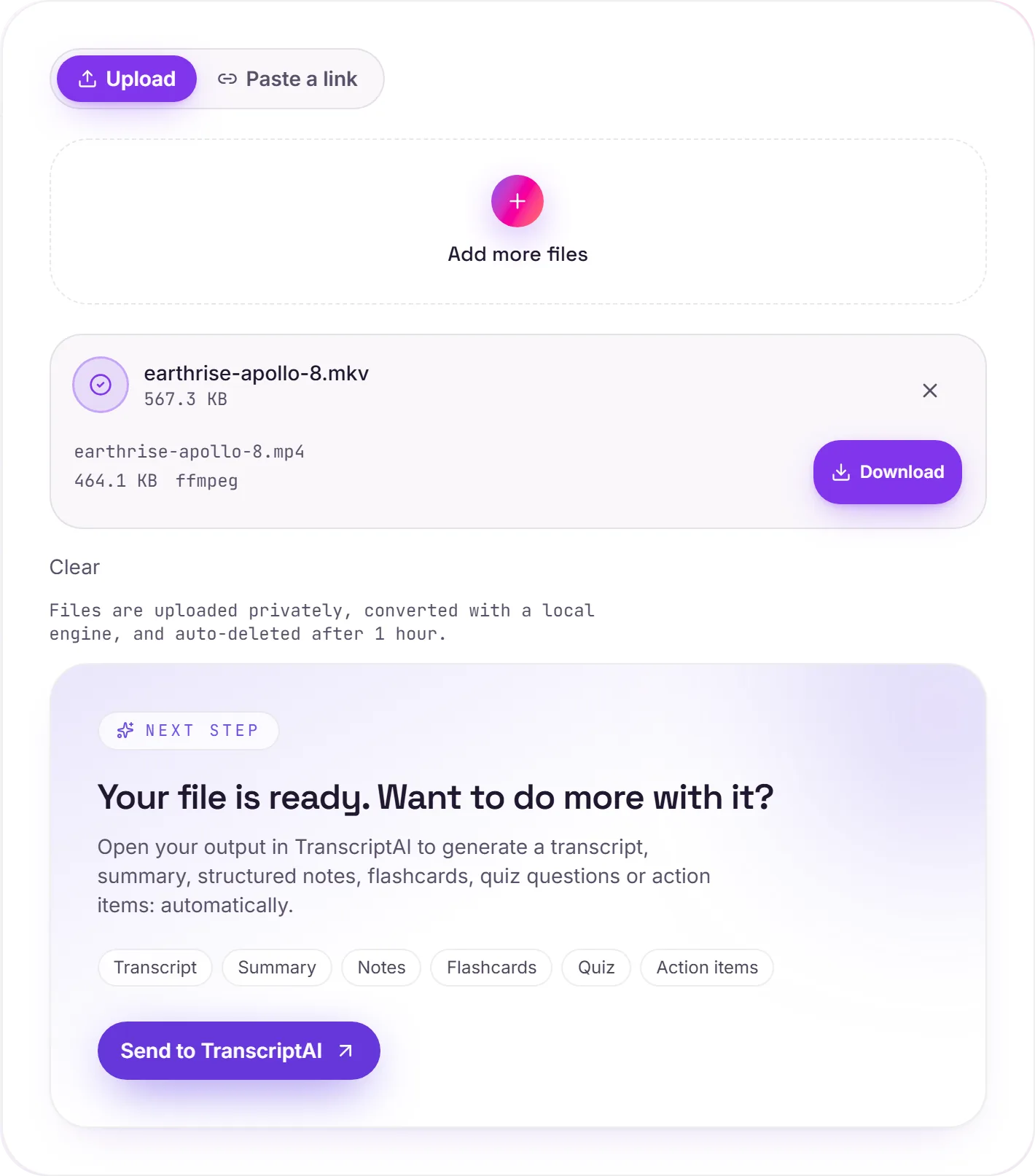
View The Original Run Capture
A screenshot of the completed run, preserved in its original theme. The comparison above adapts to your current theme.
MKV vs MP4
MKV (Matroska) is a flexible open container. It can hold almost any codec along with multiple audio and subtitle tracks, which is why movie rips so often use it. MP4 is the universal one that just plays: on phones, smart TVs, the web and in every video editor. Plenty of devices simply won't open an MKV, and converting fixes that.
What the conversion does
Whatever codec your MKV uses, the video is re-encoded to H.264 and the audio to AAC, the combination virtually every device plays. That takes longer than simply repackaging the streams, and like any re-encode it is a new compression pass rather than an exact copy, though at ffmpeg's standard quality setting the difference is hard to see at normal viewing sizes.
Watch the extra tracks
The one thing to know: MKV can bundle several audio languages and subtitle tracks, and the MP4 keeps one video track and one audio track. Extra audio languages are dropped, and embedded subtitles often don't carry across. Keep the MKV if those matter to you.
How it works
- 01
Add your MKV
Drop one or many files, or click to browse. Private by default.
- 02
Convert on our server
MKV becomes MP4 using a best-in-class open engine, no paid API in the loop.
- 03
Download
Grab your MP4 (or a zip of many), or open it in TranscriptAI to do more.
Best available engine, honest about limits
Private uploads, auto-deleted after 1 hour
Batch convert many at once, download as a zip
No watermark, no signup to try
H.264 and AAC output that plays everywhere
Direct handoff to TranscriptAI
MKV to MP4: transcode
MKV and MP4 are container/codec formats, so this re-encodes the video (a lossy step. Start from the best source you have). MP4 is broadly compatible, which helps when a player, editor or site won't accept MKV.
Need more than a conversion?
Send your audio or video to TranscriptAI to generate a transcript, summary, structured notes, flashcards, quiz questions or action items: automatically.
Common questions
Is it free?+
Yes. Convert MKV to MP4 free, with no signup.
Is my file private?+
Uploads go to a private bucket, are converted, and auto-delete after 1 hour.
Will quality hold up?+
For normal viewing, yes, but it is not a bit-for-bit copy. The video is re-encoded to H.264 and the audio to AAC at ffmpeg's standard quality setting. Keep the MKV if you need the untouched original.