Convert AVIF to JPG.
AVIF is a newer, highly-compressed image format many apps, editors and older devices still can't open. Convert it to a universal JPG that works everywhere.
Inside The Conversion
See The Input. Inspect The Result.
A real AVIF to JPG conversion using a sample file. Compare the files below, then use the converter above with your own file.
Recorded Sample
Converted on the server in this run.
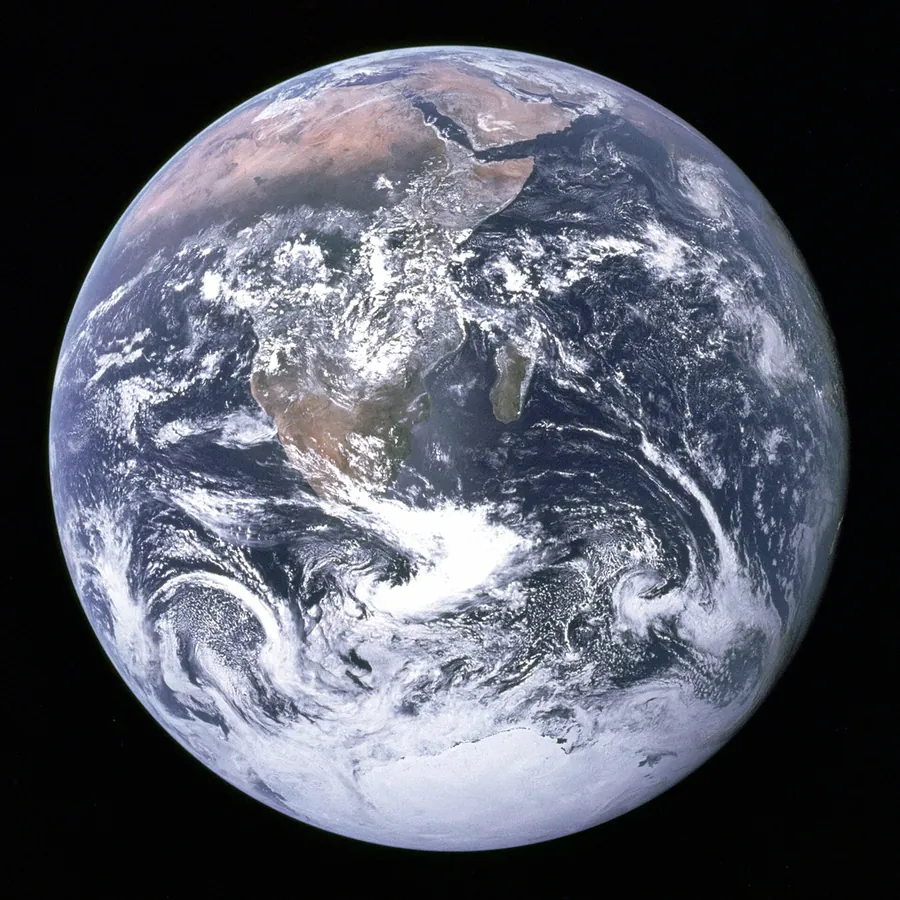
blue-marble-apollo-17.avif
blue-marble-apollo-17.jpg
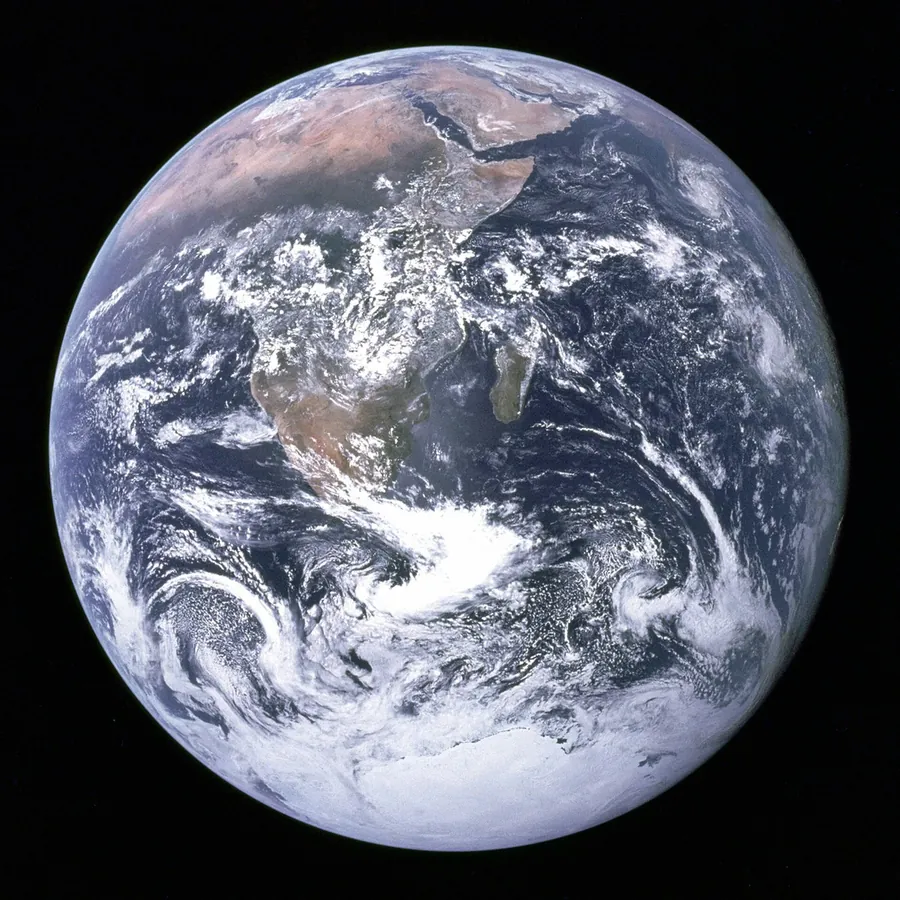
Previews show the sample files from this recorded conversion. Choose Input or Result to focus on one file.
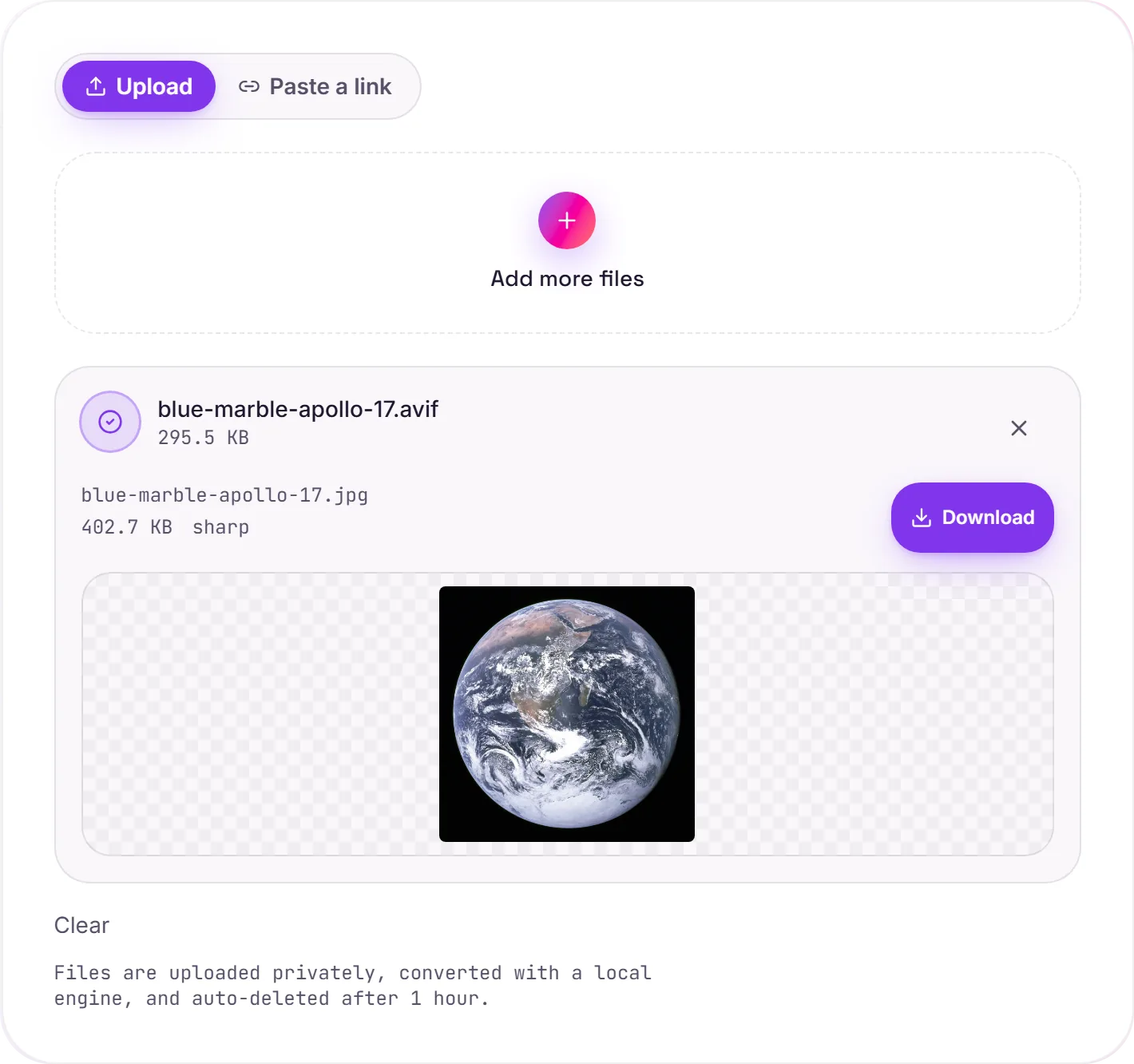
View The Original Run Capture
A screenshot of the completed run, preserved in its original theme. The comparison above adapts to your current theme.
AVIF: efficient, but not yet everywhere
AVIF is built on the AV1 video codec and compresses remarkably well, often smaller than JPG or WebP at the same quality, which is why it's spreading across the web. The trouble is tooling: plenty of editors, chat apps, older phones and operating systems still can't open a .avif. Converting to JPG gives you an image that opens absolutely everywhere.
What to expect
Both formats are lossy, so this is a re-encode, at high quality the result is faithful for photos. Two things AVIF can do that JPG can't: transparency (which becomes a white background) and HDR. For everyday photos neither matters; just know the JPG will be larger, since you're trading AVIF's efficiency for compatibility.
Keep the AVIF for the web
If the image lives on a website, the AVIF (or a WebP) stays smaller and loads faster. Convert to JPG specifically when something won't accept the modern format.
How it works
- 01
Upload your AVIF
Drop one or many files, or click to browse. Private by default.
- 02
Decode on our engines
We decode the AVIF with a local image engine, no third-party paid API in the loop.
- 03
Download
Grab your JPG (or a zip of many).
Opens AVIF that your apps and devices can't
Batch convert many at once, download as a zip
High quality, no watermark, no signup
Private uploads, auto-deleted after 1 hour
Free and open-source engines
Why convert AVIF to JPG
AVIF is a modern, space-efficient image format that plenty of apps and sites still can't open. Converting to JPG trades a little extra file size for near-universal compatibility while keeping the visible quality.
Common questions
Is it free?+
Yes. Convert AVIF to JPG free, with no signup.
Why won't my AVIF open elsewhere?+
AVIF is a modern format (based on the AV1 codec). It saves a lot of space, but many editors, chat apps and older devices don't support it yet, a JPG opens everywhere.
Is my image private?+
Uploads go to a private bucket, are converted, and auto-delete after 1 hour. Files never touch a third-party converter.