Convert 3G2 to MP4.
3G2 is the video format old CDMA phones (Verizon, Sprint and the like) recorded in. Convert those clips to MP4 so they play on modern phones, browsers and editors.
Inside The Conversion
See The Input. Inspect The Result.
A real 3G2 to MP4 conversion using a sample file. Compare the files below, then use the converter above with your own file.
Recorded Sample
Converted on the server in this run.
earthrise-apollo-8.3g2
earthrise-apollo-8.mp4
Previews show the sample files from this recorded conversion. Choose Input or Result to focus on one file.
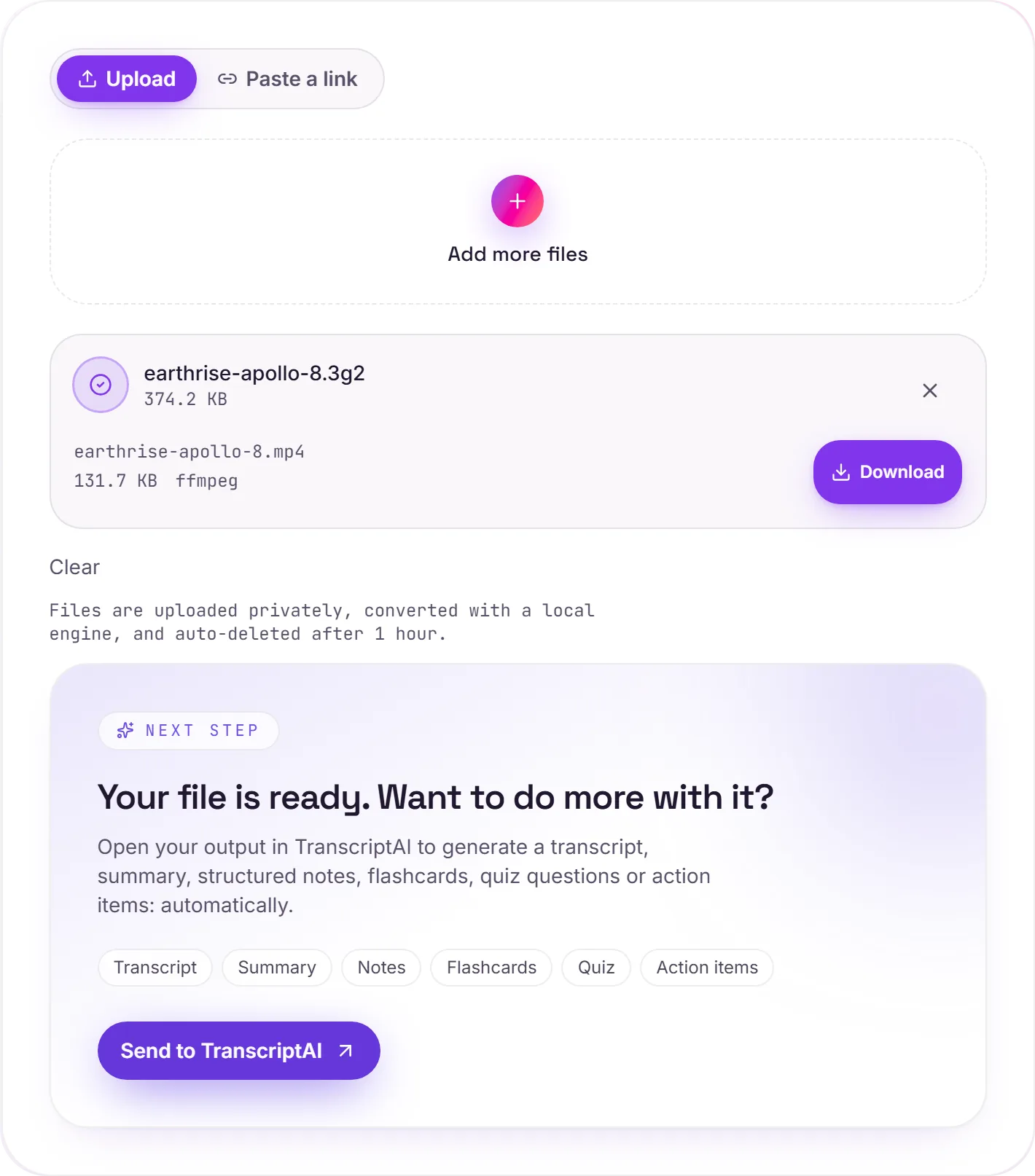
View The Original Run Capture
A screenshot of the completed run, preserved in its original theme. The comparison above adapts to your current theme.
The CDMA cousin of 3GP
If your old phone was on Verizon, Sprint or another CDMA carrier, its videos likely saved as .3g2 rather than the GSM world's .3gp. Same idea, slightly different wrapper, and the same problem today: those clips often refuse to open on current devices. Converting to MP4 brings them back to life and onto a format that'll keep working.
Before you back up
Moving old phone videos to the cloud? Convert them to MP4 first so they stay playable for years, wherever you open them.
How it works
- 01
Add your 3G2
Drop one or many .3g2 files, or click to browse. Private by default.
- 02
Convert on our server
3G2 becomes MP4 (H.264) with ffmpeg, no paid API in the loop.
- 03
Download or transcribe
Grab your MP4, or send it to TranscriptAI for a transcript of the audio.
Plays in modern browsers, phones and editors
Rescues old CDMA-phone recordings
Keeps the original resolution
Private uploads, auto-deleted after 1 hour
Batch convert a folder of old clips at once
No watermark, no signup to try
3G2 to MP4: transcode
3G2 and MP4 are container/codec formats, so this re-encodes the video (a lossy step. Start from the best source you have). MP4 is broadly compatible, which helps when a player, editor or site won't accept 3G2.
Need more than a conversion?
Send your audio or video to TranscriptAI to generate a transcript, summary, structured notes, flashcards, quiz questions or action items: automatically.
Common questions
What is a 3G2 file?+
3G2 (3GPP2) is the video format used by older CDMA-network phones. The counterpart to 3GP on GSM phones. Both kept files tiny for slow networks, and both now trip up modern players and editors. MP4 holds the same video in a universal container.
Is it free?+
Yes. Convert 3G2 to MP4 free. No signup and no watermark. Free covers 10 server conversions a day, up to 100 MB a file. Pro removes the daily limit and raises the file limit to 2 GB.
Is my file private?+
Uploads go to a private bucket, are converted, and auto-delete after 1 hour. Files never touch a third-party converter.
Will low-res clips look worse?+
No. We preserve the original resolution and frame rate. We can't add detail that wasn't captured, but nothing is thrown away.
Related conversions