Convert SVG to PNG.
Rasterize an SVG into a crisp, high-resolution PNG with transparency. Small icons are upscaled to a crisp high resolution, so edges stay sharp.
Inside The Conversion
See The Input. Inspect The Result.
A real SVG to PNG conversion using a sample file. Compare the files below, then use the converter above with your own file.
Recorded Sample
Converted in the browser in this run.
harbour-lane-bakery-logo.svg

harbour-lane-bakery-logo.png

Previews show the sample files from this recorded conversion. Choose Input or Result to focus on one file.
View The Original Run Capture
A screenshot of the completed run, preserved in its original theme. The comparison above adapts to your current theme.
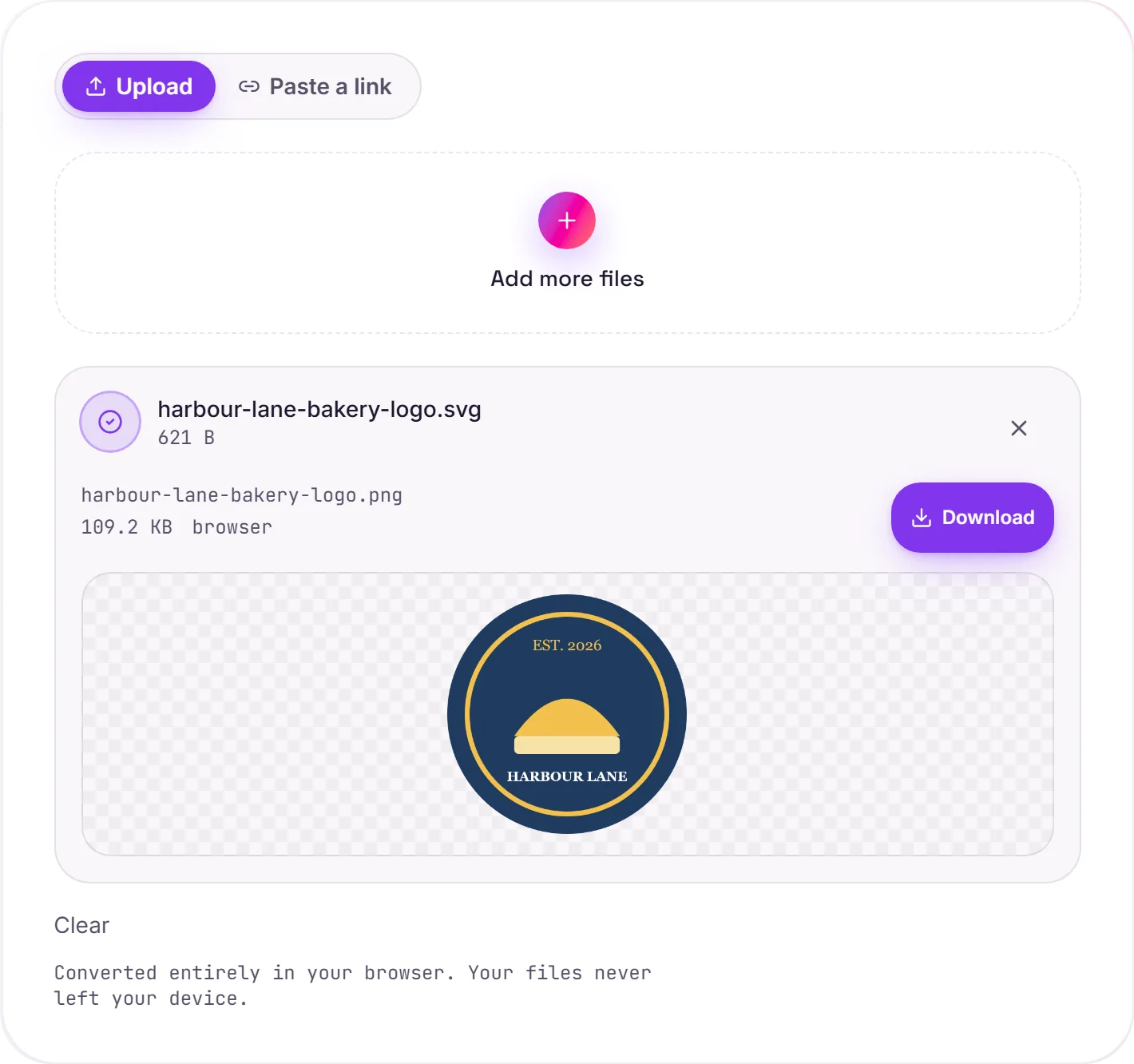
SVG to PNG: vectors to pixels
An SVG is a vector (math that scales to any size), while a PNG is a fixed grid of pixels with transparency. You convert when you need a static image: for an email, a thumbnail, a social or OG preview, or any tool or platform that won't accept SVG.
Why resolution matters
Vectors have no inherent pixel size, so a naive export of a 24×24 icon would give you a tiny, blurry 24×24 PNG. Instead, small graphics are upscaled to roughly 1024px on the long edge before rasterizing, so the PNG comes out sharp at a useful size.
Transparency and fonts
A transparent SVG background is preserved in the PNG; if you need a solid backdrop, convert to JPG instead. One thing to check: fonts and external images referenced by the SVG should be embedded in the file, otherwise the browser may substitute or skip them when rendering.
How it works
- 01
Choose your SVG
Drop a file or pick one from your device. Private by default.
- 02
Render in your browser
Your browser rasterizes the SVG to a high-resolution PNG on a canvas, small icons are upscaled so edges stay sharp. No upload, no paid API.
- 03
Download
Grab your PNG.
High-resolution, edge-crisp rendering
Converts in your browser, never uploaded
No watermark, no signup to try
Handles large and complex graphics
Free and open-source engine
SVG to PNG (rasterising)
SVG is vector artwork; PNG is a pixel image. We render it at a sensible resolution, which fixes how sharp it stays when scaled up later. Pick a generous size if you'll enlarge it: pixels can't be added back afterwards.
Common questions
Is it free?+
Yes. Convert SVG to PNG free. No signup, no watermark, no daily cap.
Is my file private?+
It runs entirely in your browser. Your file never leaves your device or touches our servers.
Will quality hold up?+
Yes. The SVG is rendered at high resolution and small or icon-sized graphics are upscaled, so edges stay crisp instead of becoming a tiny blurry square.