MP3 to WAV converter.
Decode an MP3 into an uncompressed WAV that any editor, DAW or analysis tool opens directly. Here is exactly what you get back.
Inside The Conversion
See The Input. Inspect The Result.
A real MP3 to WAV conversion using a sample file. Compare the files below, then use the converter above with your own file.
Recorded Sample
Converted on the server in this run.
gymnopedie-no-1.mp3
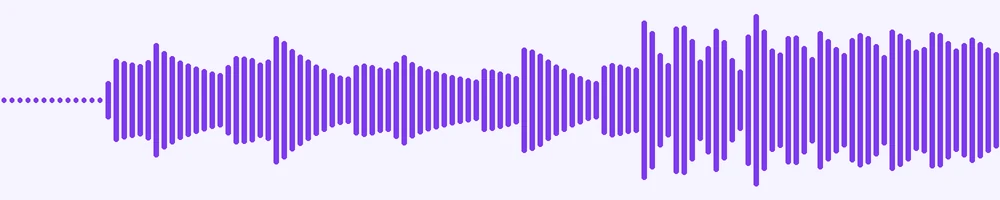
Waveform Preview, 20 s of audio
gymnopedie-no-1.wav
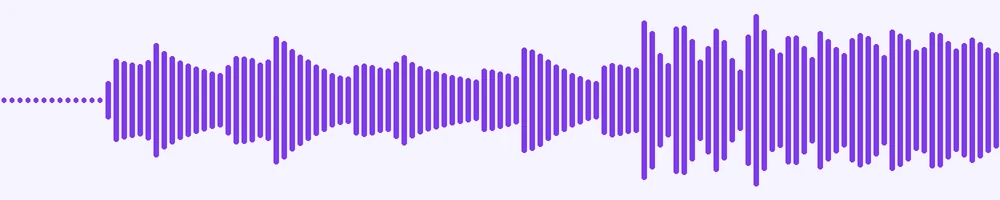
Waveform Preview, 20 s of audio
Previews show the sample files from this recorded conversion. Choose Input or Result to focus on one file.
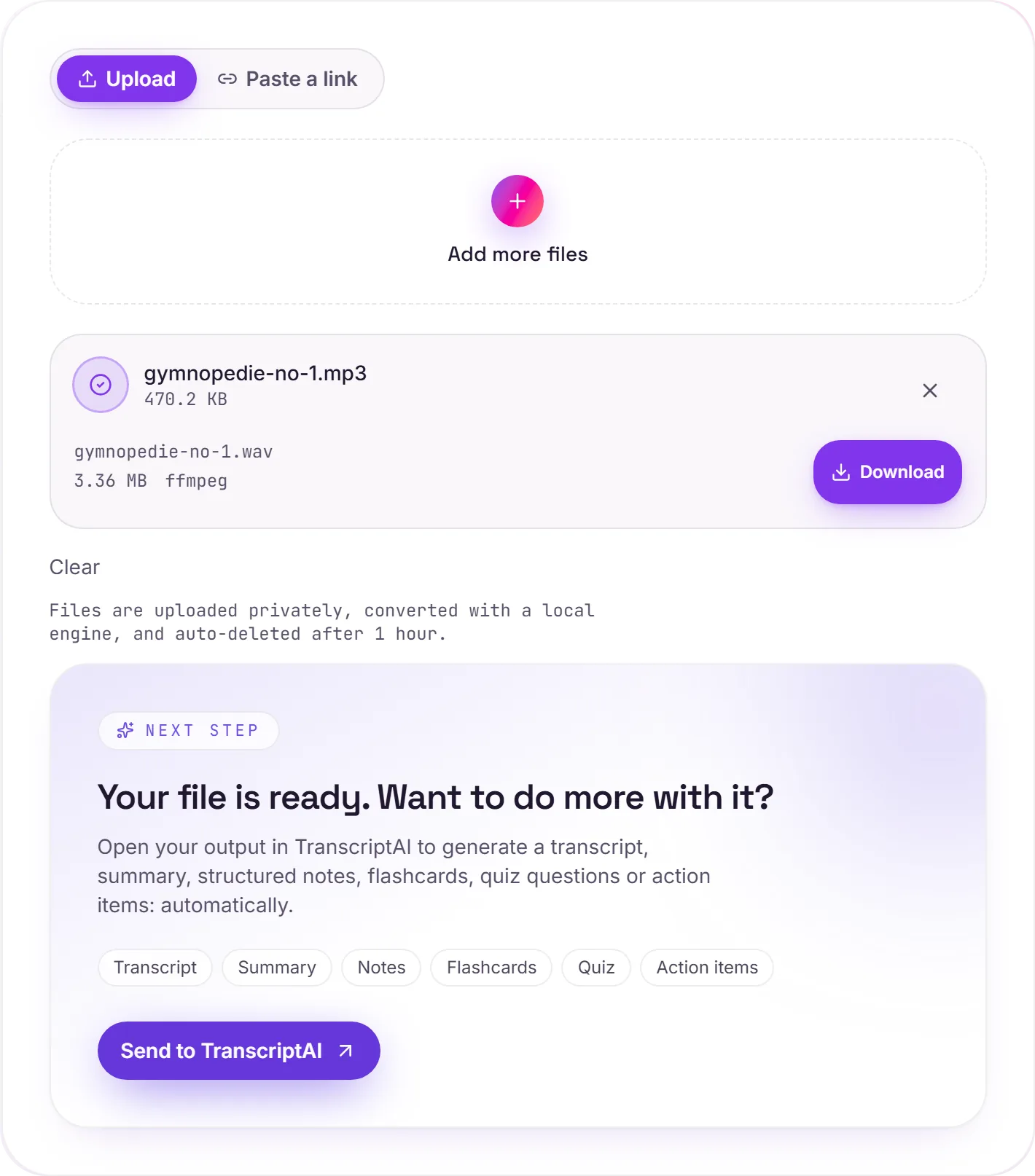
View The Original Run Capture
A screenshot of the completed run, preserved in its original theme. The comparison above adapts to your current theme.
Why decode an MP3 to WAV
Audio editors, DAWs, samplers and analysis tools work best with uncompressed PCM, and WAV is the universal container for it. A WAV loads instantly, cuts at any sample and survives repeated edits without the extra loss you get from saving an MP3 again and again.
What we measured
- Codec: 16 bit signed PCM, little endian, the standard WAV format
- Sample rate and channels: copied from the MP3, never resampled or mixed down
- Length: identical to the MP3, to the millisecond, in our 30 second test
- Tags: title, artist and album carried into the WAV
- Cover art: dropped, since WAV cannot hold a picture
It will not improve the quality
MP3 is lossy, and the WAV is an exact, uncompressed copy of what the MP3 decodes to. You gain an edit friendly file, not better sound.
Expect a much bigger file
A WAV's size depends only on its length, sample rate and channels: about 10 MB a minute for 44.1 kHz stereo. That is around 11 times a 128 kbps MP3 and 4 times a 320 kbps one. When you are done editing, WAV to MP3 compresses it back down.
How it works
- 01
Add your MP3
Drop one or many files, or click to browse.
- 02
Decode with ffmpeg
Each MP3 is decoded to 16 bit PCM at its own sample rate and channel count. Nothing is resampled or mixed down.
- 03
Download
Grab your WAV, or a zip of many. Uploads are deleted automatically after 1 hour.
16 bit PCM, the format every editor reads
Sample rate and channels kept as they are
Same length as the MP3
Title, artist and album tags kept
Batch convert, download as a zip
No watermark, no signup to try
MP3 to WAV: no added loss
WAV is a lossless format, so encoding into it adds no further quality loss. Note that if MP3 was already lossy (like MP3 or AAC), detail discarded earlier can't be brought back. The WAV is faithful to the MP3, just larger.
Need more than a conversion?
Send your audio or video to TranscriptAI to generate a transcript, summary, structured notes, flashcards, quiz questions or action items: automatically.
Common questions
Is it free?+
Yes. Convert MP3 to WAV free, with no signup.
Is my file private?+
Uploads go to a private bucket, are converted, and are deleted automatically after 1 hour.
Will the WAV sound better than the MP3?+
No. MP3 discards detail when it is made, and decoding cannot bring it back. The WAV holds exactly what the MP3 decodes to, in a format that is easier to edit.
What format is the WAV?+
16 bit PCM, at the sample rate and channel count of the MP3. We converted a 44.1 kHz stereo MP3 and got 44.1 kHz stereo; a 48 kHz mono MP3 came back as 48 kHz mono. If your project needs 24 bit or a different sample rate, set that in your editor when you import.
How big will the WAV be?+
About 10 MB a minute for 44.1 kHz stereo, whatever the MP3's bitrate was. In our test a 30 second clip became 5,292 KB from a 481 KB MP3 at 128 kbps, and the same 5,292 KB from a 1,203 KB MP3 at 320 kbps.
Does it keep the length and tags?+
Yes. Our 30.000 second MP3 came back as a 30.000 second WAV, with its title, artist and album tags. Embedded cover art is dropped, because WAV files have no place for it.