Convert WebP to PDF.
Turn a WebP image into a PDF with a searchable OCR text layer, handy when a site only gives you a WebP and you need something shareable, printable and selectable.
Inside The Conversion
See The Input. Inspect The Result.
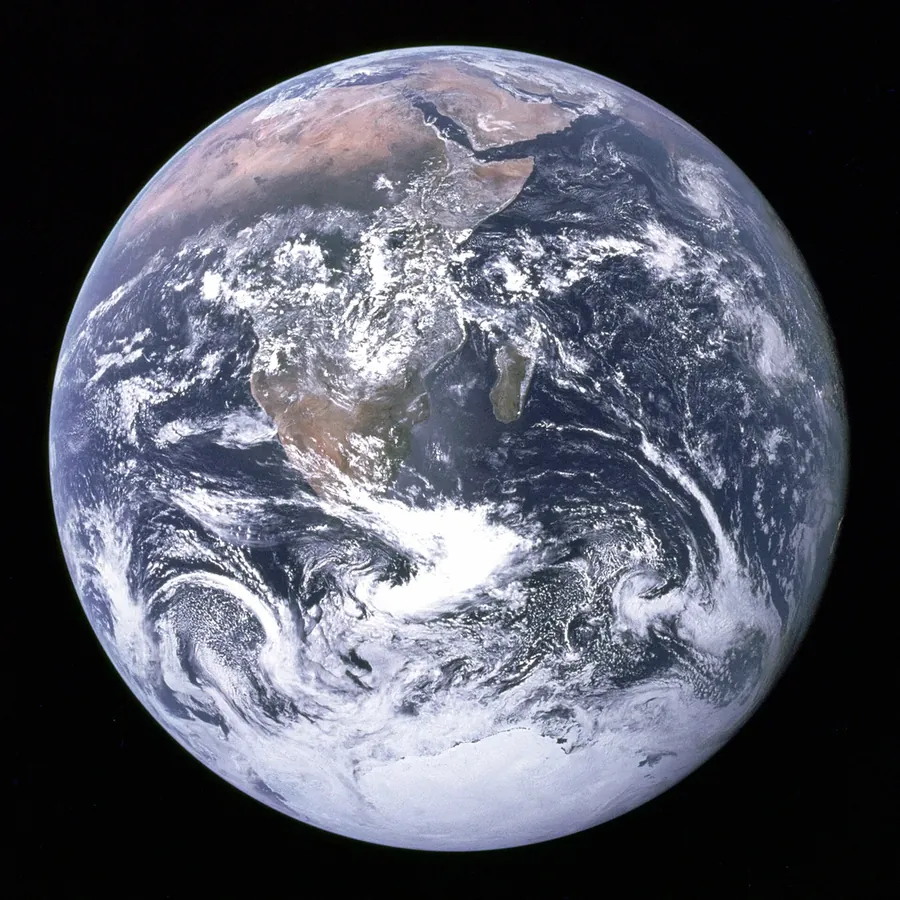
A real WEBP to PDF conversion using a sample file. Compare the files below, then use the converter above with your own file.
Recorded Sample
Converted on the server in this run.
blue-marble-apollo-17.webp
blue-marble-apollo-17.pdf
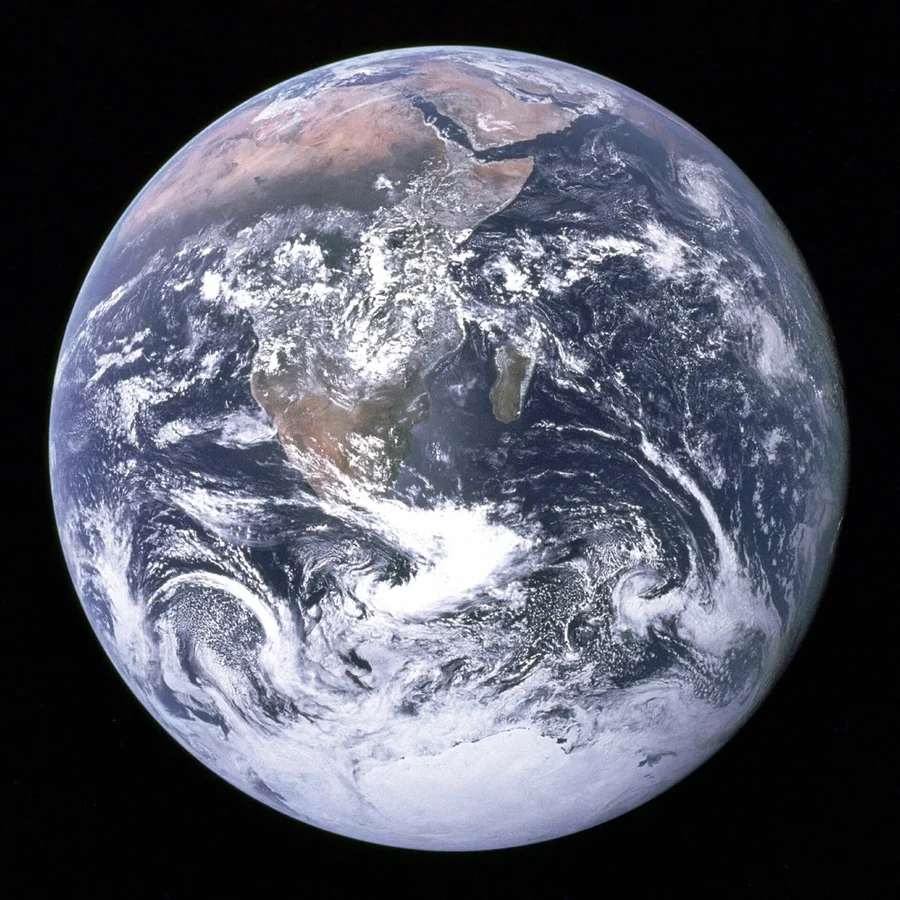
Previews show the sample files from this recorded conversion. Choose Input or Result to focus on one file.
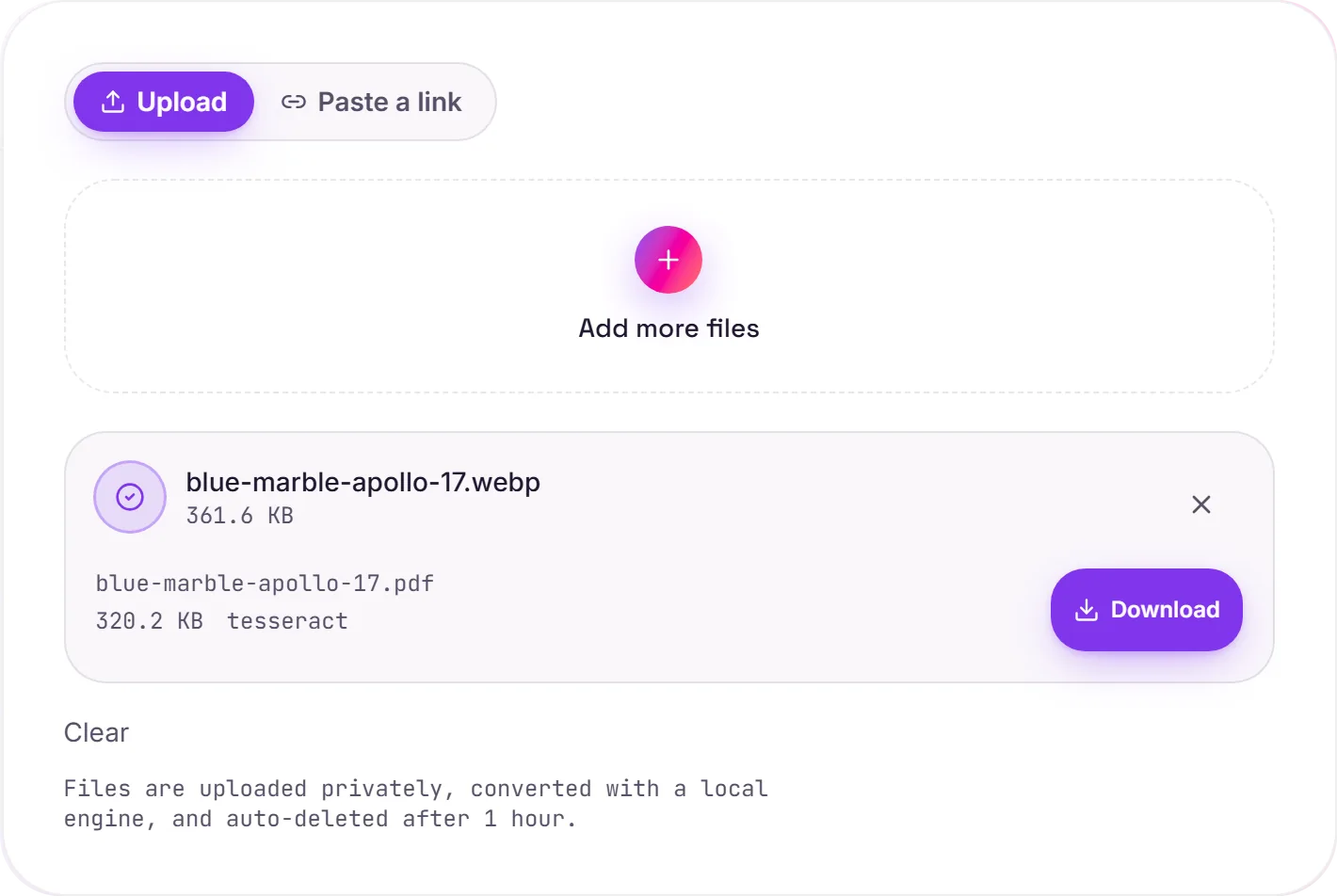
View The Original Run Capture
A screenshot of the completed run, preserved in its original theme. The comparison above adapts to your current theme.
When a site hands you a WebP
More and more sites serve images as WebP, so you often end up with a .webp you need to file, print or send, and plenty of tools still won't open one. Converting to PDF gives you something universal, and OCR adds a searchable text layer if there are words in the image, so a saved screenshot or graphic becomes a real, selectable document.
Text or pure graphic
If the WebP contains text (a screenshot of a page, a receipt, a chat), OCR captures it so the PDF is searchable. A purely visual WebP simply becomes a clean image PDF. Either way it opens everywhere a WebP doesn't.
Just need the picture?
If you want a plain image rather than a document, WebP to JPG gives you a universal image file instead, and image to text pulls out just the words.
How it works
- 01
Upload your WebP
Drop a file or pick one from your device. Private by default.
- 02
Read with OCR
Tesseract, a best-in-class open-source OCR engine, reads any text, no paid API in the loop.
- 03
Download
Grab your PDF.
Accurate Tesseract 5 OCR (LSTM)
Great for WebP screenshots and saved images
Private uploads, auto-deleted after 1 hour
No watermark, no signup to try
Free and open-source engine
What you get from WEBP to PDF
Your WEBP is uploaded and placed onto a PDF page at full resolution on our servers, so it prints and shares cleanly. Where the image holds text, a Tesseract OCR pass adds a searchable, selectable layer underneath. The picture itself is unchanged.
Common questions
Is it free?+
Yes. Convert WebP to PDF free. No signup and no watermark. Free covers 10 server conversions a day, up to 100 MB a file. Pro removes the daily limit and raises the file limit to 2 GB.
Is my file private?+
Uploads go to a private bucket, are converted, and auto-delete after 1 hour. Files never touch a third-party converter.
Will the text be selectable?+
Yes. Any text in the image is read with Tesseract OCR and added as an invisible, selectable layer over the page, so the PDF is searchable.