Convert WebP to ICO.
Create a Windows icon or website favicon from a modern WebP image.
Inside The Conversion
See The Input. Inspect The Result.
A real WEBP to ICO conversion using a sample file. Compare the files below, then use the converter above with your own file.
Recorded Sample
Converted on the server in this run.
blue-marble-apollo-17.webp

blue-marble-apollo-17.ico

Previews show the sample files from this recorded conversion. Choose Input or Result to focus on one file.
View The Original Run Capture
A screenshot of the completed run, preserved in its original theme. The comparison above adapts to your current theme.
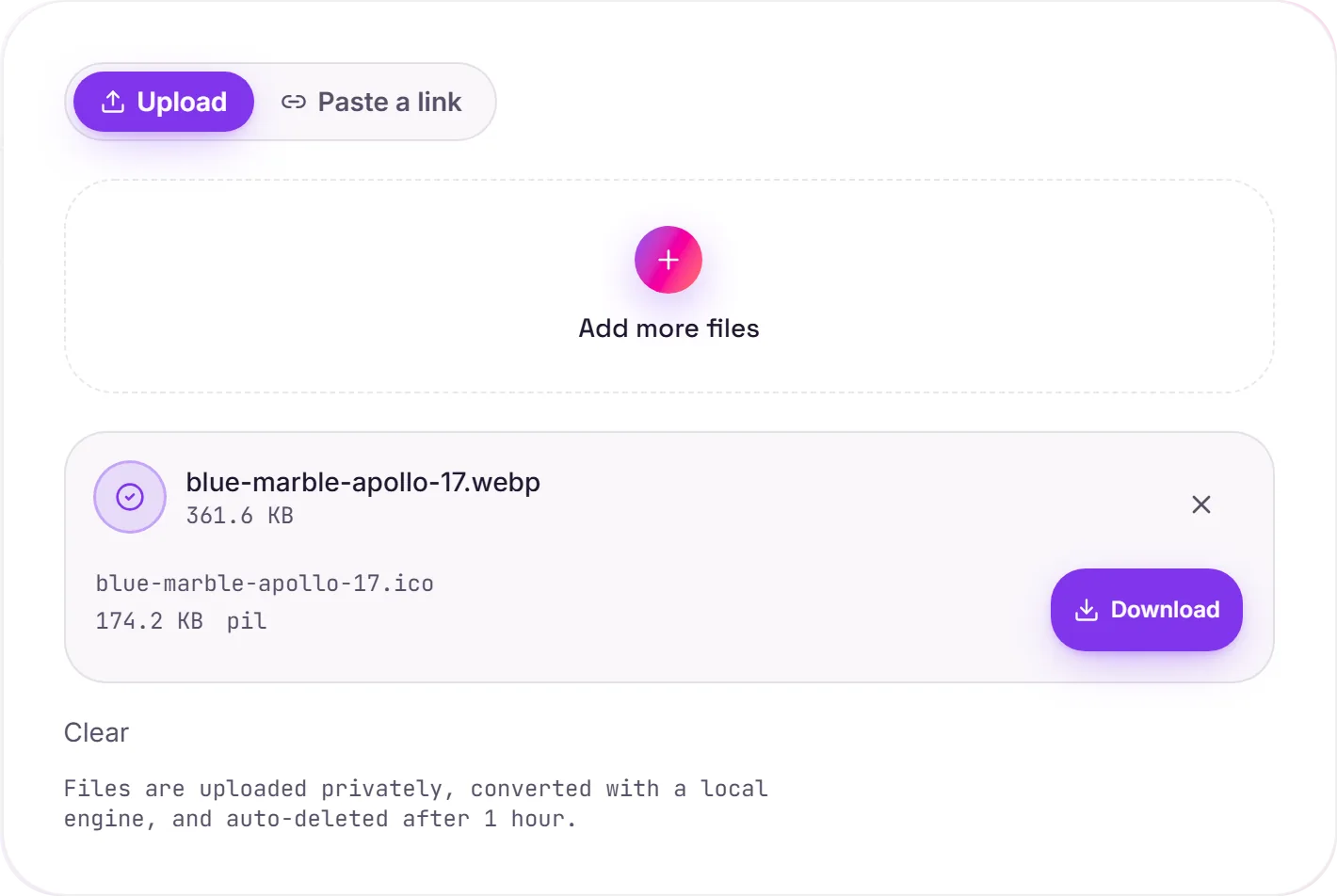
Make a favicon from a WebP image
WebP is efficient for web images, but browsers and Windows still expect ICO files in several icon locations. Converting WebP to ICO gives you a file suitable for a website favicon, Windows application, folder or shortcut without first making an intermediate PNG.
Use a square, simple source
Icons are displayed at very small sizes. Start with a square WebP that has a clear silhouette, strong contrast and some space around the subject. Transparent areas are currently filled with solid black, so artwork on a solid background gives the most predictable result.
Need every favicon size?
An ICO is useful for broad compatibility. For a complete website icon package with PNG sizes and a manifest, use the favicon generator. If your source is already a PNG, the PNG to ICO converter is the direct route.
How it works
- 01
Add your WebP
Drop in a WebP image. A square source works best for icons.
- 02
Convert to ICO
A local image engine creates the ICO without sending your file to a third-party converter.
- 03
Download your icon
Save the .ico file for a favicon, Windows app, folder or shortcut.
Square artwork scales cleanly to icon sizes
Suitable for favicon.ico and Windows icons
Private uploads, auto-deleted after 1 hour
No watermark and no signup to try
Batch conversion with ZIP download
WEBP to ICO
Both are raster image formats, so this re-encodes the pixels from WEBP into ICO. File size and quality follow the target format's compression. We keep the visible result as close to the original as ICO allows.
Common questions
Can I use the ICO as a website favicon?+
Yes. Rename it favicon.ico if needed and place it at your site's root, or reference it with a rel="icon" link tag.
Does WebP transparency survive conversion?+
Not yet. The converter currently fills transparent areas with solid black, so the icon has no transparent background.
What WebP size works best?+
Use a square image. A 256×256 or 512×512 source gives the converter enough detail for a crisp icon at smaller sizes.
Is the converter free and private?+
Yes. There is no signup or watermark. Uploaded files are private and automatically deleted after one hour.