Convert VOB to MP4.
VOB is the video format hiding inside a DVD's VIDEO_TS folder. Convert it to MP4 so your ripped discs and home movies play on a phone, in a browser, or in any editor.
Inside The Conversion
See The Input. Inspect The Result.
A real VOB to MP4 conversion using a sample file. Compare the files below, then use the converter above with your own file.
Recorded Sample
Converted on the server in this run.
earthrise-apollo-8.vob
earthrise-apollo-8.mp4
Previews show the sample files from this recorded conversion. Choose Input or Result to focus on one file.
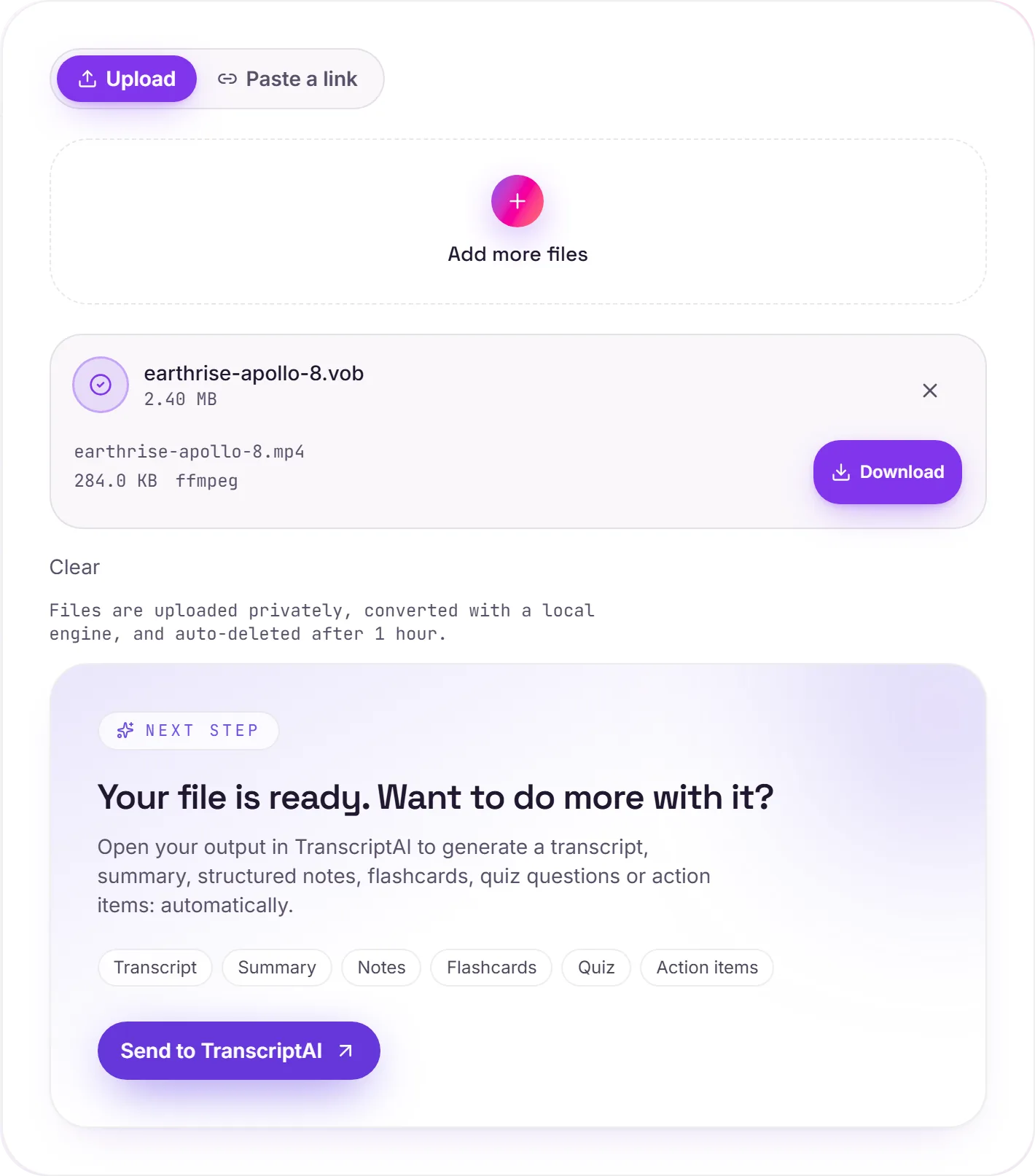
View The Original Run Capture
A screenshot of the completed run, preserved in its original theme. The comparison above adapts to your current theme.
The video trapped on a disc
Rip a DVD or copy its contents and you end up with a VIDEO_TS folder full of .vob files. They hold the actual movie : MPEG-2 video, audio tracks, sometimes subtitles, but in a container built for DVD players, not phones or laptops. Converting to MP4 frees that footage so a home movie or archived disc finally plays on the devices you actually use.
Preserving the memories
DVDs degrade, and DVD players are disappearing. Moving VOB to MP4 is a sensible step before backing up family videos to the cloud, where they'll keep playing for years to come.
How it works
- 01
Add your VOB
Drop one or many .vob files, or click to browse. Private by default.
- 02
Convert on our server
VOB becomes MP4 (H.264) with ffmpeg, no paid API in the loop.
- 03
Download or transcribe
Grab your MP4, or send it to TranscriptAI for a transcript of the audio.
Plays on phones, browsers and editors
Rescues ripped DVDs and old home movies
Keeps the original resolution
Private uploads, auto-deleted after 1 hour
Batch convert multiple VOBs at once
No watermark, no signup to try
VOB to MP4: transcode
VOB and MP4 are container/codec formats, so this re-encodes the video (a lossy step. Start from the best source you have). MP4 is broadly compatible, which helps when a player, editor or site won't accept VOB.
Need more than a conversion?
Send your audio or video to TranscriptAI to generate a transcript, summary, structured notes, flashcards, quiz questions or action items: automatically.
Common questions
What is a VOB file?+
VOB (Video Object) is the container DVDs use, stored in the disc's VIDEO_TS folder. It wraps MPEG-2 video with audio and subtitles, but the format is tied to the DVD world and most modern players and phones won't open it directly.
Is it free?+
Yes. Convert VOB to MP4 free. No signup and no watermark. Free covers 10 server conversions a day, up to 100 MB a file. Pro removes the daily limit and raises the file limit to 2 GB.
Is my file private?+
Uploads go to a private bucket, are converted, and auto-delete after 1 hour. Files never touch a third-party converter.
Will the quality drop?+
We preserve the original resolution and re-encode at high quality. DVDs are standard-definition to begin with, so the result looks just like the disc: now playable anywhere.