Convert TAR to ZIP.
Convert a TAR (or tar.gz) archive to a universal ZIP for Windows and sharing. Files preserved bit-for-bit.
Inside The Conversion
See The Input. Inspect The Result.
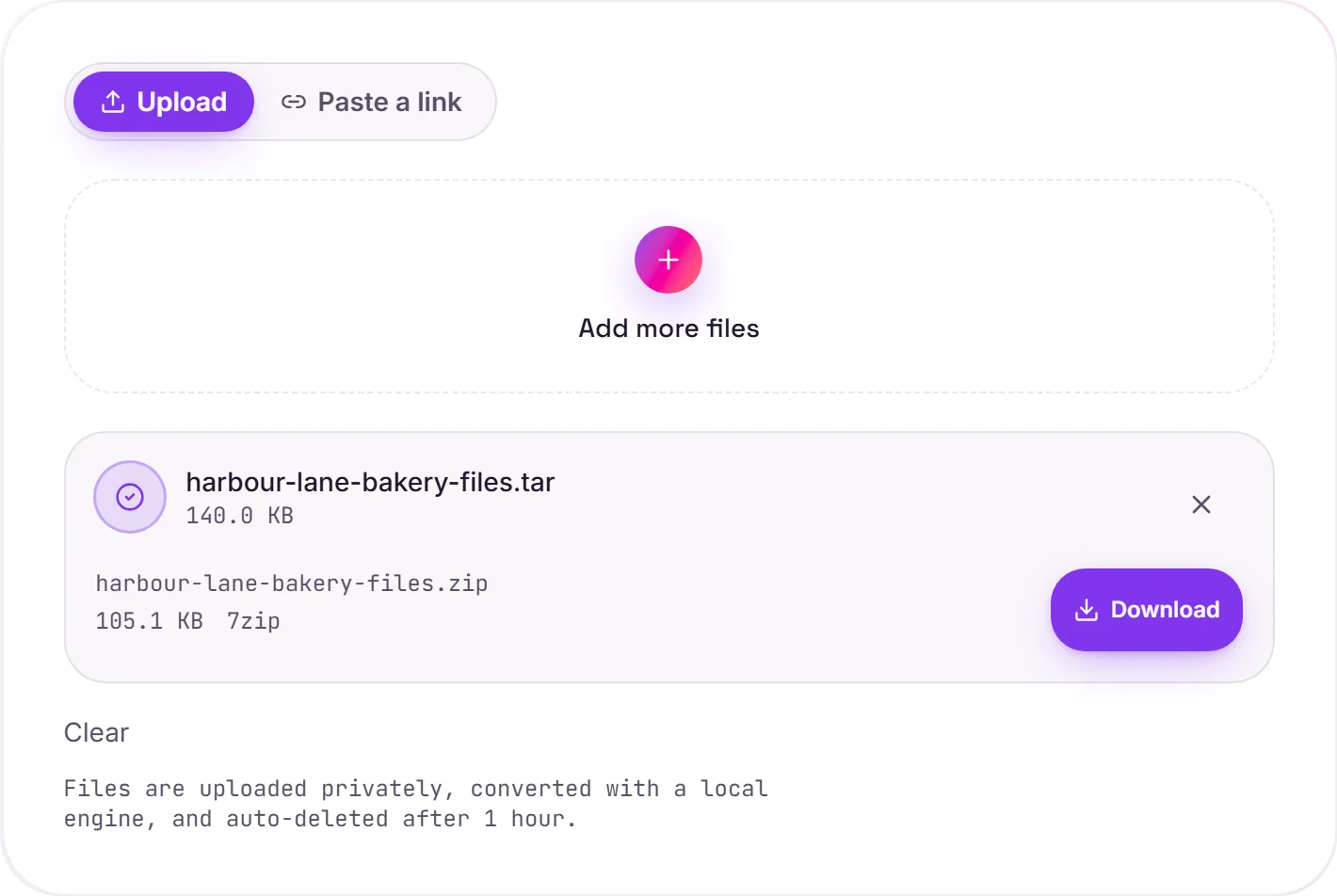
A real TAR to ZIP conversion using a sample file. Compare the files below, then use the converter above with your own file.
Recorded Sample
Converted on the server in this run.
harbour-lane-bakery-files.tar
Archive Contents
harbour-lane-bakery/
 13.1 KB  harbour-lane-bakery-logo.png
   621 B  harbour-lane-bakery-logo.svg
   229 B  harbour-lane-price-list.csv
108.5 KB  harbour-lane-price-list.pdf
harbour-lane-bakery-files.zip
Archive Contents
harbour-lane-bakery/
 13.1 KB  harbour-lane-bakery-logo.png
   621 B  harbour-lane-bakery-logo.svg
   229 B  harbour-lane-price-list.csv
108.5 KB  harbour-lane-price-list.pdf
Previews show the sample files from this recorded conversion. Choose Input or Result to focus on one file.
View The Original Run Capture
A screenshot of the completed run, preserved in its original theme. The comparison above adapts to your current theme.
TAR to ZIP, for Windows and sharing
TAR is the Unix way of bundling files: everywhere in Linux, CI pipelines and Docker, but it's a stranger on Windows, which doesn't open a plain .tar out of the box, and plenty of people aren't set up for it. ZIP opens natively on Windows, macOS and Linux, so converting is what you do when handing a Unix archive to a general audience.
It usually gets smaller
A plain TAR only concatenates files. It doesn't compress them: whereas ZIP does. So a TAR to ZIP conversion typically comes out smaller than the original, the mirror image of going ZIP to TAR.
Nothing inside changes
The contents are extracted and repacked unchanged: folder structure intact, every file byte-for-byte identical. Only the archive format changes.
How it works
- 01
Upload your TAR
Drop a file or pick one from your device. Private by default.
- 02
Repack with 7-Zip
TAR is extracted and repacked as ZIP using 7-Zip, every byte preserved, no paid API in the loop.
- 03
Download
Grab your ZIP.
Bit-for-bit faithful, files never altered
Folder structure preserved
Private uploads, auto-deleted after 1 hour
No watermark, no signup to try
Free and open-source engine (7-Zip)
TAR to ZIP
Your archive is unpacked and repackaged as ZIP, keeping the folder structure and file names. The contained files are not altered, only the container format and its compression change.
Common questions
Is it free?+
Yes. Convert TAR to ZIP free. No signup and no watermark. Free covers 10 server conversions a day, up to 100 MB a file. Pro removes the daily limit and raises the file limit to 2 GB.
Is my archive private?+
Uploads go to a private bucket, are converted, and auto-delete after 1 hour. Files never touch a third-party converter.
Are my files changed?+
No. Contents are extracted and repacked unchanged. Every file comes out byte-for-byte identical.
Related conversions