Convert PSD to PNG.
PSD is Photoshop's working format, and almost nothing else opens it. Flatten it to a PNG you can preview, share or post anywhere, no Photoshop required.
Inside The Conversion
See The Input. Inspect The Result.
A real PSD to PNG conversion using a sample file. Compare the files below, then use the converter above with your own file.
Recorded Sample
Converted on the server in this run.
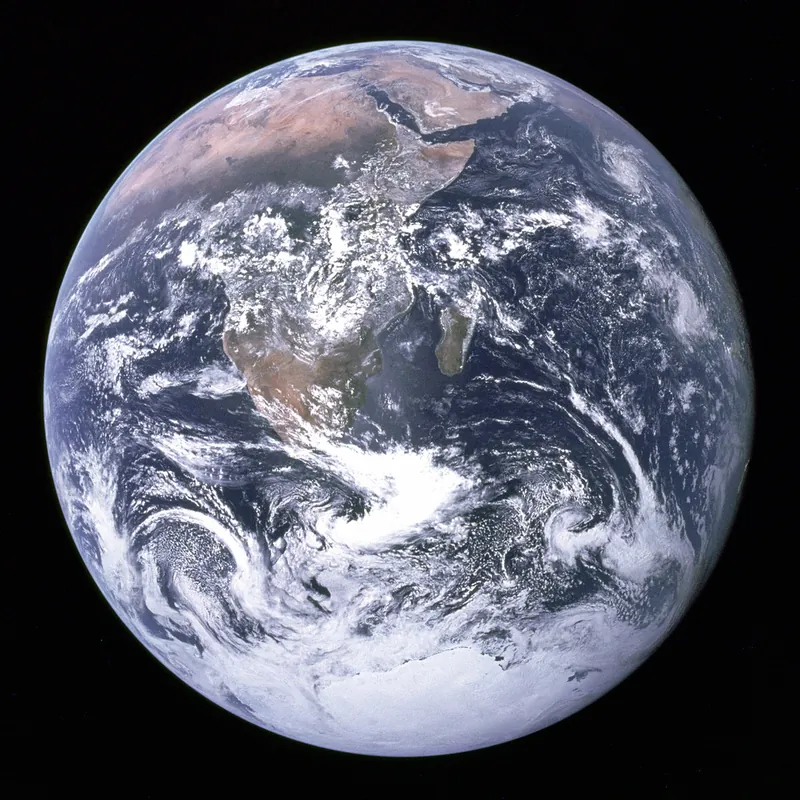
blue-marble-apollo-17.psd
blue-marble-apollo-17.png
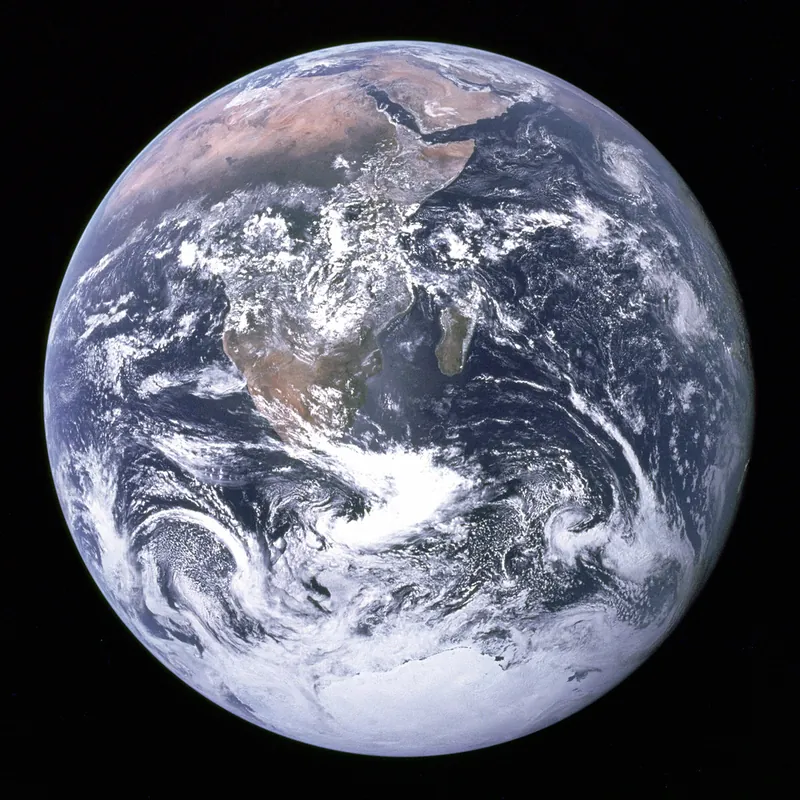
Previews show the sample files from this recorded conversion. Choose Input or Result to focus on one file.
View The Original Run Capture
A screenshot of the completed run, preserved in its original theme. The comparison above adapts to your current theme.

A working file, not a finished one
A .psd holds everything Photoshop needs to keep editing: layers, masks, adjustments, the lot. That makes it big and basically unopenable outside Adobe's ecosystem. When you just need to show someone the design, or post it, or drop it into a document, PNG is what you actually want: one flat image that opens everywhere. For now, transparent areas are currently filled with solid black.
How it works
Photoshop saves a flattened preview inside most PSD files. We read that composite with Pillow and write a clean PNG, no re-rendering, no quality games. If a PSD was saved without that preview (the "Maximize Compatibility" option turned off), re-save it from Photoshop with that on and try again.
How it works
- 01
Upload your PSD
Drop a .psd file, or click to browse. Private by default.
- 02
Flatten with Pillow
The composited image is read from the PSD and saved as PNG, no paid API in the loop.
- 03
Download
Grab your PNG, ready to view or share.
Opens Photoshop files without Photoshop
Flattened, full-quality PNG
Shareable anywhere: web, chat, docs
Private uploads, auto-deleted after 1 hour
Free and open-source engine, no watermark
Common questions
Do I need Photoshop?+
No. That's the point. We read the flattened composite image that Photoshop saves inside the PSD and write it out as a standard PNG, so you can see and use the artwork without any Adobe software.
What happens to my layers?+
PNG is a single flat image, so the layers are merged into the final composite (exactly what you'd see with all layers visible in Photoshop). To keep editing layers, you'd need Photoshop or a PSD editor.
Can I convert to JPG or WebP instead?+
Yes. The converter also offers JPG, WebP, TIFF, GIF and more. Pick PNG when you want the sharpest result. Transparent areas are currently filled with solid black in every output.
Is it free and private?+
Yes. Convert PSD to PNG free, no signup. Uploads go to a private bucket and auto-delete after 1 hour; files never touch a third-party converter.