Convert ODS to XLSX.
Convert an OpenDocument spreadsheet (.ods) to Excel .xlsx with formatting and formulas preserved by LibreOffice.
Inside The Conversion
See The Input. Inspect The Result.
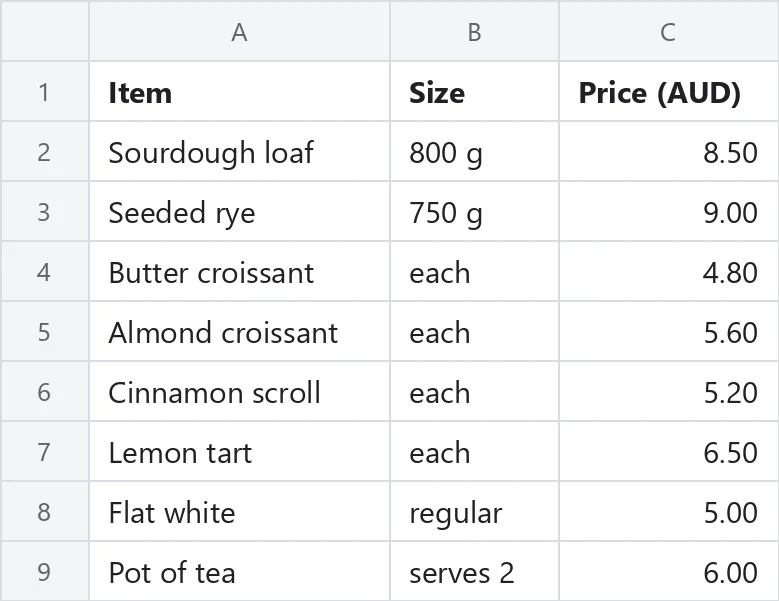
A real ODS to XLSX conversion using a sample file. Compare the files below, then use the converter above with your own file.
Recorded Sample
Converted on the server in this run.
harbour-lane-price-list.ods
harbour-lane-price-list.xlsx
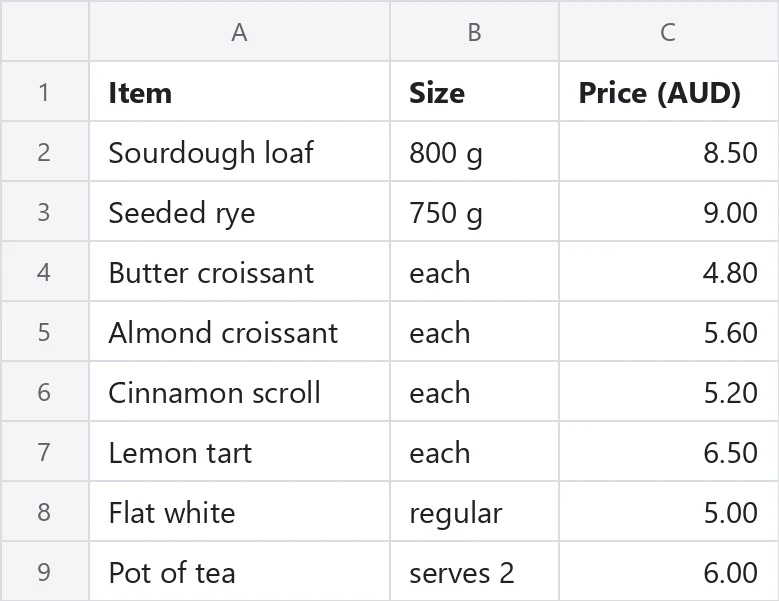
Previews show the sample files from this recorded conversion. Choose Input or Result to focus on one file.
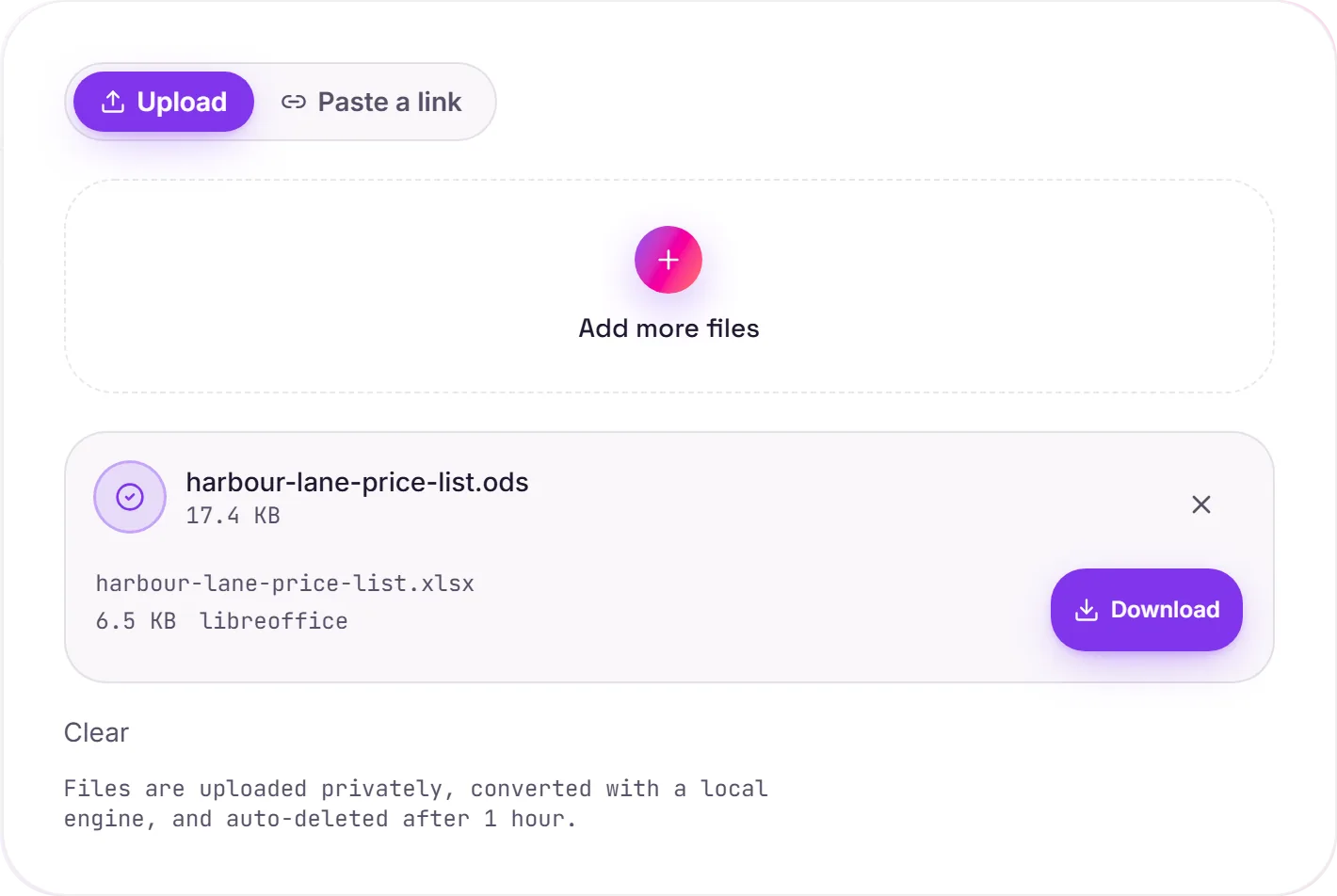
View The Original Run Capture
A screenshot of the completed run, preserved in its original theme. The comparison above adapts to your current theme.
ODS to XLSX, for Excel compatibility
ODS is the OpenDocument spreadsheet. The native format of LibreOffice and OpenOffice, and a common choice in government and open-source setups. XLSX is Excel's format and the one most businesses and tools expect. Converting is what you do when a colleague or system needs the file in Excel rather than OpenDocument.
What carries across
The conversion is rendered by LibreOffice itself, so it's high fidelity: formulas keep working, every sheet comes through, and most cell formatting (number formats, borders, fills) is preserved rather than flattened to plain values.
A note on edge cases
The two formats aren't identical, so a handful of advanced features: certain spreadsheet functions, macros or very specific formatting: can shift slightly between them. Plain data and standard formulas convert cleanly; double-check anything unusual after opening in Excel.
How it works
- 01
Upload your ODS
Drop a file or pick one from your device. Private by default.
- 02
Convert faithfully
ODS becomes XLSX with a free, open-source engine, values preserved exactly, no paid API in the loop.
- 03
Download
Grab your XLSX.
Values preserved exactly, no mangled IDs or zeros
Multi-sheet workbooks fully supported
Private uploads, auto-deleted after 1 hour
No watermark, no signup to try
Free and open-source engine
ODS to XLSX
This converts tabular data from ODS to XLSX. Values, rows and columns carry over; formulas, charts and styling generally aren't carried across, what you get is the data, cleanly structured.
Common questions
Is it free?+
Yes. Convert ODS to XLSX free. No signup and no watermark. Free covers 10 server conversions a day, up to 100 MB a file. Pro removes the daily limit and raises the file limit to 2 GB.
Is my data private?+
Uploads go to a private bucket, are converted, and auto-delete after 1 hour. Files never touch a third-party converter.
Will formulas and formatting survive?+
Yes. LibreOffice converts the document itself, so formulas, multiple sheets and most cell formatting carry across. Very app-specific features (certain functions or macros) can shift slightly.
Related conversions