Convert ODT to PDF.
ODT is the document format LibreOffice and OpenOffice save in. Convert it to a PDF that opens cleanly for everyone, including the people who only have Word or no office app at all.
Inside The Conversion
See The Input. Inspect The Result.
A real ODT to PDF conversion using a sample file. Compare the files below, then use the converter above with your own file.
Recorded Sample
Converted on the server in this run.
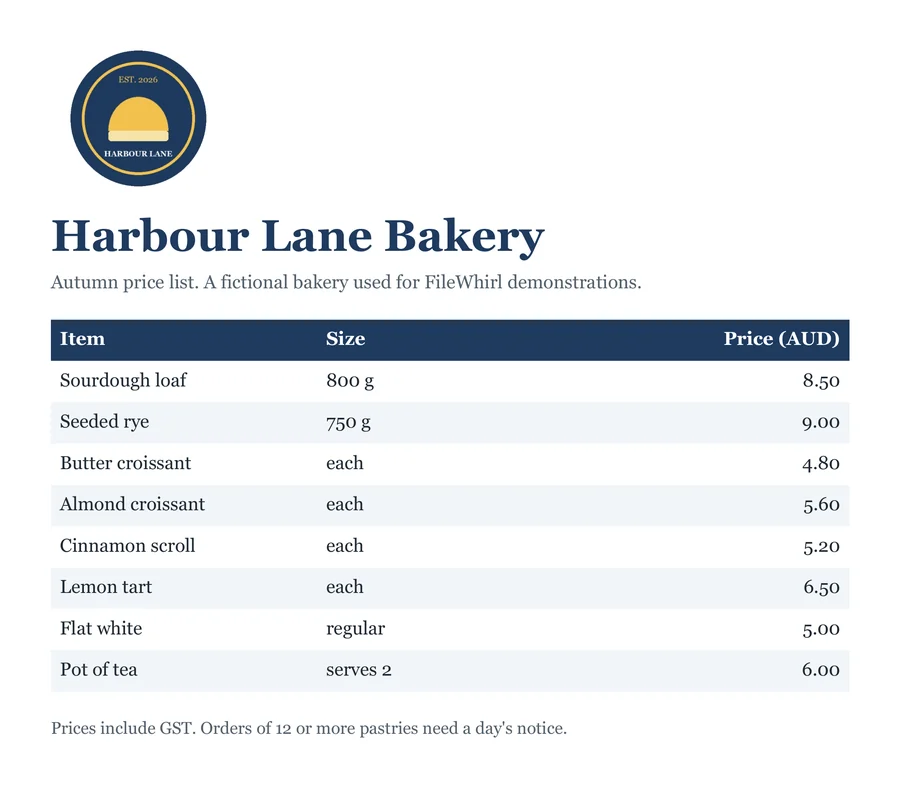
harbour-lane-price-list.odt
harbour-lane-price-list.pdf
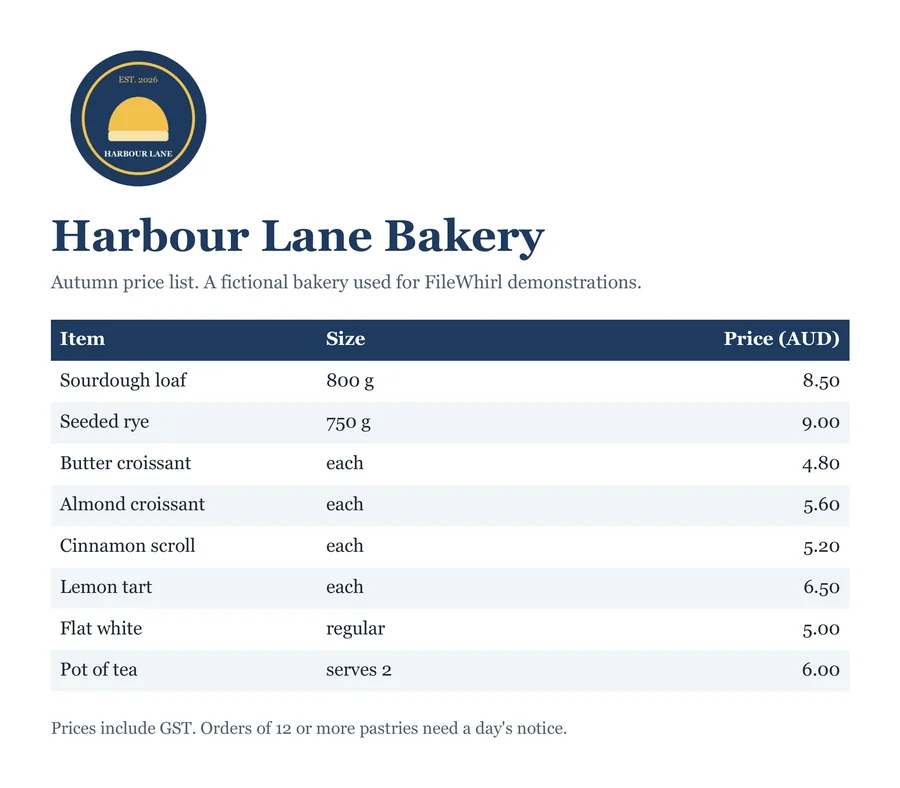
Previews show the sample files from this recorded conversion. Choose Input or Result to focus on one file.
View The Original Run Capture
A screenshot of the completed run, preserved in its original theme. The comparison above adapts to your current theme.

Open format, universal output
ODT is the document format of the open-source office world: clean, standardised, and free of vendor lock-in. The one rough edge is sharing: hand an ODT to a Word user and the import can nudge fonts and spacing out of place. Converting to PDF sidesteps that, turning your document into something that looks the same in every reader.
Best of both
Keep authoring in LibreOffice with all the benefits of an open format, then export a PDF whenever something needs to leave your desk. Since we render with LibreOffice itself, the PDF follows the same layout you see in Writer, with the fonts embedded so it reads the same on their machine.
Worked example
A two page Writer document to PDF
We converted a 12,552 byte ODT with a table, a list, a link and Greek text. LibreOffice 26.8 laid it out as a 2 page A4 PDF of 47,173 bytes, with its fonts embedded, in 2,835 milliseconds on our engine.
Measured on 19 October 2026 by running the conversion engine this page uses on our own test files.
What it does not do
It does not convert spreadsheets or slides: this page takes ODT text documents, not ODS or ODP.
How it works
- 01
Upload your ODT
Drop the .odt file saved by LibreOffice Writer or OpenOffice, or click to browse. Private by default.
- 02
Convert with LibreOffice
LibreOffice, the program that wrote the format, lays the document out and exports the PDF on our own server. No paid API in the loop.
- 03
Download
Grab your PDF, ready to send, print or upload to a form that only takes PDF.
Rendered by LibreOffice, the ODT format's own program
Fonts embedded, so it looks the same on every screen
Links stay clickable, text stays selectable
Page size and page breaks as your document sets them
Private uploads, auto-deleted after 1 hour
Free and open-source engine, no watermark
ODT to PDF
Your ODT is rendered to a fixed-layout PDF with fonts embedded, so it looks the same on any device and can't be accidentally reflowed. Unusual fonts may shift a little, worth a glance if exact layout matters.
Common questions
What is an ODT file?+
ODT (OpenDocument Text) is the open, standardised format used by LibreOffice Writer, OpenOffice and others. It's a great format to work in, but recipients on Word sometimes see formatting shift, a PDF avoids that entirely.
Is it free?+
Yes. Convert ODT to PDF free. No signup and no watermark. Free covers 10 server conversions a day, up to 100 MB a file. Pro removes the daily limit and raises the file limit to 2 GB.
Is my file private?+
Uploads go to a private bucket, are converted, and auto-delete after 1 hour. Files never touch a third-party converter.
Will it look exactly right?+
ODT is LibreOffice's own format and we lay it out with LibreOffice, so headings, tables, lists, page breaks and page size come out as the document sets them. In our test a two page A4 document with a table, a list, a link and Greek text came back as a two page A4 PDF. The one thing that can shift is a font our server does not have: LibreOffice then uses a substitute, which can move line breaks.
Are the fonts embedded in the PDF?+
Yes. Every font used is embedded (as a subset), so the PDF looks the same on a machine that does not have those fonts installed.
Do links and text survive?+
Yes. Hyperlinks stay clickable in the PDF, and the text stays selectable and searchable, including non Latin scripts such as Greek in our test. The PDF is also tagged, which helps screen readers.
Why is an image missing from my PDF?+
It was probably linked rather than embedded in the ODT. A linked image lives in a separate file on your computer, which is not part of the upload, so it cannot appear in the PDF. In our test an embedded image came through and a linked one did not. In LibreOffice Writer, open Edit, then Links to External Files, select the image and choose Break Link to embed it, then save and convert again.
Can I convert several ODT files?+
Yes, one after another on this page. Each conversion counts toward the free daily limit.
Can I convert an OpenOffice document to PDF?+
Yes. OpenOffice Writer saves .odt files, which is exactly what this page takes. Upload the .odt and you get a PDF back, laid out by LibreOffice, the successor to OpenOffice.
Is this the same as exporting to PDF in LibreOffice?+
It uses the same engine: your file is laid out by LibreOffice on our server, so the result matches what LibreOffice's own PDF export makes, without installing it. The only difference can be a font our server does not have, which LibreOffice replaces with a close substitute.