Convert GIF to WebM.
Convert an animated GIF to a tiny, efficient WebM video: much smaller files with smooth playback.
Inside The Conversion
See The Input. Inspect The Result.
A real GIF to WEBM conversion using a sample file. Compare the files below, then use the converter above with your own file.
Recorded Sample
Converted on the server in this run.
earthrise-apollo-8.gif
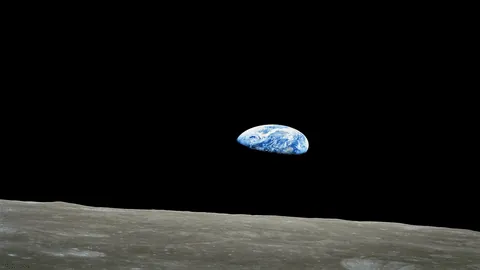
earthrise-apollo-8.webm
Previews show the sample files from this recorded conversion. Choose Input or Result to focus on one file.
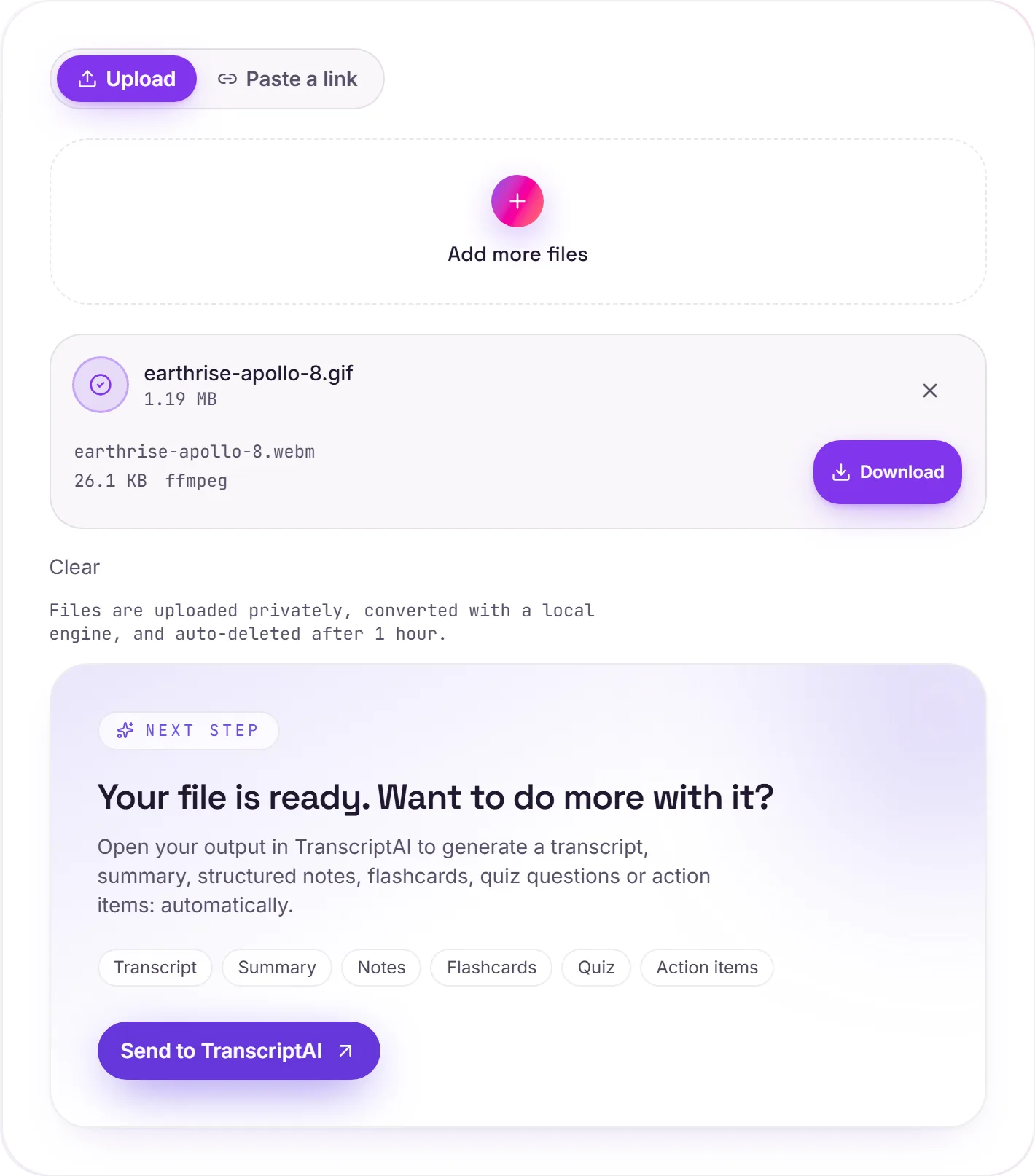
View The Original Run Capture
A screenshot of the completed run, preserved in its original theme. The comparison above adapts to your current theme.
GIF to WebM: the smallest way to ship an animation
WebM (VP9) is one of the most efficient formats for short motion, often even smaller than MP4, and rendered natively by every modern browser. That's why sites quietly serve their "GIFs" as WebM behind the scenes. Converting a bulky GIF to WebM can cut the file size dramatically while looking better.
WebM or MP4?
For a website or an HTML5 <video> tag, WebM is the lean choice. If you're sharing to arbitrary devices, apps or chats, GIF to MP4 has broader support. Either beats a raw GIF on size.
Better colour, too
GIF is stuck at 256 colours per frame; WebM carries full 24-bit colour and smoother motion, so gradients and detail that band in a GIF come through cleanly.
How it works
- 01
Upload your GIF
Drop a file or pick one from your device. Private by default.
- 02
Convert with ffmpeg
ffmpeg encodes the animation to a VP9 WebM: smooth, full-colour and far smaller, no paid API in the loop.
- 03
Download
Grab your WebM.
Often far smaller than the original GIF
Smooth playback, full 24-bit colour
Private uploads, auto-deleted after 1 hour
No watermark, no signup to try
Free and open-source engine (ffmpeg)
GIF to WEBM
Animated GIFs are heavy and limited to 256 colours. Converting to WEBM keeps the animation but as efficient, full-colour video, far smaller files and smoother playback for the web or social.
Common questions
Is it free?+
Yes. Convert GIF to WebM free. No signup and no watermark. Free covers 10 server conversions a day, up to 100 MB a file. Pro removes the daily limit and raises the file limit to 2 GB.
Is my file private?+
Uploads go to a private bucket, are converted, and auto-delete after 1 hour. Files never touch a third-party converter.
Will the quality be good?+
Yes. The animation is encoded to VP9, WebM's modern codec, with full 24-bit colour and smooth motion at a fraction of the GIF's size.