Convert PDF pages to PNG images.
Render a PDF to a crisp, lossless PNG, ideal for diagrams, screenshots and sharp text.
Inside The Conversion
See The Input. Inspect The Result.
A real PDF to PNG conversion using a sample file. Compare the files below, then use the converter above with your own file.
Recorded Sample
Converted on the server in this run.
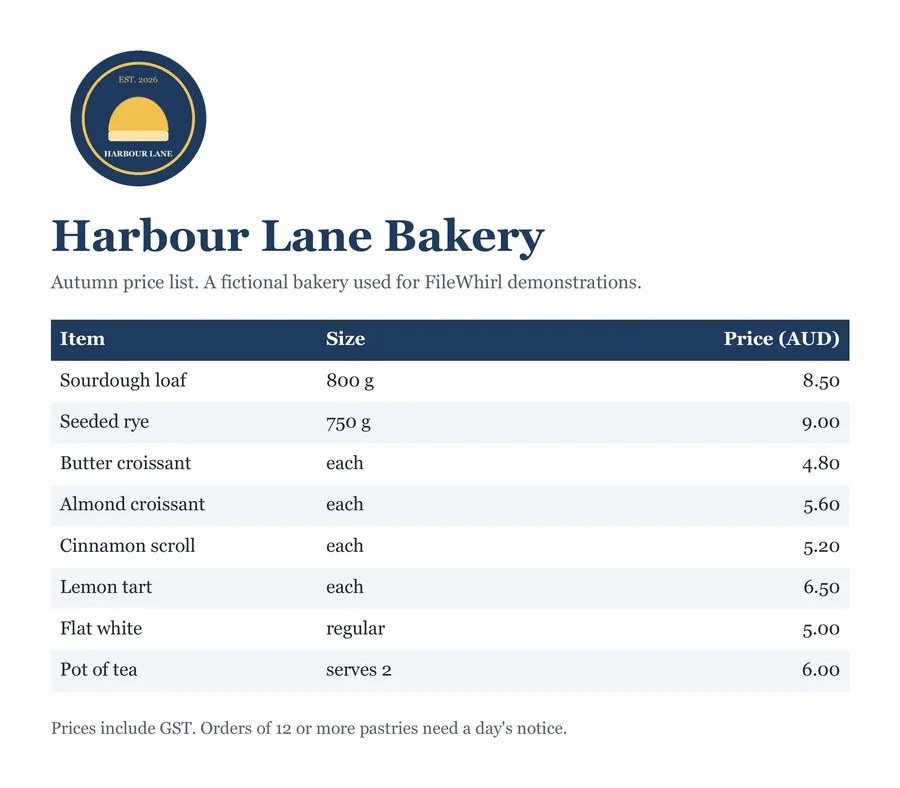
harbour-lane-price-list.pdf
harbour-lane-price-list.png
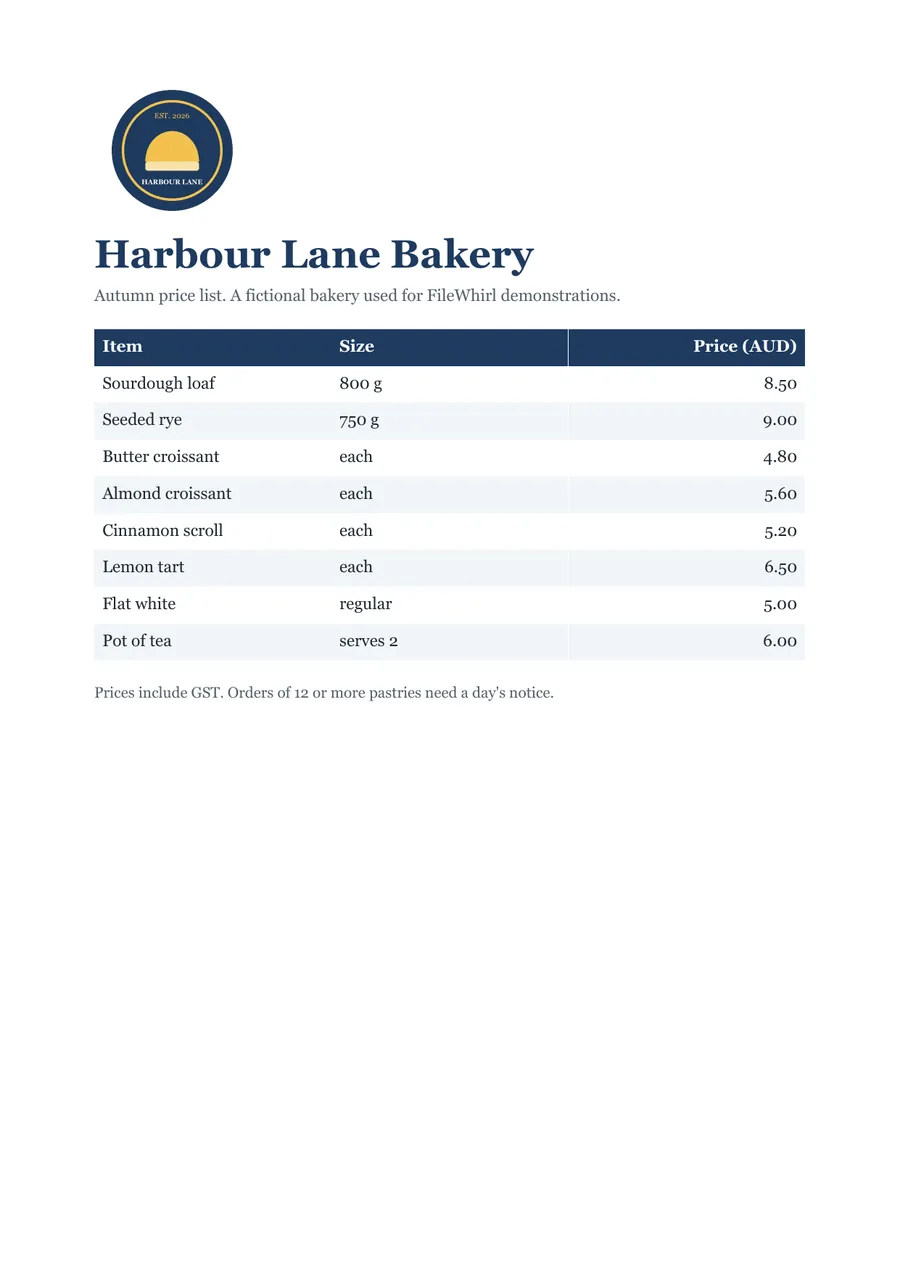
Previews show the sample files from this recorded conversion. Choose Input or Result to focus on one file.
View The Original Run Capture
A screenshot of the completed run, preserved in its original theme. The comparison above adapts to your current theme.

PNG or JPG for a PDF page?
Rendering a PDF page to PNG gives you a lossless image with crisp edges. The page is drawn on its white background, so the PNG is opaque, not transparent. The right choice when the page is mostly sharp text, line art, diagrams or a screenshot, where JPG's compression would smudge the fine detail. If the page is a photograph and file size matters more, PDF to JPG is smaller.
It becomes a flat image
Once a page is a PNG, the text is pixels, no longer selectable or searchable. If you need the words, use PDF to text or PDF to Word instead.
Exporting every page
To turn a whole document into images in one go, PDF to images renders every page and hands them back bundled in a zip.
How it works
- 01
Add your PDF
Drop one or many files, or click to browse. Private by default.
- 02
Convert on our server
PDF becomes PNG using a best-in-class open engine, no paid API in the loop.
- 03
Download
Grab your PNG (or a zip of many).
Best available engine, honest about limits
Private uploads, auto-deleted after 1 hour
Batch convert many at once, download as a zip
No watermark, no signup to try
Lossless / high-quality output
Common questions
Is it free?+
Yes. Convert PDF to PNG free, with no signup.
Is my file private?+
Uploads go to a private bucket, are converted, and auto-delete after 1 hour.
Will quality hold up?+
Rendered at 150 DPI; crisp and clear.