Convert JSON to YAML.
Convert JSON into readable YAML for configs and CI files. Key order preserved, fully round-trippable back to JSON.
Inside The Conversion
See The Input. Inspect The Result.
A real JSON to YAML conversion using a sample file. Compare the files below, then use the converter above with your own file.
Recorded Sample
Converted in the browser in this run.
harbour-lane-price-list.json
Opening Lines
{
  "bakery": "Harbour Lane Bakery",
  "items": [
    {
      "item": "Sourdough loaf",
      "size": "800 g",
      "price_aud": 8.5
    },
    {
      "item": "Seeded rye",
      "size": "750 g",
"price_aud": 9.0harbour-lane-price-list.yaml
Opening Lines
bakery: Harbour Lane Bakery
items:
  - item: Sourdough loaf
    size: 800 g
    price_aud: 8.5
  - item: Seeded rye
    size: 750 g
    price_aud: 9
  - item: Butter croissant
    size: each
    price_aud: 4.8
  - item: Almond croissant
Previews show the sample files from this recorded conversion. Choose Input or Result to focus on one file.
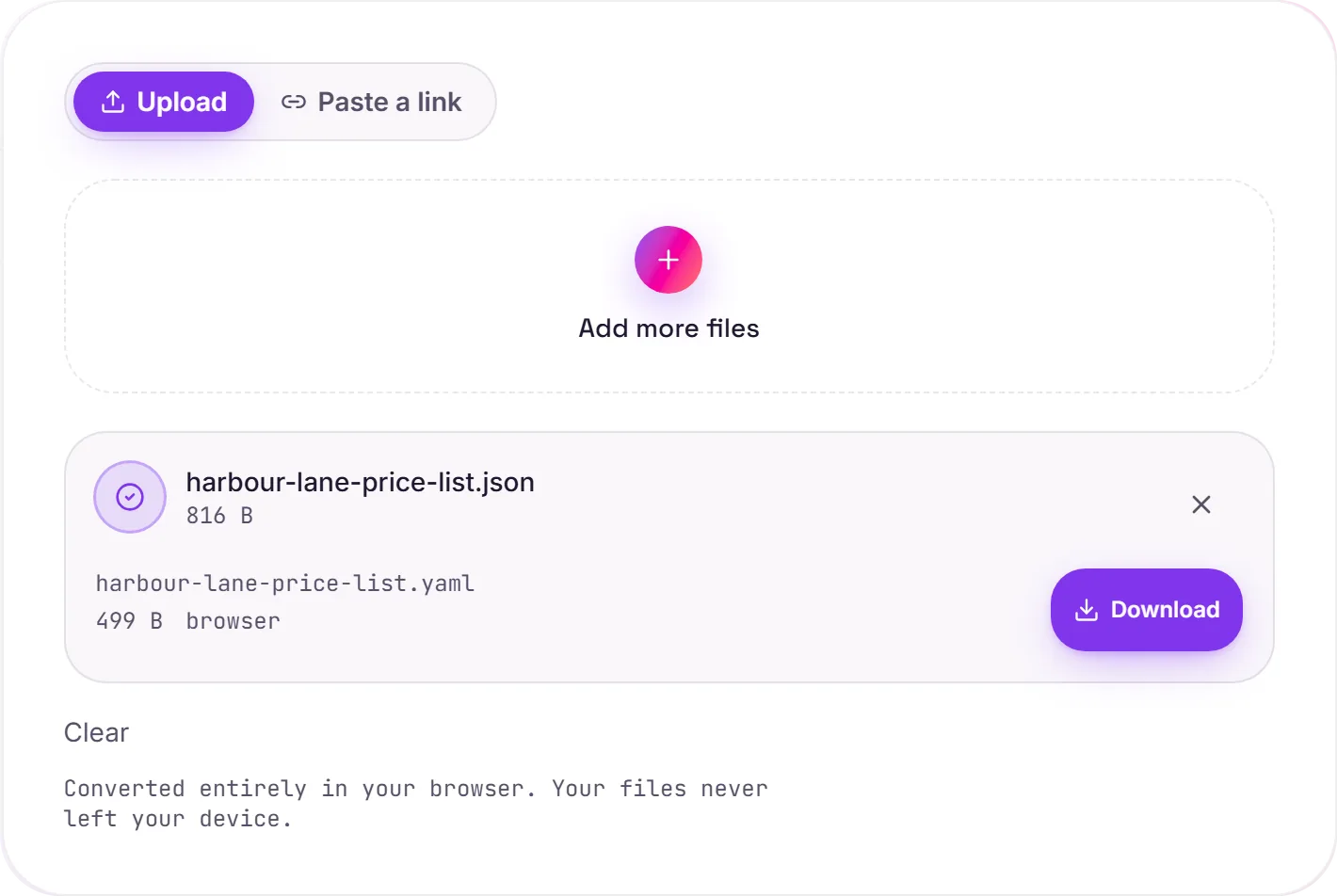
View The Original Run Capture
A screenshot of the completed run, preserved in its original theme. The comparison above adapts to your current theme.
JSON vs YAML, and what this converter keeps
JSON and YAML describe the same data: objects, arrays, strings, numbers, booleans andnull, in two different styles. JSON is compact and ubiquitous in APIs; YAML drops the braces and quotes for an indentation-based layout that's far easier to read and edit, which is why it dominates configuration files.
When you'd want YAML
- CI/CD pipelines: GitHub Actions, GitLab CI, CircleCI
- Kubernetes manifests and Helm
values.yaml docker-composefiles- App and infra config: Ansible, Rails, Spring
What's preserved
The conversion is lossless and key order is kept. Strings, numbers, booleans and null map directly; nested objects become indented blocks and arrays become - lists. Because YAML is a superset of JSON, the output round-trips cleanly back to identical JSON.
Two things to know: JSON has no comments, so none are invented here: add them after converting. And YAML treats indentation as structure, so if you hand-edit the result, keep spaces consistent and avoid tabs.
How it works
- 01
Choose your JSON
Drop a file or pick one from your device. Private by default.
- 02
Convert losslessly
JSON becomes YAML right in your browser: structure and values preserved, no upload, no paid API.
- 03
Download
Grab your YAML.
Lossless, structure-preserving conversion
Converts in your browser, never uploaded
No watermark, no signup to try
Handles large files
Free and open-source engine
JSON to YAML
JSON and YAML are structured-data formats. This parses your JSON and re-serialises the same data as valid YAML, entirely in your browser. Nothing is uploaded. Key order and whitespace may be normalised; the data itself is preserved.
Common questions
Is it free?+
Yes. Convert JSON to YAML free. No signup, no watermark, no daily cap.
Is my data private?+
It runs entirely in your browser. Your file never leaves your device or touches our servers.
Is the conversion accurate?+
Yes. We use a faithful, lossless engine. Keys, values and nesting are preserved so the output round-trips back to your source.
Related conversions