Convert CSV to XLSX.
Turn a CSV into a proper Excel .xlsx workbook, ready to open in Excel, Google Sheets or Numbers.
Inside The Conversion
See The Input. Inspect The Result.
A real CSV to XLSX conversion using a sample file. Compare the files below, then use the converter above with your own file.
Recorded Sample
Converted on the server in this run.
harbour-lane-price-list.csv
Opening Lines
Item,Size,Price (AUD)
Sourdough loaf,800 g,8.50
Seeded rye,750 g,9.00
Butter croissant,each,4.80
Almond croissant,each,5.60
Cinnamon scroll,each,5.20
Lemon tart,each,6.50
Flat white,regular,5.00
Pot of tea,serves 2,6.00
harbour-lane-price-list.xlsx
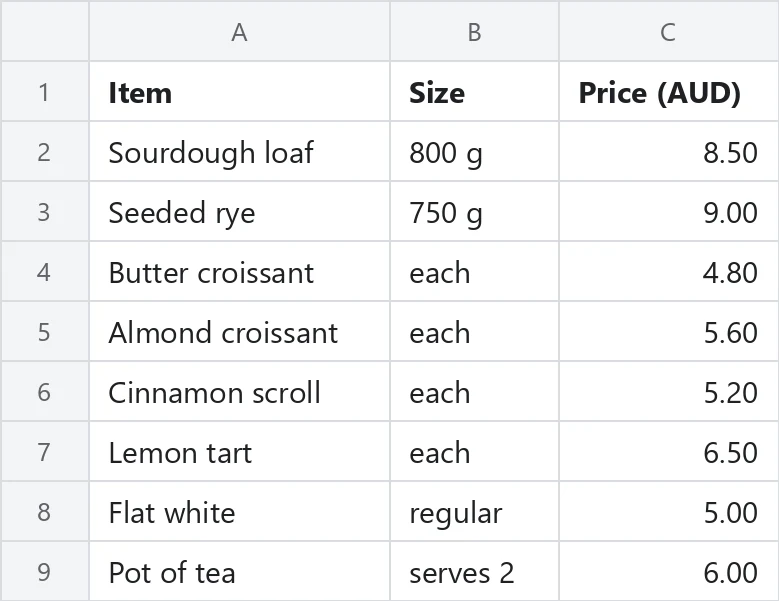
Previews show the sample files from this recorded conversion. Choose Input or Result to focus on one file.
View The Original Run Capture
A screenshot of the completed run, preserved in its original theme. The comparison above adapts to your current theme.
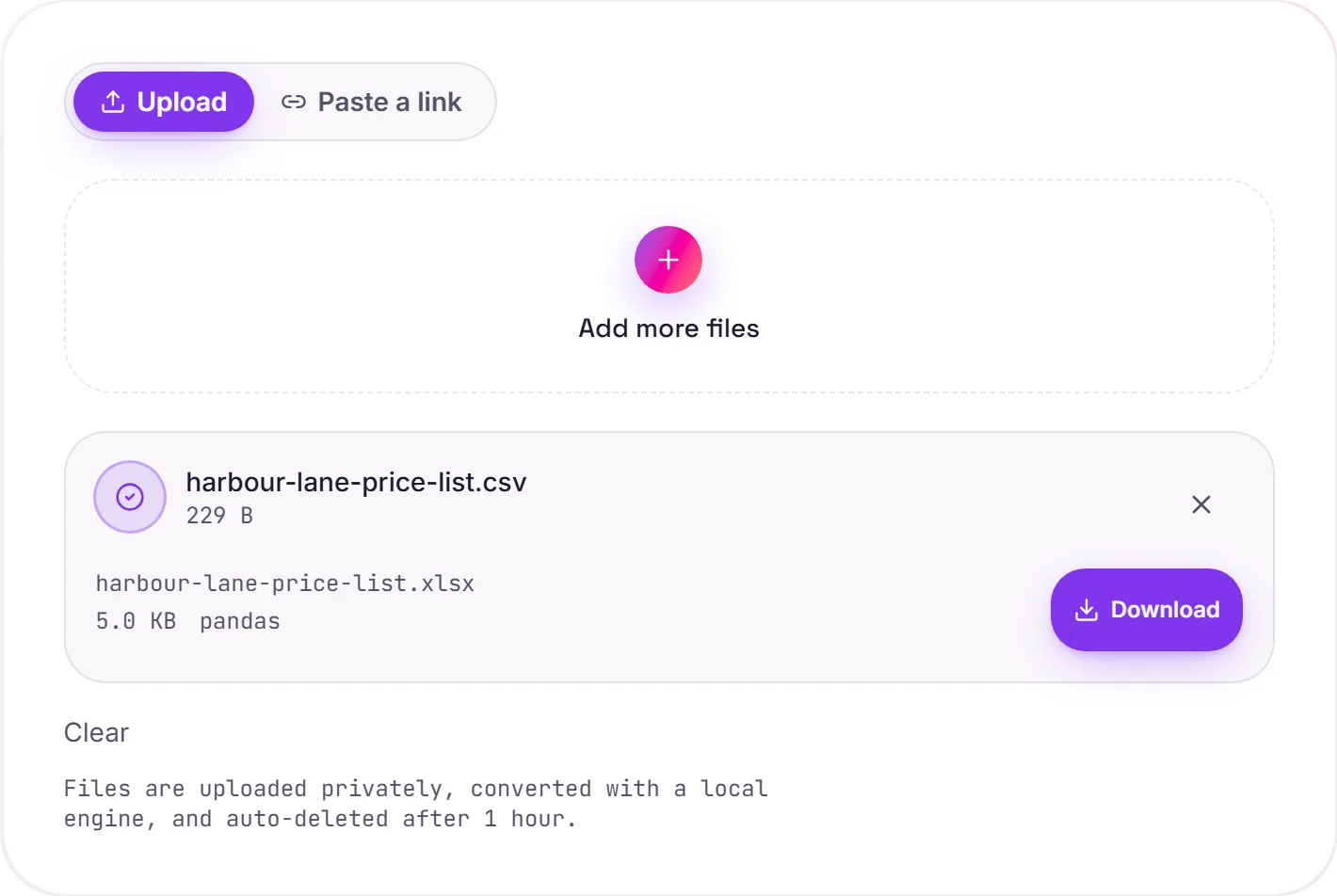
From plain text to a real workbook
A CSV is just text: rows of comma-separated values with no formatting, formulas, column types or sheets. An XLSX is a genuine Excel workbook, so converting is the step that turns raw data into something you can actually format, total up, chart and build formulas on.
No more mangled IDs
Opening a CSV straight into Excel is where data gets quietly wrecked: a leading-zero code like 007 becomes 7, long order numbers turn into scientific notation, and anything that looks like a date gets "helpfully" reformatted. This conversion writes the cells as text, so those values land in the workbook exactly as they were.
Then make it yours
Once it's an XLSX you can add extra sheets, formulas, formatting and filters in Excel, Google Sheets or Numbers. Need to hand the data to code or another system later? XLSX to CSV or CSV to JSON take it back out.
How it works
- 01
Upload your CSV
Drop a file or pick one from your device. Private by default.
- 02
Convert faithfully
CSV becomes XLSX with a free, open-source engine, values preserved exactly, no paid API in the loop.
- 03
Download
Grab your XLSX.
Values preserved exactly, no mangled IDs or zeros
Opens cleanly in Excel, Sheets and Numbers
Private uploads, auto-deleted after 1 hour
No watermark, no signup to try
Free and open-source engine
CSV to XLSX
This converts tabular data from CSV to XLSX. Values, rows and columns carry over; formulas, charts and styling generally aren't carried across, what you get is the data, cleanly structured.
Common questions
Is it free?+
Yes. Convert CSV to XLSX free. No signup and no watermark. Free covers 10 server conversions a day, up to 100 MB a file. Pro removes the daily limit and raises the file limit to 2 GB.
Is my data private?+
Uploads go to a private bucket, are converted, and auto-delete after 1 hour. Files never touch a third-party converter.
Are leading zeros and IDs kept?+
Yes. Cells are read as text, so codes like 007 and long IDs are preserved exactly, never converted to numbers.
Related conversions