Convert XLSX to CSV.
Export an Excel workbook to clean CSV. Values kept exactly: leading zeros, IDs and text never mangled.
Inside The Conversion
See The Input. Inspect The Result.
A real XLSX to CSV conversion using a sample file. Compare the files below, then use the converter above with your own file.
Recorded Sample
Converted on the server in this run.
harbour-lane-price-list.xlsx
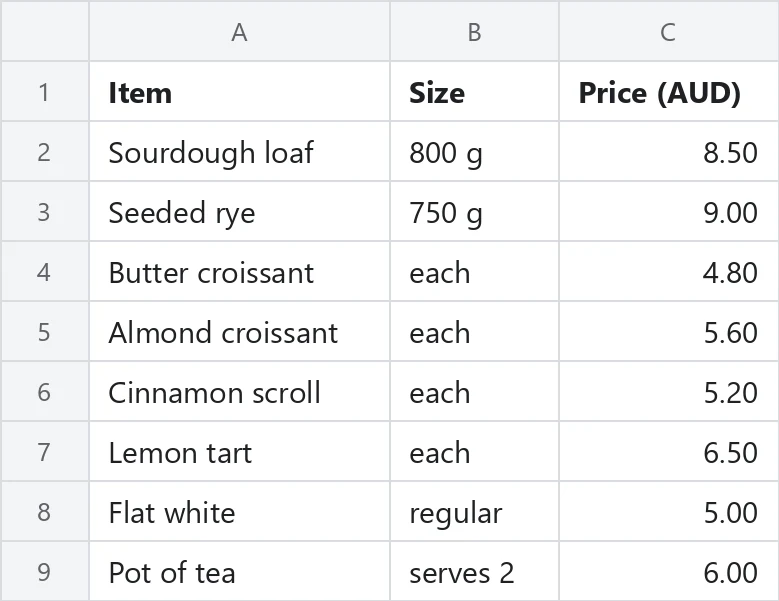
harbour-lane-price-list.csv
Opening Lines
Item,Size,Price (AUD)
Sourdough loaf,800 g,8.5
Seeded rye,750 g,9
Butter croissant,each,4.8
Almond croissant,each,5.6
Cinnamon scroll,each,5.2
Lemon tart,each,6.5
Flat white,regular,5
Pot of tea,serves 2,6
Previews show the sample files from this recorded conversion. Choose Input or Result to focus on one file.
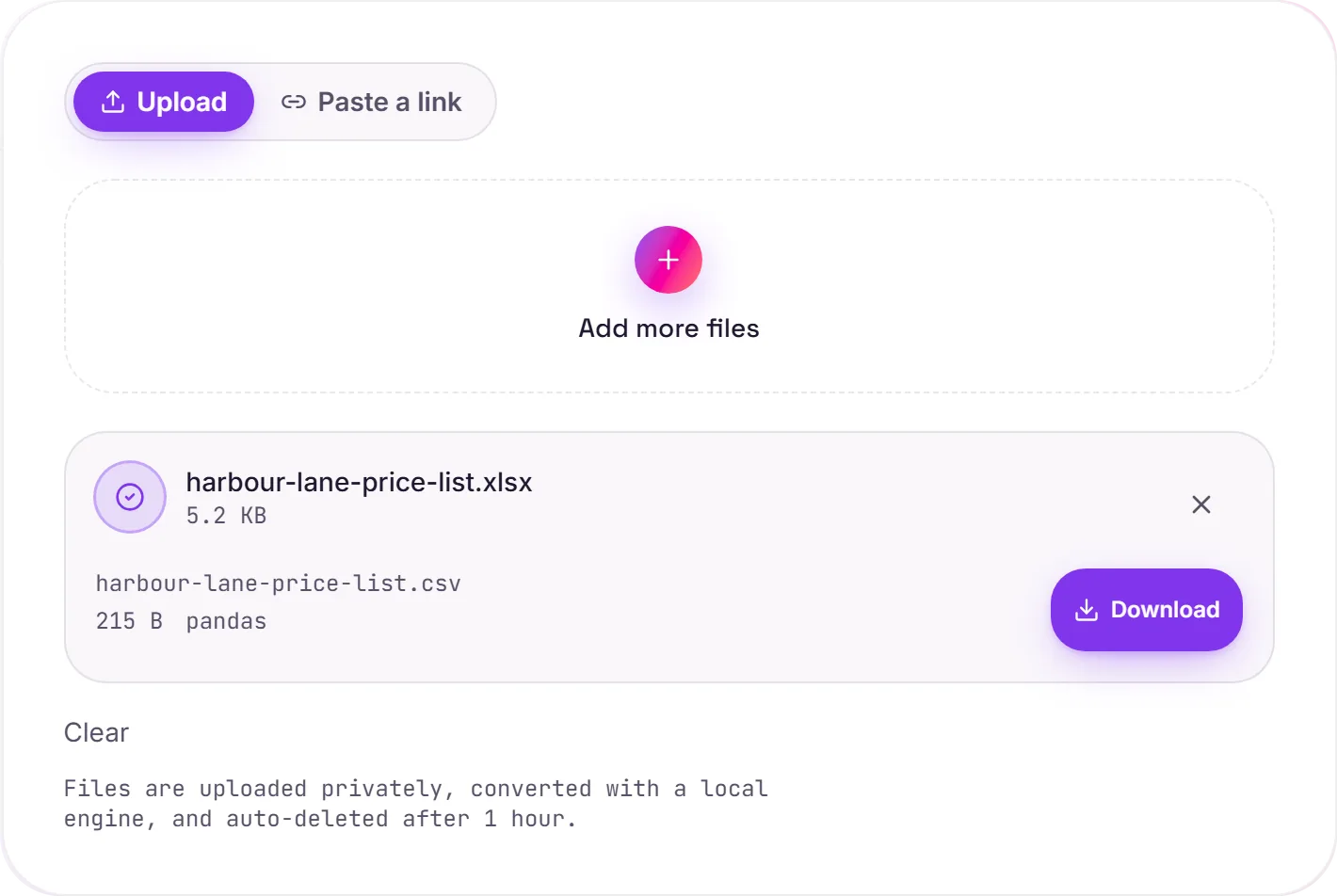
View The Original Run Capture
A screenshot of the completed run, preserved in its original theme. The comparison above adapts to your current theme.
Why export Excel to CSV
CSV is the plain-text lingua franca of data, every database importer, scripting language and analytics tool reads it. Exporting an XLSX to CSV strips the workbook down to just its values, which is exactly what you want when feeding the data into another system, a pipeline, or version control.
What changes on the way out
A CSV holds only raw values, so Excel's formatting, colours, charts and the formulas themselves don't survive, each formula is written out as the value it had calculated. Numbers, text and dates come across intact, and codes are kept as text so leading zeros and long IDs aren't mangled.
More than one sheet?
A CSV is a single table and can't hold multiple tabs, so a multi-sheet workbook is exported one sheet at a time. If you'd rather keep the structure, XLSX to JSON preserves more of it, and CSV to XLSX rebuilds a workbook from a CSV.
How it works
- 01
Upload your XLSX
Drop a file or pick one from your device. Private by default.
- 02
Convert faithfully
XLSX becomes CSV with a free, open-source engine, values preserved exactly, no paid API in the loop.
- 03
Download
Grab your CSV.
Values preserved exactly, no mangled IDs or zeros
Formulas exported as their calculated values
Private uploads, auto-deleted after 1 hour
No watermark, no signup to try
Free and open-source engine
XLSX to CSV
This converts tabular data from XLSX to CSV. Values, rows and columns carry over; a plain CSV file holds data only, so formulas, charts and cell styling are dropped, what you get is the data, cleanly structured.
Common questions
Is it free?+
Yes. Convert XLSX to CSV free. No signup and no watermark. Free covers 10 server conversions a day, up to 100 MB a file. Pro removes the daily limit and raises the file limit to 2 GB.
Is my data private?+
Uploads go to a private bucket, are converted, and auto-delete after 1 hour. Files never touch a third-party converter.
Are leading zeros and IDs kept?+
Yes. Cells are read as text, so codes like 007 and long IDs are preserved exactly, never converted to numbers.