Convert WebM to GIF.
Convert a WebM video into a crisp animated GIF for sharing anywhere, with clean palette-based color.
Inside The Conversion
See The Input. Inspect The Result.
A real WEBM to GIF conversion using a sample file. Compare the files below, then use the converter above with your own file.
Recorded Sample
Converted on the server in this run.
earthrise-apollo-8.webm
earthrise-apollo-8.gif
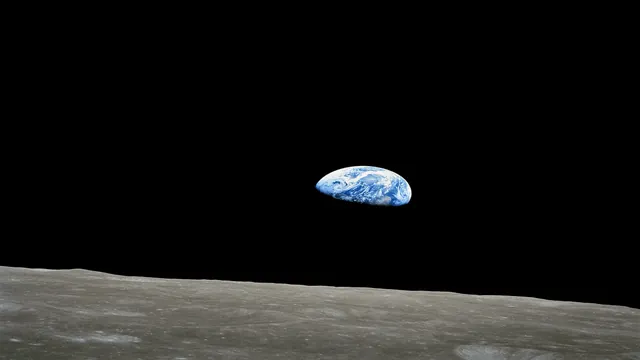
Previews show the sample files from this recorded conversion. Choose Input or Result to focus on one file.
View The Original Run Capture
A screenshot of the completed run, preserved in its original theme. The comparison above adapts to your current theme.
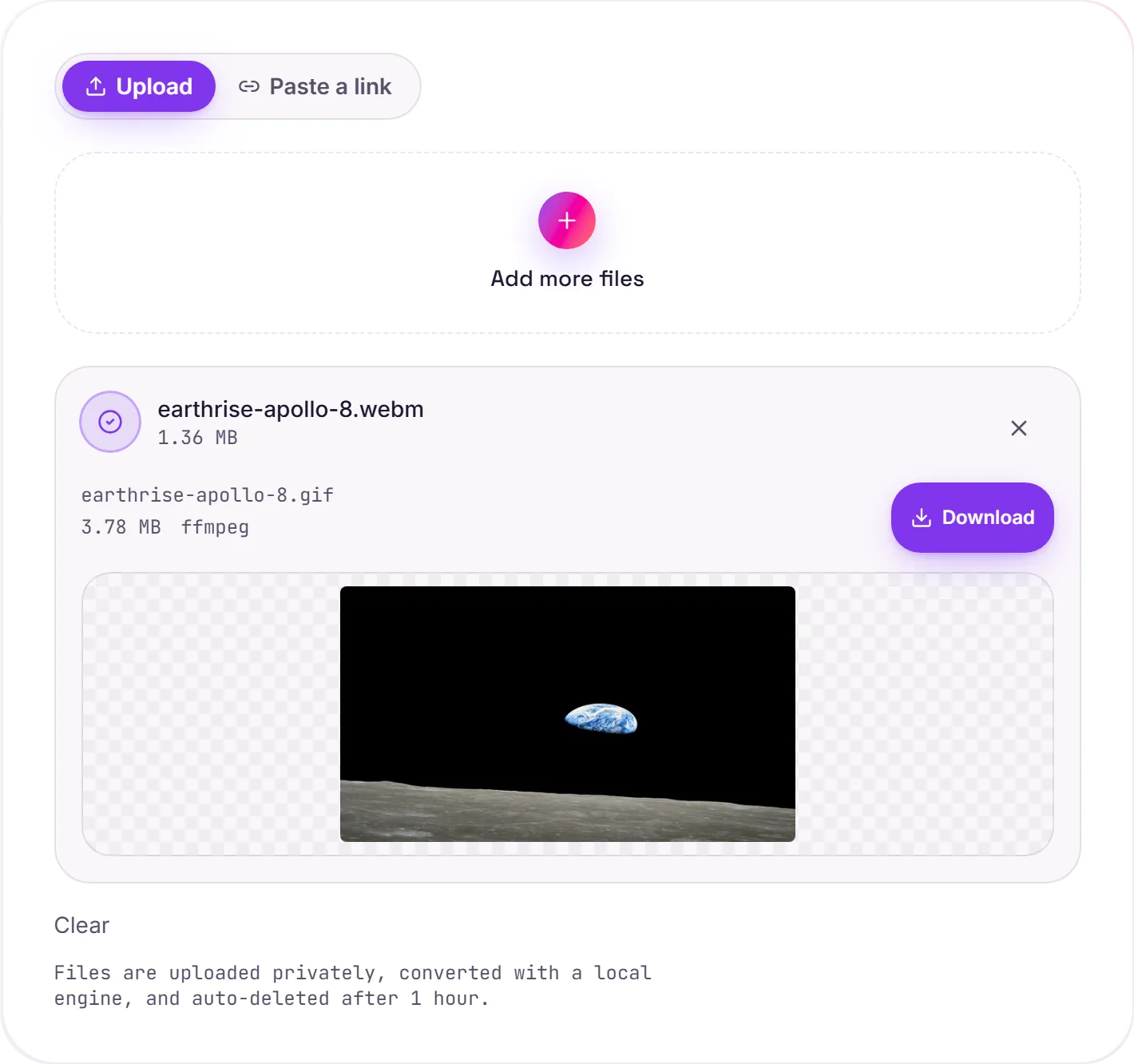
Turning a WebM clip into a GIF
A GIF autoplays, loops and embeds in places a video won't, a chat box, a doc, an email, a GitHub README. If you've got a short WebM (a screen recording or a clip) you want to drop into one of those, a GIF is the format that just plays.
Keep it short
GIF is an inefficient way to store motion, so a few seconds is ideal, a long clip balloons in size quickly. If the destination can actually play video, WebM to MP4 stays far smaller and smoother.
About the colour
GIF only allows 256 colours per frame, so naive conversion can look banded. Building a custom palette from the clip first keeps gradients and skin tones clean. Changed your mind? GIF to MP4 goes the other way for a much smaller file.
How it works
- 01
Upload your WebM
Drop a file or pick one from your device. Private by default.
- 02
Convert with ffmpeg
ffmpeg renders GIF with palette-optimized quality, no paid API in the loop.
- 03
Download or hand off
Grab your GIF, or open it in TranscriptAI to do more.
Two-pass palette for clean GIF color
Smooth playback, optimized file size
Private uploads, auto-deleted after 1 hour
No watermark, no signup to try
Free and open-source engine (ffmpeg)
Direct handoff to TranscriptAI
WEBM to GIF
This turns a clip into an animated GIF that auto-plays and loops almost everywhere. GIFs are capped at 256 colours and grow large fast, so short, small-dimension clips look best.
Need more than a conversion?
Send your audio or video to TranscriptAI to generate a transcript, summary, structured notes, flashcards, quiz questions or action items: automatically.
Common questions
Is it free?+
Yes. Convert WebM to GIF free. No signup and no watermark. Free covers 10 server conversions a day, up to 100 MB a file. Pro removes the daily limit and raises the file limit to 2 GB.
Is my file private?+
Uploads go to a private bucket, are converted, and auto-delete after 1 hour. Files never touch a third-party converter.
Will the quality be good?+
Yes. Ffmpeg builds an optimal colour palette from the clip in a first pass, then applies it, so the GIF stays clean instead of banded within its 256-colour limit.