Make a PDF editable again as Word.
Recover editable text from a PDF into a .docx you can rework. Complex layouts may shift, text fidelity comes first.
Inside The Conversion
See The Input. Inspect The Result.
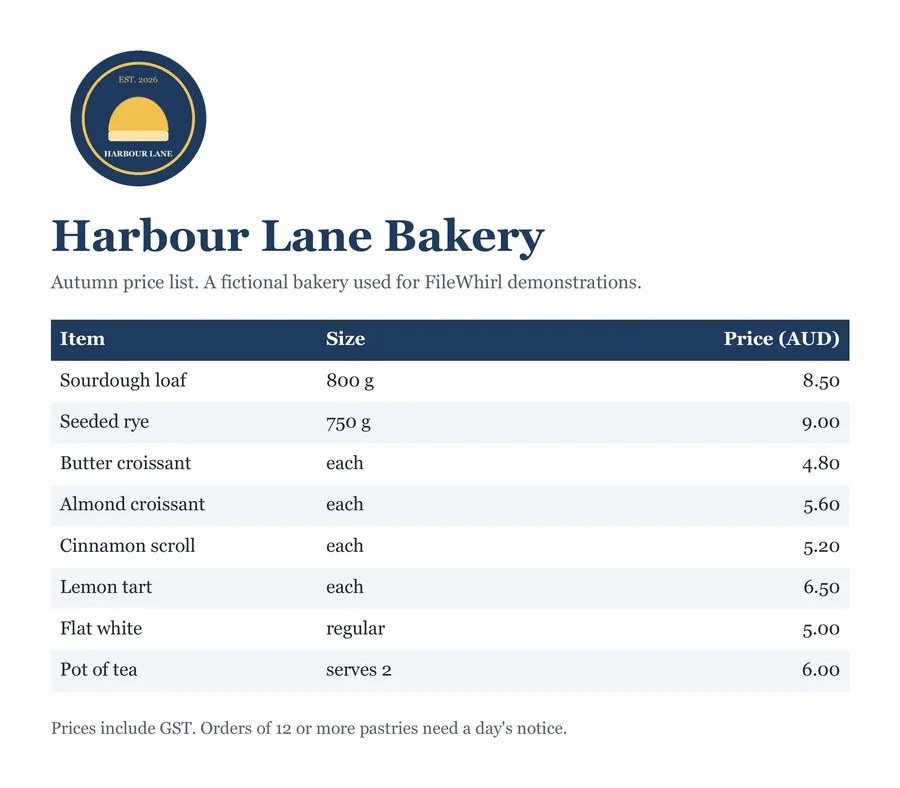
A real PDF to WORD conversion using a sample file. Compare the files below, then use the converter above with your own file.
Recorded Sample
Converted on the server in this run.
harbour-lane-price-list.pdf
harbour-lane-price-list.docx
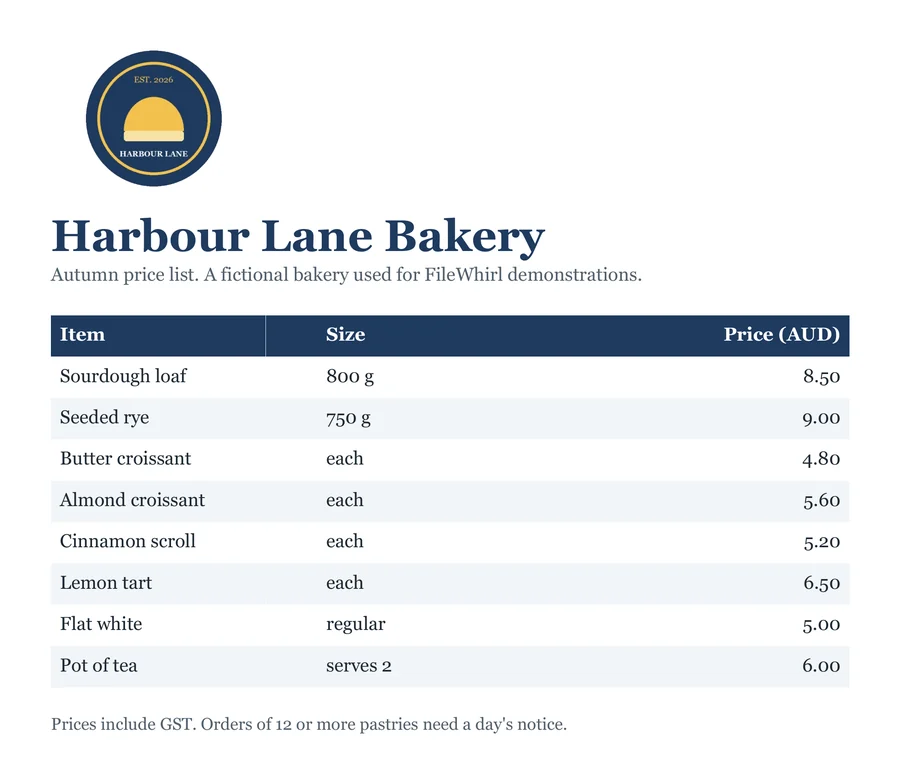
Previews show the sample files from this recorded conversion. Choose Input or Result to focus on one file.
View The Original Run Capture
A screenshot of the completed run, preserved in its original theme. The comparison above adapts to your current theme.

What "editable again" really means
A PDF is a final-form layout. It records where each glyph sits on the page, not paragraphs, headings or tables. Converting to Word rebuilds an editable document model from that layout: you get back real, selectable text in a .docx you can rework in Microsoft Word, Google Docs or LibreOffice.
What converts well
PDFs that were exported from a word processor: articles, letters, reports. Convert cleanly, with paragraphs and most basic formatting intact. Heavy multi-column layouts, intricate tables and exact fonts are the hardest parts to reproduce, so expect some reflow on complex files. Tables keep their rows and cells when the PDF draws their borders. Without visible borders, a table may come back as plain text, especially one with only two columns. Text fidelity comes first.
Scanned PDFs are different
If your PDF is a scan or photo, the "text" is really an image, and there's nothing to extract directly. For those, run OCR first to recognise the words, or use PDF to text if you only need the raw content rather than a formatted document.
How it works
- 01
Upload your PDF
Drop a file or pick one from your device. Private by default.
- 02
Convert on our server
PDF becomes Word using a best-in-class open engine, no paid API in the loop.
- 03
Download
Grab your Word.
Best available engine, honest about limits
Private uploads, auto-deleted after 1 hour
No watermark, no signup to try
Handles large files
Transcript-ready output
PDF to DOCX
This rebuilds an editable DOCX from the PDF's text and layout. PDFs don't store document structure, so it's a best-effort reconstruction: simple, text-led files convert cleanly, while heavy design, columns and scans come out approximate. Tables keep their rows and cells when the PDF draws their borders. Without visible borders, a table may come back as plain text, especially one with only two columns.
Common questions
Is it free?+
Yes. Convert PDF to Word free. No signup and no watermark. Free covers 10 server conversions a day, up to 100 MB a file. Pro removes the daily limit and raises the file limit to 2 GB.
Is my file private?+
Uploads go to a private bucket, are converted, and auto-delete after 1 hour. Files never touch a third-party converter.
Will quality hold up?+
We use the strongest open engine for this route. Layout may vary on very complex files; text fidelity comes first.