Convert PDF to EPUB.
Reflow a PDF into an EPUB ebook you can read on any e-reader, with adjustable text size. Free, open-source engine.
Inside The Conversion
See The Input. Inspect The Result.
A real PDF to EPUB conversion using a sample file. Compare the files below, then use the converter above with your own file.
Recorded Sample
Converted on the server in this run.
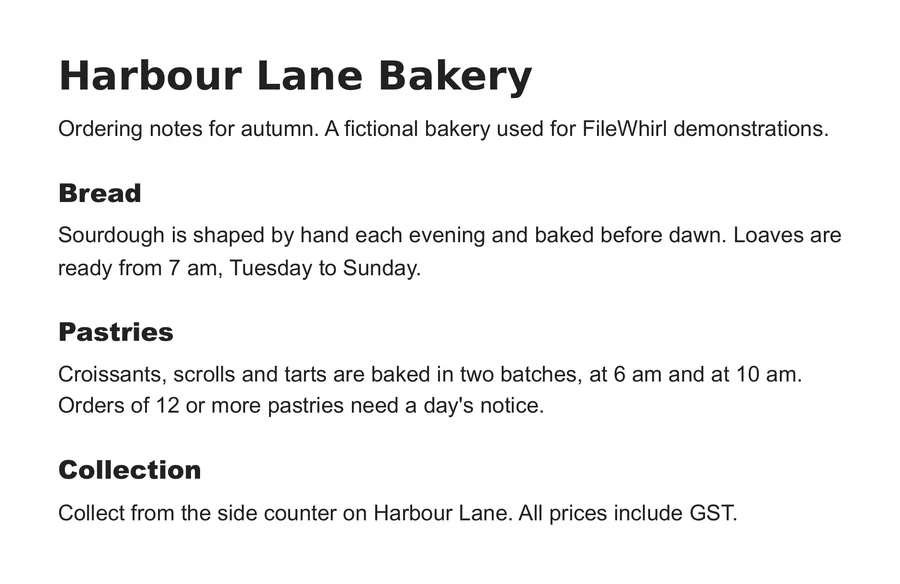
harbour-lane-ordering-notes.pdf
harbour-lane-ordering-notes.epub
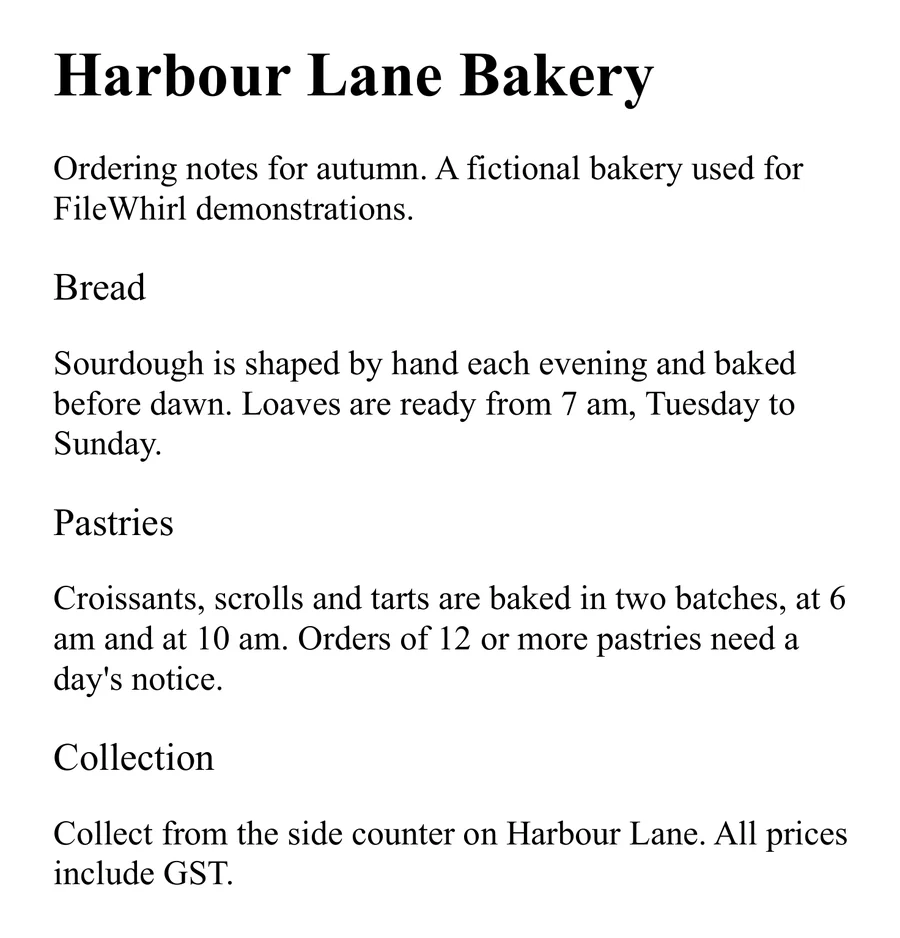
Previews show the sample files from this recorded conversion. Choose Input or Result to focus on one file.
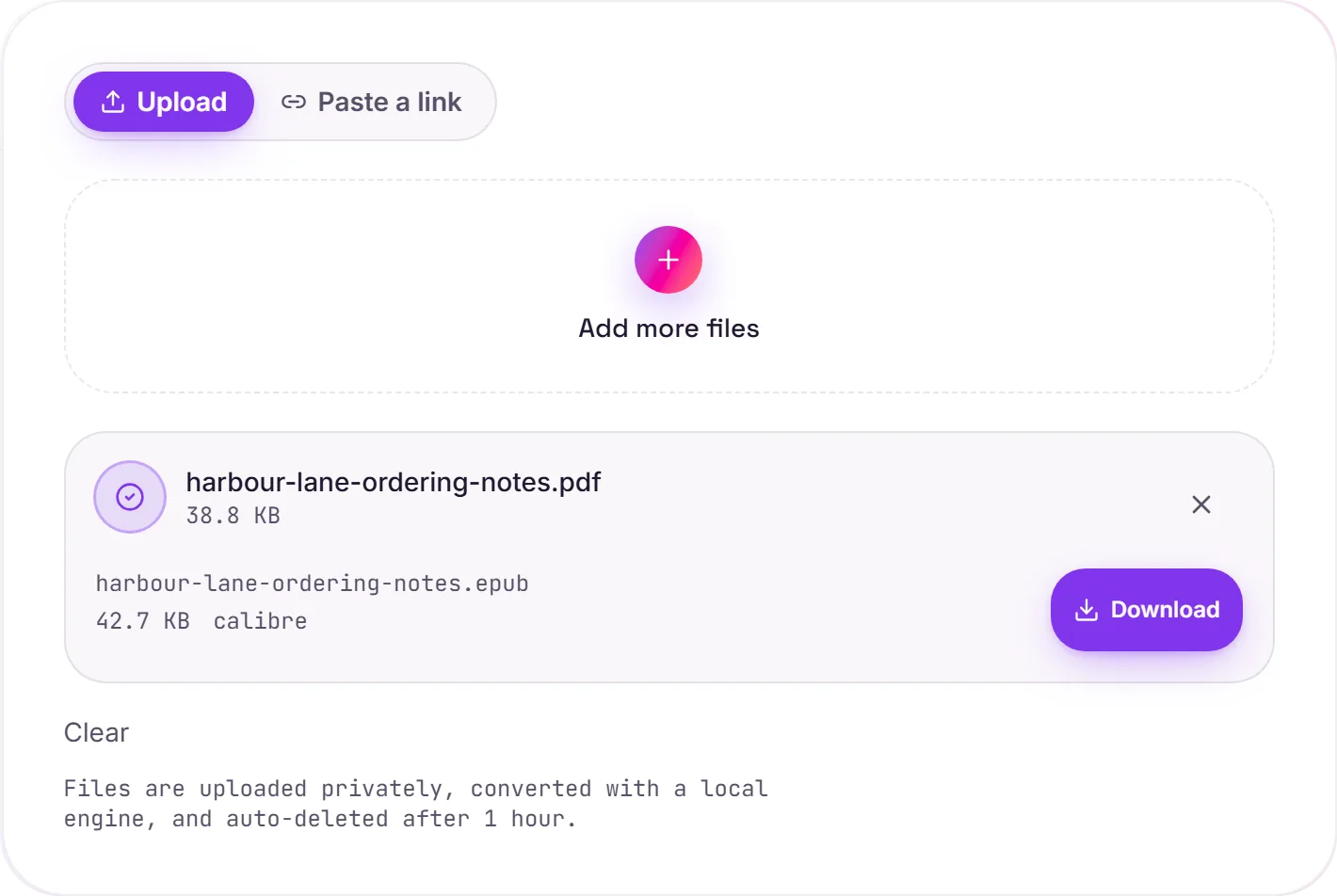
View The Original Run Capture
A screenshot of the completed run, preserved in its original theme. The comparison above adapts to your current theme.
PDF to EPUB: the honest version
This is the trickiest ebook conversion, and it's worth knowing why. A PDF is fixed-layout. It remembers exactly where every word sits on a page: while an EPUB reflows text to fit any screen and font size. Calibre does a strong job extracting the text and rebuilding chapters, but how good the result looks depends heavily on the source PDF.
What converts well
Simple, single-column, text-heavy PDFs (novels, articles, reports) reflow cleanly, and you get a proper ebook with adjustable text size. That's the sweet spot.
What to expect on complex files
Multi-column layouts, magazines and pages full of tables or figures often don't reflow neatly, and running headers or page numbers can leak into the text. A scanned PDF is just images of pages with no extractable text. Run OCR first, or if you mainly want to edit the content, PDF to Word may serve you better.
How it works
- 01
Upload your PDF
Drop a file or pick one from your device. Private by default.
- 02
Convert with Calibre
PDF becomes EPUB using Calibre, the best-in-class open-source ebook engine, no paid API in the loop.
- 03
Download
Grab your EPUB.
Chapters, formatting & metadata preserved
Private uploads, auto-deleted after 1 hour
No watermark, no signup to try
Handles large books
Free and open-source engine (Calibre)
PDF to EPUB
This re-flows the book into EPUB, carrying chapters, the table of contents and images. Reflowable ebook formats adapt to the reader's screen and font size. Heavy fixed layouts (comics, textbooks) convert less cleanly.
Common questions
Is it free?+
Yes. Convert PDF to EPUB free. No signup and no watermark. Free covers 10 server conversions a day, up to 100 MB a file. Pro removes the daily limit and raises the file limit to 2 GB.
Is my book private?+
Uploads go to a private bucket, are converted, and auto-delete after 1 hour. Files never touch a third-party converter.
Will formatting hold up?+
Calibre reflows the text and rebuilds chapters, which works best on simple, single-column PDFs like novels and articles. Multi-column layouts, magazines and heavy tables may not reflow cleanly. See the notes below.