Convert JPG to PDF.
Turn a JPG into a PDF with an invisible searchable text layer via OCR, so the words in your image become selectable and findable.
Inside The Conversion
See The Input. Inspect The Result.
A real JPG to PDF conversion using a sample file. Compare the files below, then use the converter above with your own file.
Recorded Sample
Converted on the server in this run.
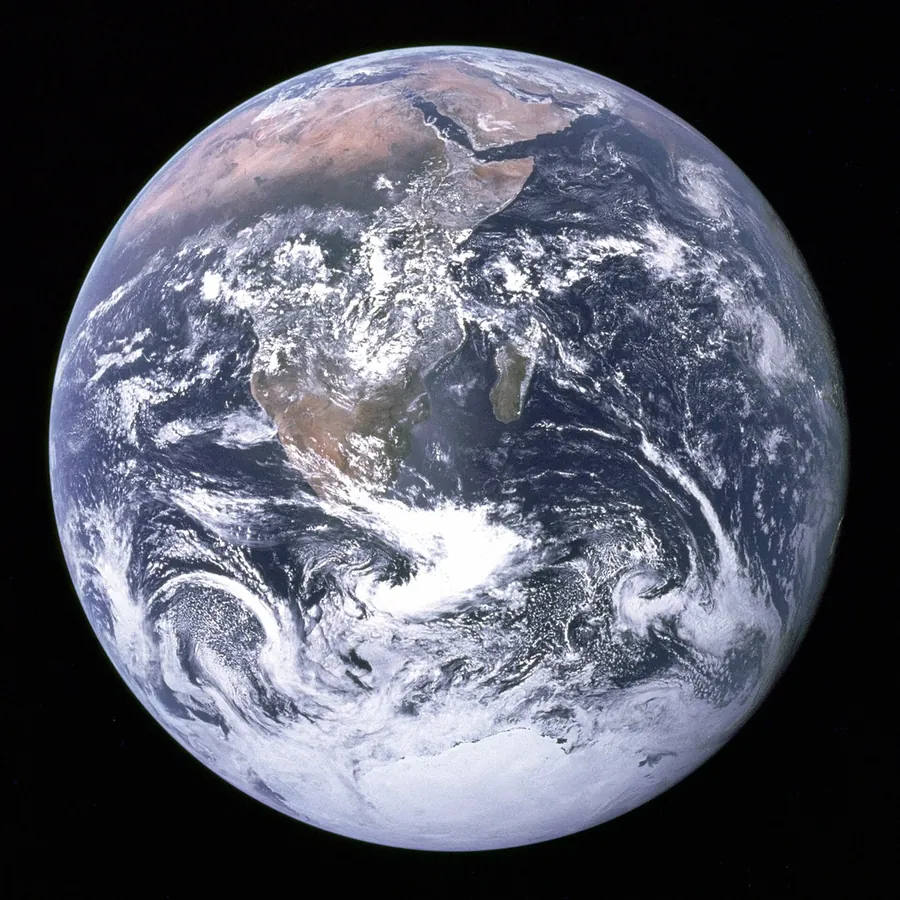
blue-marble-apollo-17.jpg
blue-marble-apollo-17.pdf
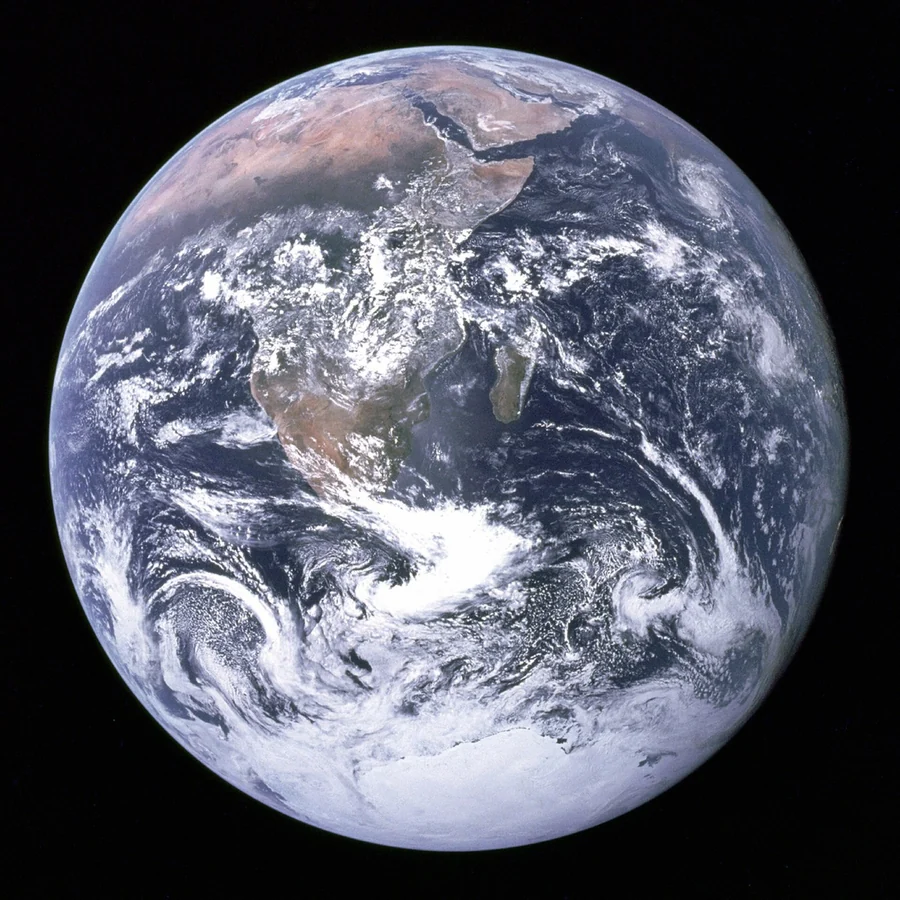
Previews show the sample files from this recorded conversion. Choose Input or Result to focus on one file.
View The Original Run Capture
A screenshot of the completed run, preserved in its original theme. The comparison above adapts to your current theme.

A photo of a document, made into a real one
Converting a JPG to PDF is one of the most common things people need: turning a photo, screenshot or phone scan into a tidy, shareable, printable document. What sets this apart is OCR: the words in the image are recognised and added as an invisible text layer, so the PDF isn't just a picture. It's searchable, and you can select and copy the text inside it.
What it's great for
Receipts, contracts, forms, ID cards, a whiteboard you snapped after a meeting, anything you photographed and now want as a proper document. The picture itself is embedded crisply, and the recognised text rides along underneath.
Getting the best OCR
OCR accuracy depends on the photo. Good lighting, a straight-on angle and sharp focus read almost perfectly; blurry, skewed or dim shots are harder. If you only want the raw text rather than a document, JPG to text pulls it straight out.
How it works
- 01
Upload your JPG
Drop a file or pick one from your device. Private by default.
- 02
Read with OCR
Tesseract, a best-in-class open-source OCR engine, reads the text, no paid API in the loop.
- 03
Download
Grab your PDF.
Accurate Tesseract 5 OCR (LSTM)
Scanned documents handled automatically
Private uploads, auto-deleted after 1 hour
No watermark, no signup to try
Free and open-source engine
What you get from JPG to PDF
Your JPG is uploaded and placed onto a PDF page at full resolution on our servers, so it prints and shares cleanly. Where the image holds text, a Tesseract OCR pass adds a searchable, selectable layer underneath. The picture itself is unchanged.
Common questions
Is it free?+
Yes. Convert JPG to PDF free. No signup and no watermark. Free covers 10 server conversions a day, up to 100 MB a file. Pro removes the daily limit and raises the file limit to 2 GB.
Is my file private?+
Uploads go to a private bucket, are converted, and auto-delete after 1 hour. Files never touch a third-party converter.
Does it handle scans?+
Yes. Scanned and photographed text is read with Tesseract OCR, so you get real text even when there's no digital text layer.