Convert JPG to Text.
Extract text from a JPG photo or scan with accurate OCR. Get clean, editable text from any image in seconds.
Inside The Conversion
See The Input. Inspect The Result.
A real JPG to TEXT conversion using a sample file. Compare the files below, then use the converter above with your own file.
Recorded Sample
Converted on the server in this run.
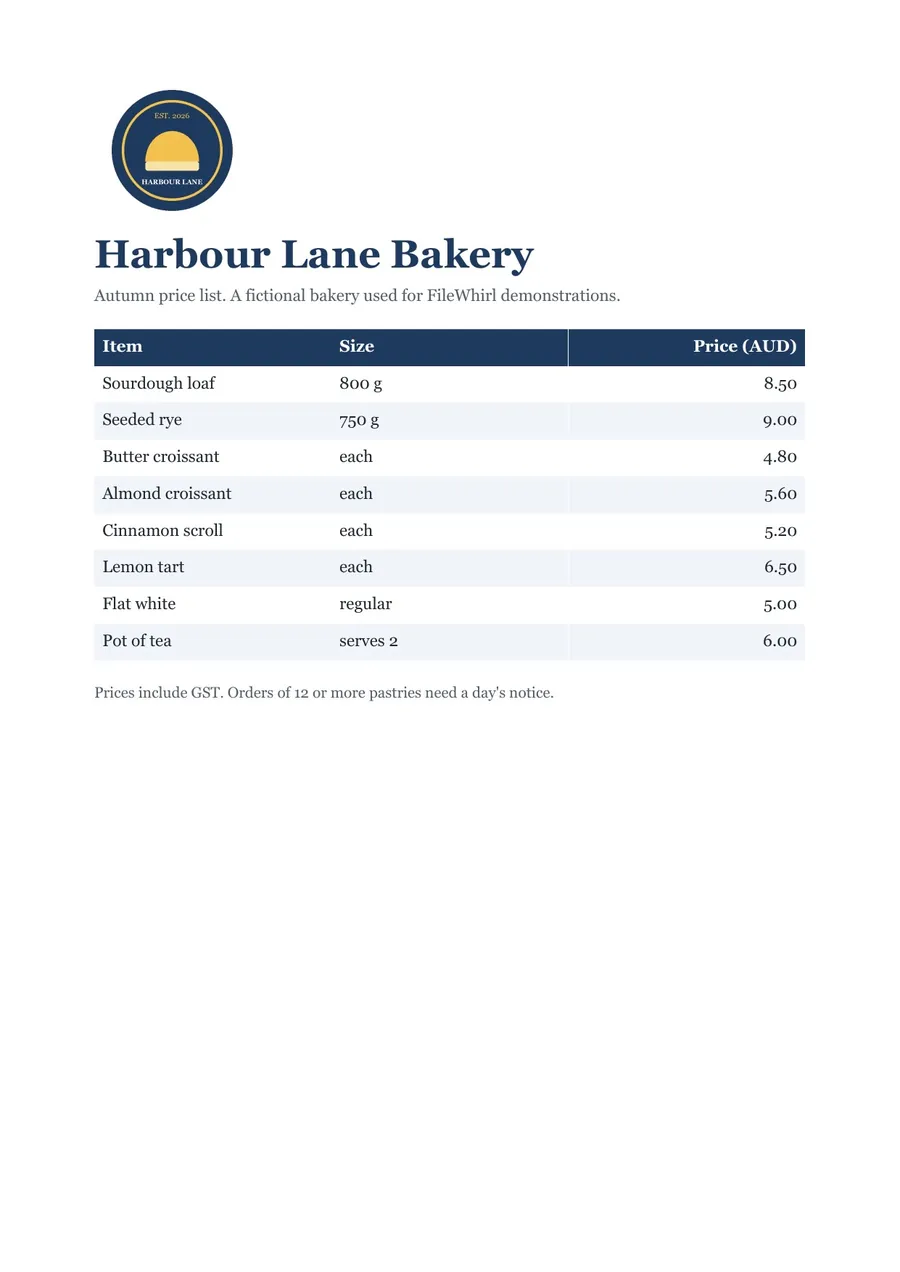
harbour-lane-price-list.jpg
harbour-lane-price-list.txt
Opening Lines
Harbour Lane Bakery

Autumn price list. A fictional bakery used for FileWhirl demonstrations.

Sourdough loaf 800g 8.50
Seeded rye 750g 9.00
Butter croissant each 4.80
Almond croissant each 5.60
Cinnamon scroll each 5.20
Lemon tart each 6.50
Flat white regular 5.00
Pot of tea serves 2 6.00
Previews show the sample files from this recorded conversion. Choose Input or Result to focus on one file.
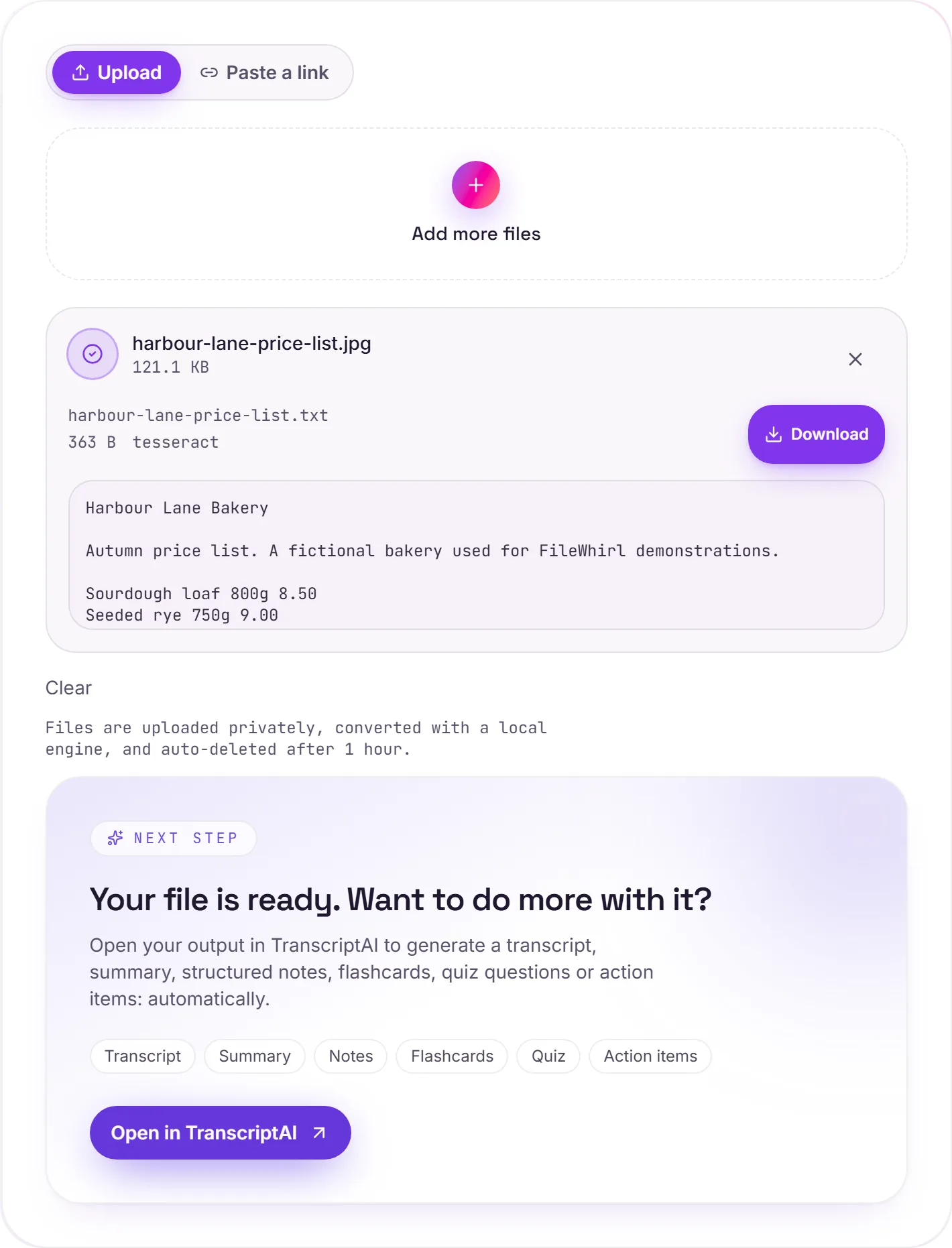
View The Original Run Capture
A screenshot of the completed run, preserved in its original theme. The comparison above adapts to your current theme.
How it works
- 01
Upload your JPG
Drop a phone photo of a page, a receipt, a whiteboard or a sign. Private by default.
- 02
Read with OCR
Tesseract 5 reads the text through the photo's JPEG compression, so a sharp, well-lit shot gives the cleanest result.
- 03
Download or hand off
Grab your Text, or open it in TranscriptAI to do more.
Built for phone photos of pages, receipts and whiteboards
Reads text through JPEG compression
Accurate Tesseract 5 OCR (LSTM)
Private uploads, auto-deleted after 1 hour
No watermark, no signup to try
Direct handoff to TranscriptAI
How JPG to text works
Your JPG is uploaded and read on our servers by Tesseract OCR (optical character recognition), which returns plain, selectable .txt. It's strongest on clear, high-contrast text; dense layouts, handwriting and low-resolution images are harder and may need a quick tidy-up afterwards.
Need more than a conversion?
Send your audio or video to TranscriptAI to generate a transcript, summary, structured notes, flashcards, quiz questions or action items: automatically.
Common questions
Is it free?+
Yes. Convert JPG to Text free. No signup and no watermark. Free covers 10 server conversions a day, up to 100 MB a file. Pro removes the daily limit and raises the file limit to 2 GB.
Is my file private?+
Uploads go to a private bucket, are converted, and auto-delete after 1 hour. Files never touch a third-party converter.
Does it handle scans?+
Yes. Scanned and photographed text is read with Tesseract OCR, so you get real text even when there's no digital text layer.
How do I take a photo that reads well?+
Hold the phone square above the page, fill the frame with the text, and use even light without a shadow from your hand. Tap to focus on the text before you shoot. Blur and steep angles cost more accuracy than anything else.
Does JPEG compression hurt the result?+
A little. JPEG saves space by smoothing fine detail, which can soften the edges of small letters. A photo straight from your phone camera is usually fine; one that has been resized or saved again many times, for example after passing through a messaging app, reads less well.
Can it read a receipt or a whiteboard?+
Yes, as long as the text is in focus and large enough in the frame. Faded receipts and light marker on a glossy board have little contrast, so take the photo close up and avoid glare.