Convert ASF to MP4.
ASF is the old Windows Media container behind a lot of .wmv and .asf video. Convert it to MP4 so it plays on a Mac, an iPhone, in a browser, or in any editor.
Inside The Conversion
See The Input. Inspect The Result.
A real ASF to MP4 conversion using a sample file. Compare the files below, then use the converter above with your own file.
Recorded Sample
Converted on the server in this run.
earthrise-apollo-8.asf
earthrise-apollo-8.mp4
Previews show the sample files from this recorded conversion. Choose Input or Result to focus on one file.
View The Original Run Capture
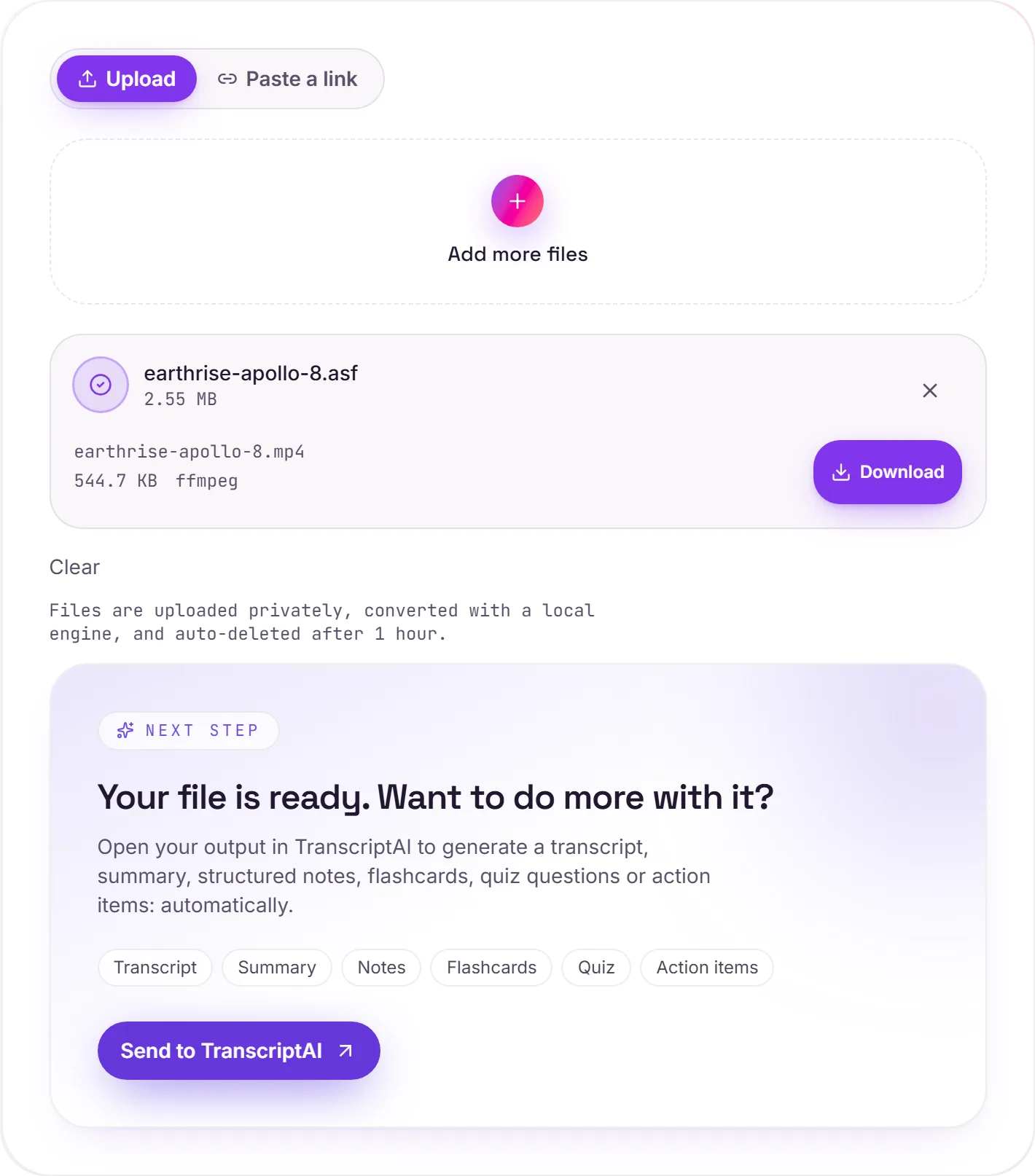
A screenshot of the completed run, preserved in its original theme. The comparison above adapts to your current theme.
The container behind Windows Media
ASF is the format that quietly underpinned a generation of Windows video and audio: when you saw a .wmv or .asf file, this is the container holding it together. It made sense in a Windows-only world; today, where your footage needs to open on a phone, a Mac and in a browser-based editor, MP4 with H.264 is the format that actually travels.
All on our engines
The conversion runs on ffmpeg, free and open-source, not a paid third-party API. Your file goes to a private bucket, gets converted, and is deleted after 1 hour.
How it works
- 01
Add your ASF
Drop one or many .asf files, or click to browse. Private by default.
- 02
Convert on our server
ASF becomes MP4 (H.264) with ffmpeg, no paid API in the loop.
- 03
Download or transcribe
Grab your MP4, or send it to TranscriptAI for a transcript of the audio.
Plays on Mac, iPhone, Android and the web
Editable in any modern video tool
Keeps the original resolution
Private uploads, auto-deleted after 1 hour
Batch convert many clips at once
No watermark, no signup to try
ASF to MP4: transcode
ASF and MP4 are container/codec formats, so this re-encodes the video (a lossy step. Start from the best source you have). MP4 is broadly compatible, which helps when a player, editor or site won't accept ASF.
Need more than a conversion?
Send your audio or video to TranscriptAI to generate a transcript, summary, structured notes, flashcards, quiz questions or action items: automatically.
Common questions
What is an ASF file?+
ASF (Advanced Systems Format) is Microsoft's old streaming container. It's the wrapper that WMV video and WMA audio are built on. Like the rest of the Windows Media family, it plays on Windows but trips up Apple devices, browsers and most editors.
Is it free?+
Yes. Convert ASF to MP4 free. No signup and no watermark. Free covers 10 server conversions a day, up to 100 MB a file. Pro removes the daily limit and raises the file limit to 2 GB.
Is my file private?+
Uploads go to a private bucket, are converted, and auto-delete after 1 hour. Files never touch a third-party converter.
Will quality drop?+
We keep the resolution and frame rate and re-encode at high quality, so for typical footage the change is hard to notice.