Convert STL to OBJ.
Convert an STL 3D model to OBJ for editing in most 3D software. Vertices and faces preserved exactly.
Inside The Conversion
See The Input. Inspect The Result.
A real STL to OBJ conversion using a sample file. Compare the files below, then use the converter above with your own file.
Recorded Sample
Converted on the server in this run.
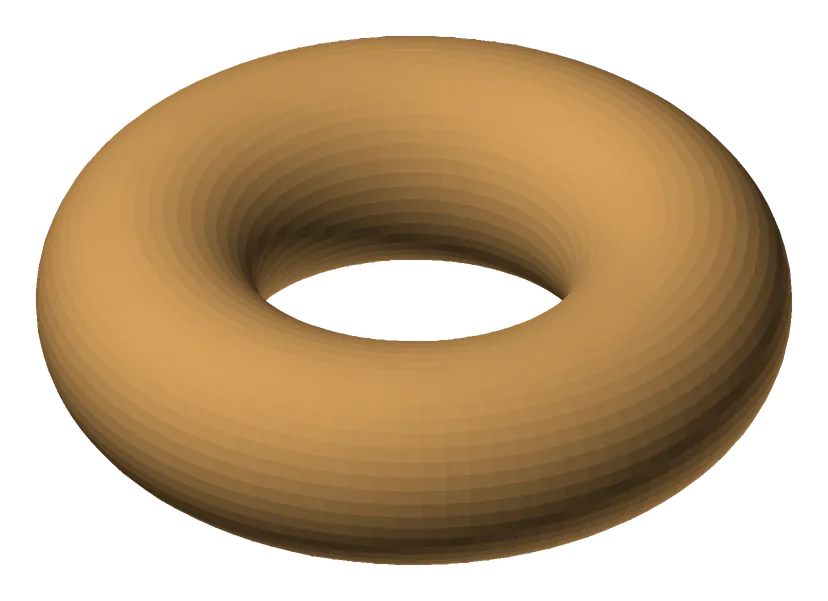
harbour-lane-doughnut.stl
harbour-lane-doughnut.obj
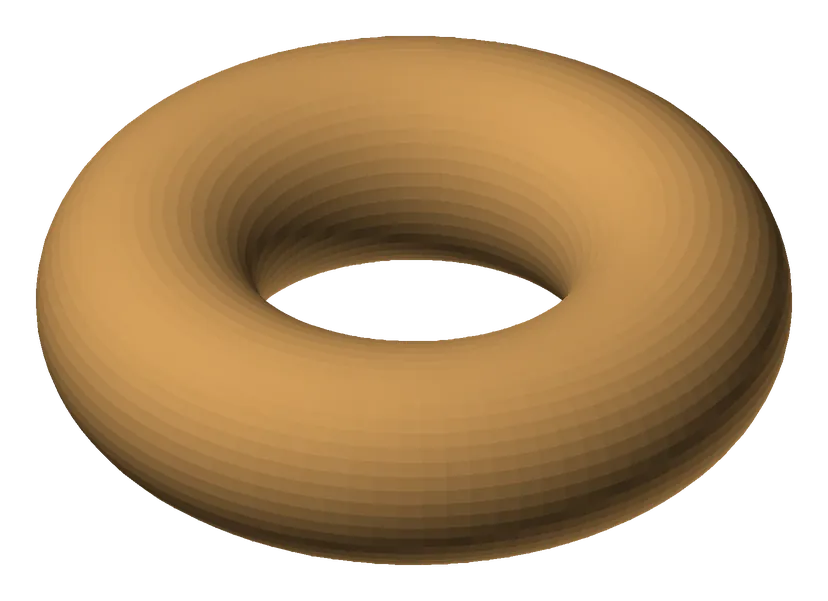
Previews show the sample files from this recorded conversion. Choose Input or Result to focus on one file.
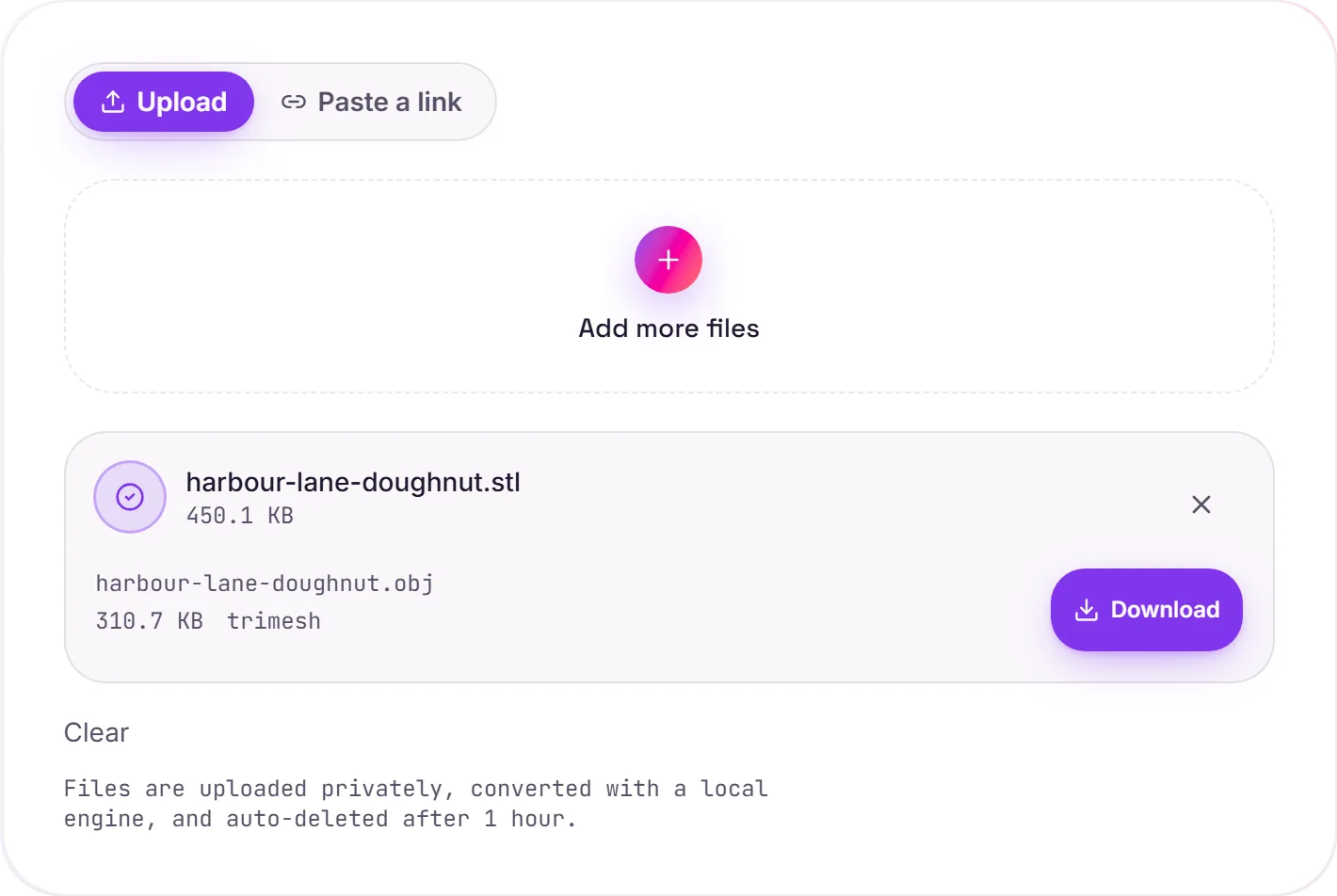
View The Original Run Capture
A screenshot of the completed run, preserved in its original theme. The comparison above adapts to your current theme.
STL vs OBJ: from printing to editing
STL describes a model as a plain mesh of triangles, perfect for slicers and 3D printers, but minimal. OBJ is the long-standing interchange format that virtually every 3D application reads, from Blender and Maya to ZBrush, which makes it the natural choice when you want to actually edit or rework a model rather than just print it.
What's preserved
Vertices and faces transfer exactly, and multi-part STLs are merged into a single clean mesh. OBJ can also store texture coordinates and material references (via a companion .mtl file), but since an STL carries no colour or material data, there's none to bring across: you'd add UVs and materials in your editor.
Round-tripping
Done editing and ready to print again? OBJ to STL converts it back. For showing the model on the web or in a game engine instead, STL to GLB is the better target.
How it works
- 01
Upload your STL
Drop a 3D model or pick one from your device. Private by default.
- 02
Convert with trimesh
trimesh reads the geometry and writes OBJ, vertices and faces preserved exactly, no paid API in the loop.
- 03
Download
Grab your OBJ.
Geometry preserved exactly, vertices & faces
Watertight meshes stay watertight
Private uploads, auto-deleted after 1 hour
No watermark, no signup to try
Free and open-source engine (trimesh)
STL to OBJ
This converts the 3D geometry from STL to OBJ. Vertices and faces carry over; support for colour, materials and textures depends on the target: OBJ keeps more scene data.
Common questions
Is it free?+
Yes. Convert STL to OBJ free. No signup and no watermark. Free covers 10 server conversions a day, up to 100 MB a file. Pro removes the daily limit and raises the file limit to 2 GB.
Is my model private?+
Uploads go to a private bucket, are converted, and auto-delete after 1 hour. Files never touch a third-party converter.
Is the geometry changed?+
No. Vertices and faces are preserved exactly. Multi-part scenes are merged into a single mesh for clean output.
Related conversions