Convert SVG to JPG.
Turn an SVG into a high-resolution JPG for sharing or upload. Clean anti-aliased rendering, no blur.
Inside The Conversion
See The Input. Inspect The Result.
A real SVG to JPG conversion using a sample file. Compare the files below, then use the converter above with your own file.
Recorded Sample
Converted in the browser in this run.
harbour-lane-bakery-logo.svg

harbour-lane-bakery-logo.jpg

Previews show the sample files from this recorded conversion. Choose Input or Result to focus on one file.
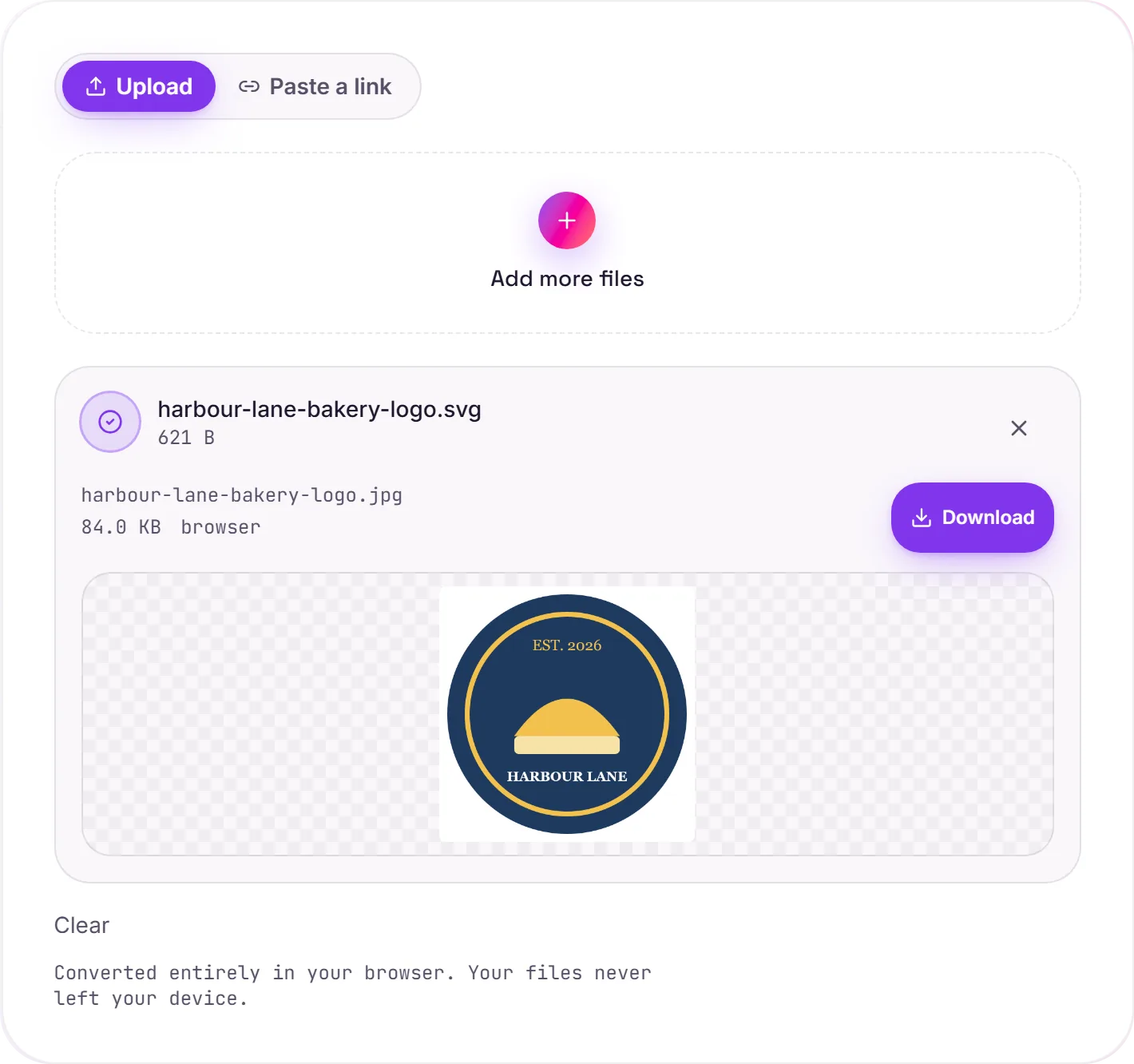
View The Original Run Capture
A screenshot of the completed run, preserved in its original theme. The comparison above adapts to your current theme.
SVG to JPG, and when to choose it
JPG is the right target when you need a flat, widely-compatible image: uploading to a site that rejects SVG, attaching to a document, or sharing a quick preview. Like SVG to PNG, small graphics are upscaled first so the result is sharp rather than a tiny blurry square.
PNG or JPG?
For logos, icons and flat-color graphics, SVG to PNG is usually better: PNG keeps transparency and renders crisp edges with no compression artifacts. Reach for JPG when the artwork is photographic, or when a destination specifically requires a .jpg.
About the background
JPG can't store transparency, so any transparent areas of the SVG are filled with white. If you need the transparency preserved, convert to PNG instead.
How it works
- 01
Choose your SVG
Drop a file or pick one from your device. Private by default.
- 02
Render in your browser
Your browser rasterizes the SVG onto a white background and encodes a high-resolution JPG, no upload, no paid API.
- 03
Download
Grab your JPG.
High-resolution, edge-crisp rendering
Converts in your browser, never uploaded
No watermark, no signup to try
Handles large and complex graphics
Free and open-source engine
SVG to JPG (rasterising)
SVG is vector artwork; JPG is a pixel image. We render it at a sensible resolution, which fixes how sharp it stays when scaled up later. Pick a generous size if you'll enlarge it: pixels can't be added back afterwards.
Common questions
Is it free?+
Yes. Convert SVG to JPG free. No signup, no watermark, no daily cap.
Is my file private?+
It runs entirely in your browser. Your file never leaves your device or touches our servers.
Will quality hold up?+
Yes. The SVG is rendered at high resolution (small graphics are upscaled) and saved at high JPEG quality. Note that JPG has no transparency, so the background becomes white.