Convert AAC to MP3.
Turn AAC audio into universally-playable MP3 for any device or player. Then transcribe it with TranscriptAI.
Inside The Conversion
See The Input. Inspect The Result.
A real AAC to MP3 conversion using a sample file. Compare the files below, then use the converter above with your own file.
Recorded Sample
Converted on the server in this run.
gymnopedie-no-1.aac
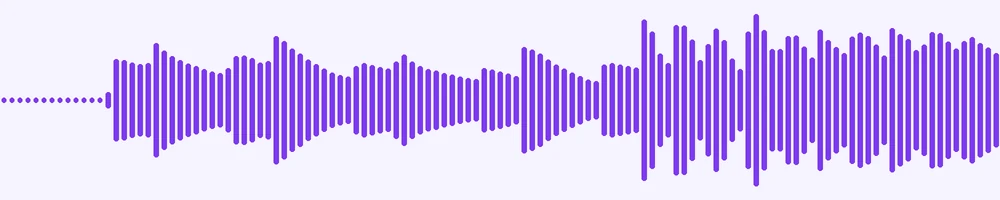
Waveform Preview, 20.3 s of audio
gymnopedie-no-1.mp3
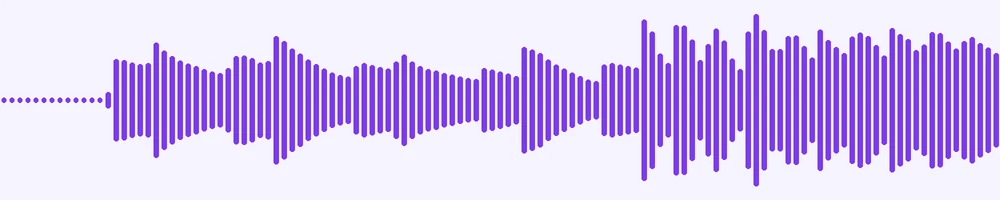
Waveform Preview, 20 s of audio
Previews show the sample files from this recorded conversion. Choose Input or Result to focus on one file.
View The Original Run Capture
A screenshot of the completed run, preserved in its original theme. The comparison above adapts to your current theme.
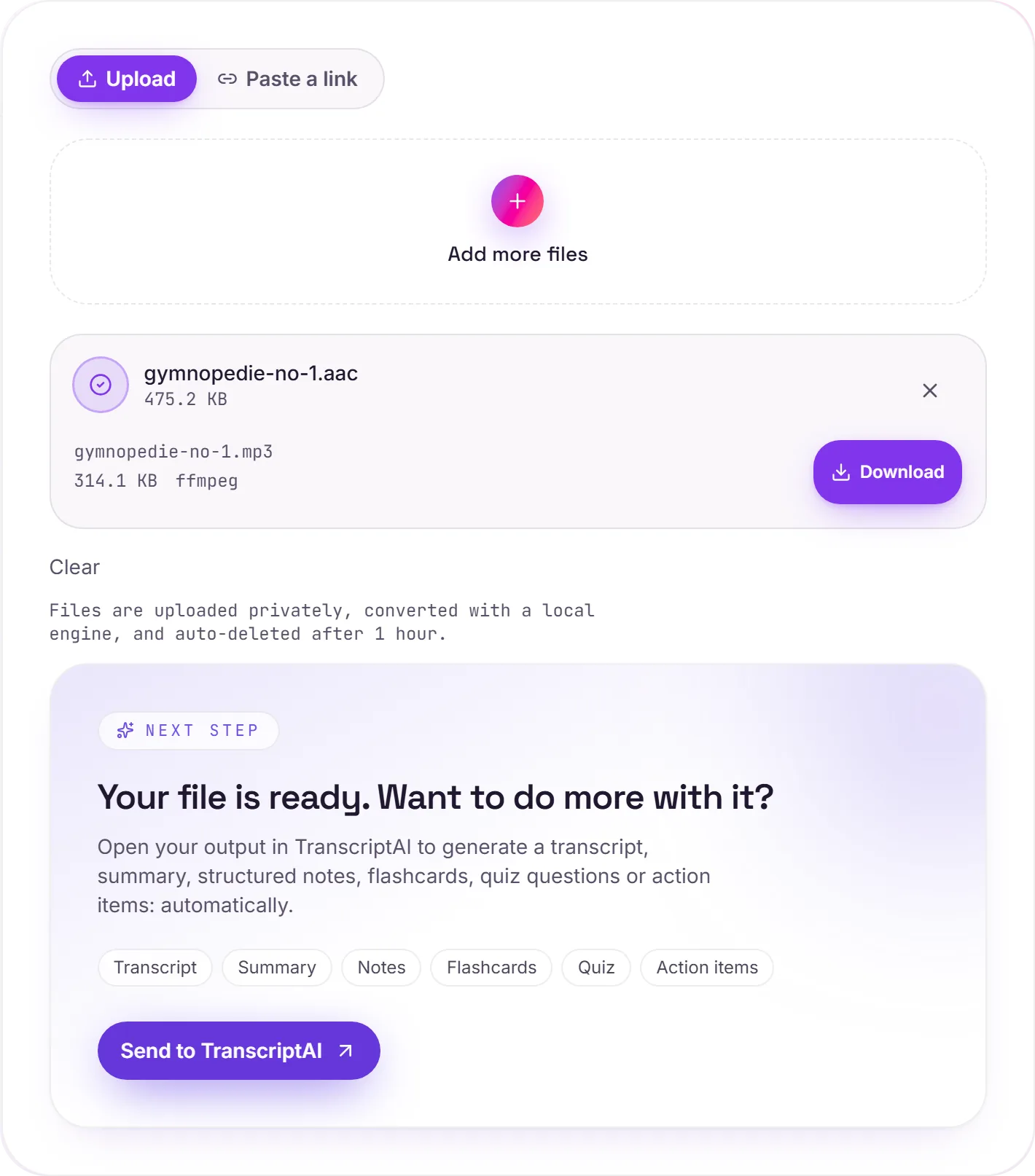
AAC and MP3, side by side
AAC is the newer codec. It generally sounds a little better than MP3 at the same bitrate, which is why Apple, YouTube and most streaming services use it. Bare .aac files turn up from some recorders and stream rips. The one thing MP3 still wins on is reach: it plays on virtually every device and app ever made.
A note on quality
Both are lossy, so this is a re-encode between two compressed formats. At a high bitrate the change is inaudible for speech and very hard to notice for music. Convert when you specifically need MP3 for an older player; if your device already handles AAC, there's no reason to.
Got a recording to transcribe?
Hand the MP3 to TranscriptAI for a transcript, summary and notes, handy for interviews, lectures and meetings.
How it works
- 01
Add your AAC
Drop one or many files, or click to browse. Private by default.
- 02
Convert with a local engine
AAC becomes MP3 with ffmpeg, no paid API in the loop.
- 03
Download or transcribe
Grab your MP3 (or a zip of many), or send it to TranscriptAI for a transcript.
High-bitrate, faithful audio
Private uploads, auto-deleted after 1 hour
Batch convert many at once, download as a zip
No watermark, no signup to try
Transcript-ready output
Direct handoff to TranscriptAI
AAC to MP3: re-encoded
MP3 is a compressed, lossy audio format, so this re-encodes the sound and the file gets smaller. Every lossy re-encode sheds a little quality, so convert from the best source you have rather than chaining conversions.
Need more than a conversion?
Send your audio or video to TranscriptAI to generate a transcript, summary, structured notes, flashcards, quiz questions or action items: automatically.
Common questions
Is it free?+
Yes. Convert AAC to MP3 free, with no signup.
Is my file private?+
Uploads go to a private bucket, are converted, and auto-delete after 1 hour.
What bitrate?+
We re-encode at a high MP3 bitrate for faithful quality.