Convert PLY to STL.
Convert a PLY mesh to STL for 3D printing: same size and position, faces split into triangles, a binary STL any slicer opens. Free, no signup.
Inside The Conversion
See The Input. Inspect The Result.
A real PLY to STL conversion using a sample file. Compare the files below, then use the converter above with your own file.
Recorded Sample
Converted on the server in this run.
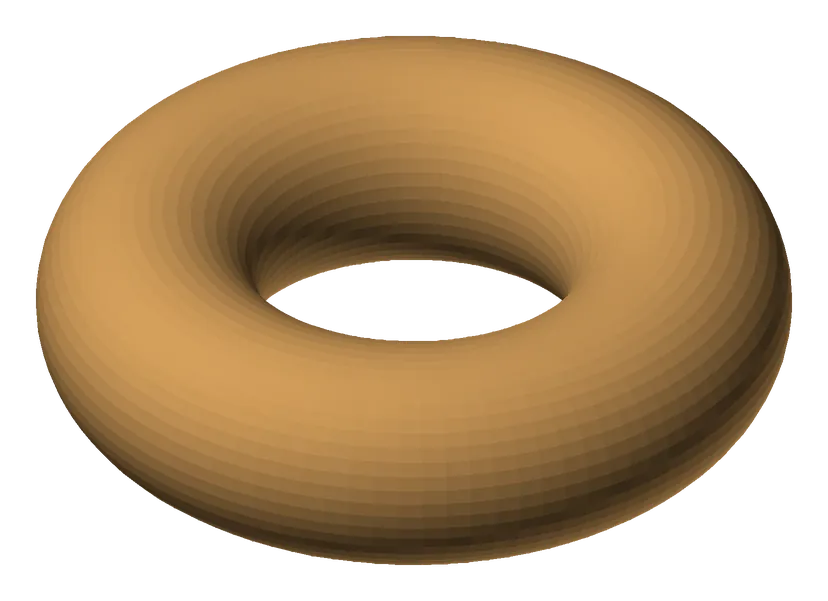
harbour-lane-doughnut.ply
harbour-lane-doughnut.stl
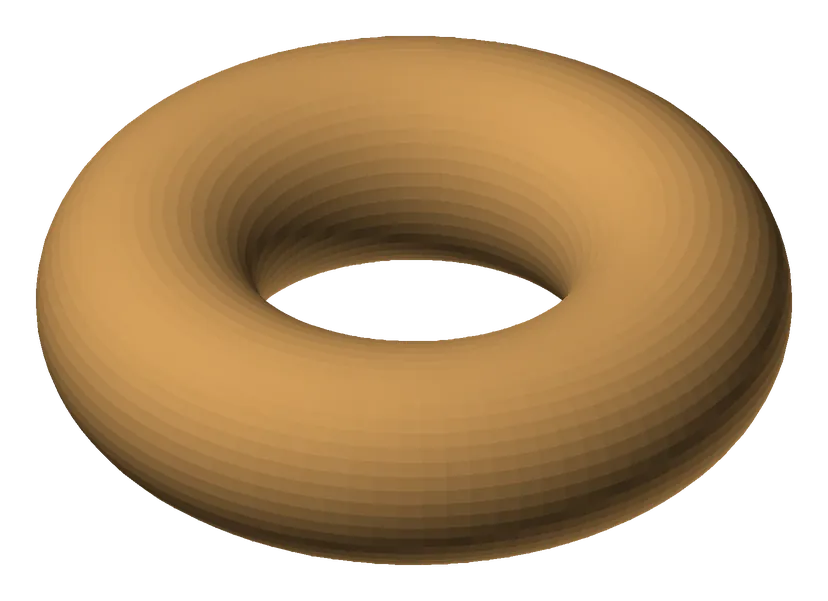
Previews show the sample files from this recorded conversion. Choose Input or Result to focus on one file.
View The Original Run Capture
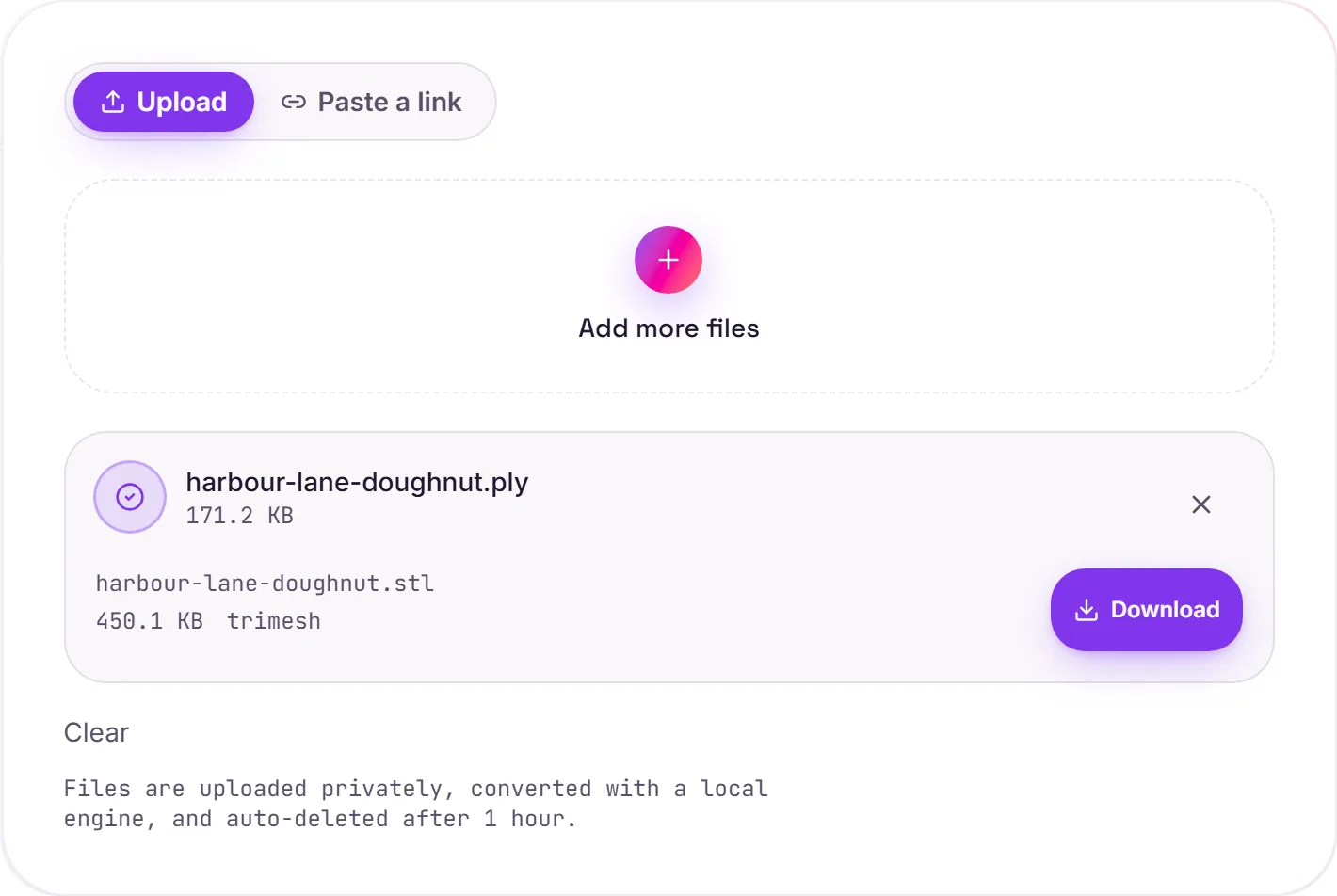
A screenshot of the completed run, preserved in its original theme. The comparison above adapts to your current theme.
PLY to STL: from scan to printable
PLY is the format 3D scanners and photogrammetry tools love. It can store per-vertex colour alongside the mesh, which suits captured, real-world models. STL is what 3D-printing slicers expect: pure geometry. Converting a scanned PLY to STL is the step that takes it from a capture to something you can actually print.
What carries over
The surface transfers at the same size and position. Faces with four corners are split into triangles, the only shape STL stores, and PLY's per vertex colour is dropped, since STL has no concept of colour. A printer does not use colour from an STL anyway, so for printing that is no loss.
Scanned meshes need a check
Raw scans are often not watertight: holes, stray points or non-manifold edges are common. Before printing, run the model through a repair tool like MeshLab or Meshmixer to close holes and clean it up, and the slicer will thank you.
How it works
- 01
Upload your PLY
Drop an ASCII or binary PLY mesh, or pick one from your device. Private by default.
- 02
Convert with trimesh
trimesh reads the mesh, splits any four sided faces into triangles and writes a binary STL. No paid API in the loop.
- 03
Download
Grab your STL.
Same size and position: coordinates are not rescaled or moved
Faces become triangles, the only shape STL stores
Watertight meshes stay watertight
Private uploads, auto-deleted after 1 hour
No watermark, no signup to try
Free and open-source engine (trimesh)
PLY to STL
This converts the 3D geometry from PLY to STL. Vertices and faces carry over; support for colour, materials and textures depends on the target: STL keeps more scene data.
Common questions
Is it free?+
Yes. Convert PLY to STL free. No signup and no watermark. Free covers 10 server conversions a day, up to 100 MB a file. Pro removes the daily limit and raises the file limit to 2 GB.
Is my model private?+
Uploads go to a private bucket, are converted, and auto-delete after 1 hour. Files never touch a third-party converter.
Is the geometry changed?+
The shape and size are not. Coordinates come through unchanged, so a part that was 10 by 20 by 30 mm in the PLY is 10 by 20 by 30 mm in the STL. Two things do change, because STL can only hold triangles: four sided (quad) faces are split into two triangles each, and shared vertices are written out per triangle. In our test a box of 6 quad faces came back as 12 triangles, still watertight. Multi part files are merged into a single mesh.
Does it keep the colours from my scan?+
No. STL has no colour, so per vertex colour in the PLY is dropped. Keep the original PLY if you need a coloured copy.
Why did my PLY fail to convert?+
Most often it is a point cloud: a PLY with points but no faces, which many scanners export before meshing. STL is made of triangles, so there is nothing to write and the conversion stops with no mesh geometry found. Build a surface first (for example Poisson reconstruction in MeshLab), save that mesh as PLY, then convert it.
Is the STL binary or ASCII?+
Binary, which is smaller than ASCII STL and opens in slicers such as Cura and PrusaSlicer.
Related conversions