Convert Excel to PDF.
Turn an XLSX spreadsheet into a PDF that prints cleanly and looks the same for everyone, perfect for invoices, reports and statements you need to send rather than edit.
Inside The Conversion
See The Input. Inspect The Result.
A real XLSX to PDF conversion using a sample file. Compare the files below, then use the converter above with your own file.
Recorded Sample
Converted on the server in this run.
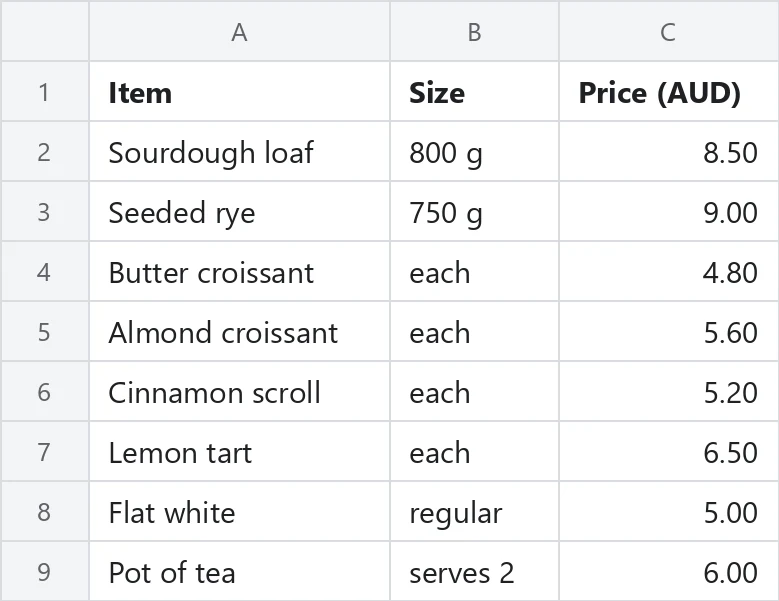
harbour-lane-price-list.xlsx
harbour-lane-price-list.pdf
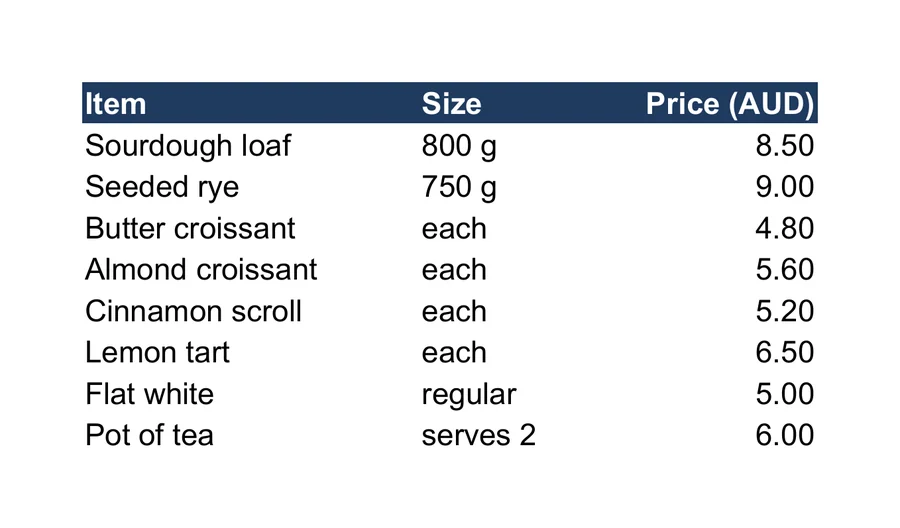
Previews show the sample files from this recorded conversion. Choose Input or Result to focus on one file.
View The Original Run Capture
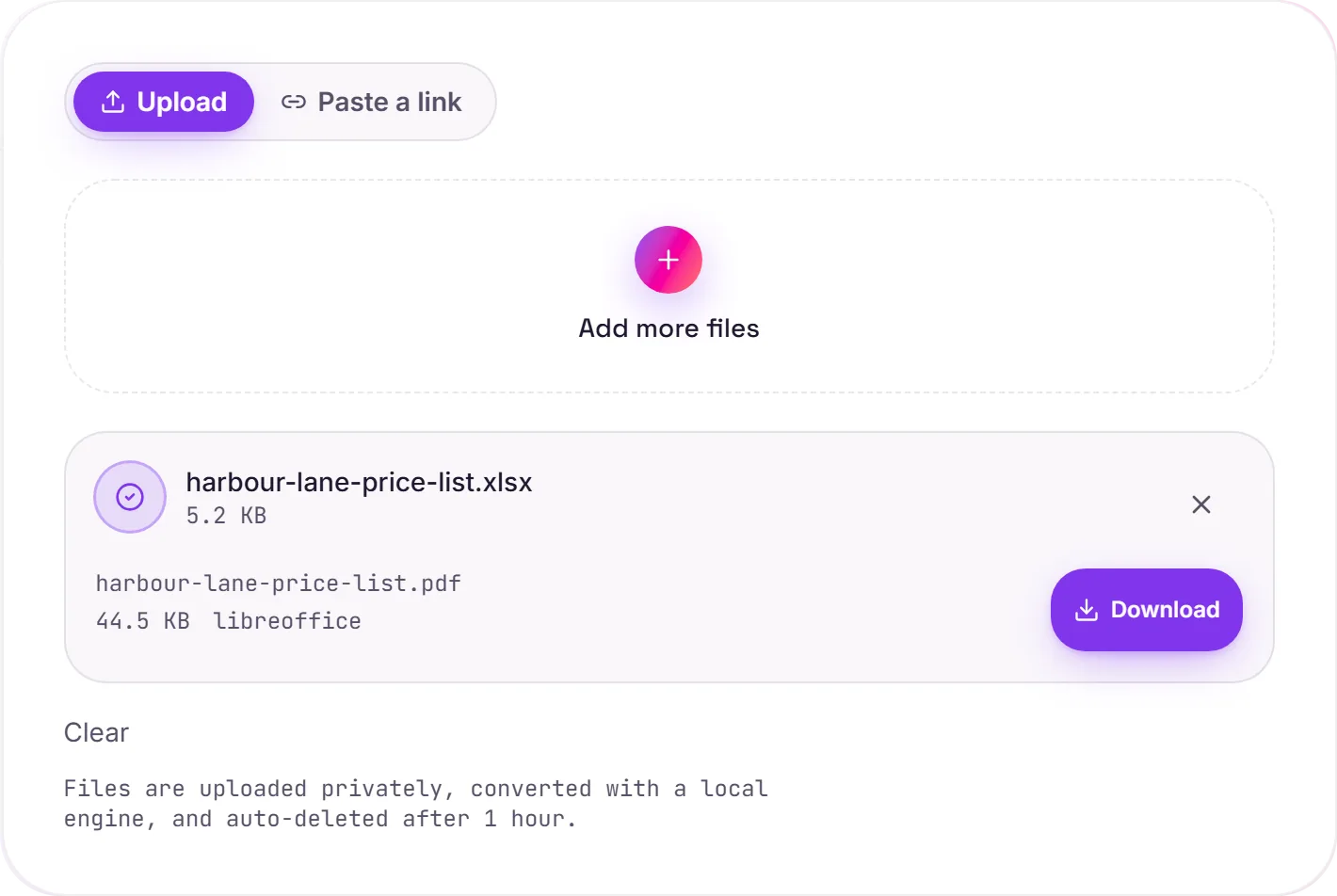
A screenshot of the completed run, preserved in its original theme. The comparison above adapts to your current theme.
When a spreadsheet needs to stop being a spreadsheet
An Excel file is a living, editable grid, great for working, awkward for sending. Email a raw XLSX and the recipient can resort it, break a formula, or simply not have a spreadsheet app. Converting to PDF turns the sheet into a fixed, professional document: an invoice that prints the same everywhere, a report nobody can accidentally edit, a statement that looks intentional.
A tip for clean output
If the PDF splits in awkward places, set a print area and a page scale in Excel before converting: "fit all columns on one page" is usually the setting you want. LibreOffice honours those choices when it renders.
How it works
- 01
Upload your XLSX
Drop your Excel file, or click to browse. Private by default.
- 02
Convert with LibreOffice
The sheet is laid out and rendered to PDF with LibreOffice, no paid API in the loop.
- 03
Download
Grab your PDF, ready to print or attach.
Clean, print-ready tables
Looks identical on every device
Opens without Excel or a spreadsheet app
Private uploads, auto-deleted after 1 hour
Free and open-source engine, no watermark
XLSX to PDF
This converts tabular data from XLSX to PDF. Values, rows and columns carry over; formulas, charts and styling generally aren't carried across, what you get is the data, cleanly structured.
Common questions
Will my columns get cut off?+
LibreOffice uses each sheet's print area and page setup, so well-laid-out spreadsheets paginate cleanly. Very wide sheets may span multiple pages. Set the print area or scaling in Excel first for the tightest result.
Does it handle old .xls files?+
Yes. Both modern .xlsx and legacy .xls are accepted.
Is it free?+
Yes. Convert Excel to PDF free. No signup and no watermark. Free covers 10 server conversions a day, up to 100 MB a file. Pro removes the daily limit and raises the file limit to 2 GB.
Is my file private?+
Uploads go to a private bucket, are converted, and auto-delete after 1 hour. Files never touch a third-party converter.