Convert OGG to MP3.
Turn OGG Vorbis audio into MP3 for apps and devices that don't support OGG.
Inside The Conversion
See The Input. Inspect The Result.
A real OGG to MP3 conversion using a sample file. Compare the files below, then use the converter above with your own file.
Recorded Sample
Converted on the server in this run.
gymnopedie-no-1.ogg
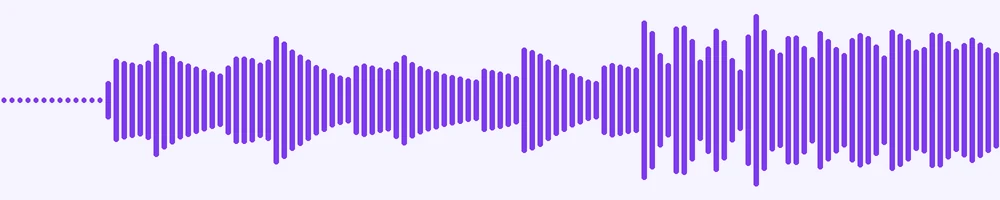
Waveform Preview, 20 s of audio
gymnopedie-no-1.mp3
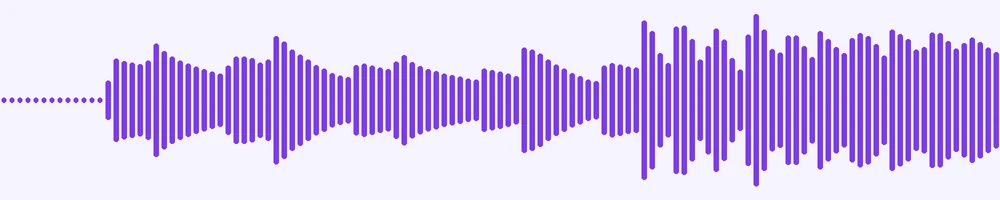
Waveform Preview, 20 s of audio
Previews show the sample files from this recorded conversion. Choose Input or Result to focus on one file.
View The Original Run Capture
A screenshot of the completed run, preserved in its original theme. The comparison above adapts to your current theme.

Why OGG often needs converting
OGG Vorbis is a free, open audio codec with genuinely good quality. It's used by video games, Spotify's streaming and Wikipedia's audio clips. Its weakness is reach: a lot of phones, car stereos and everyday apps simply won't play an .ogg file. MP3 plays on all of them, which is usually why people convert.
Quality
OGG and MP3 are both lossy, so this is a re-encode between compressed formats. At a high bitrate the result is faithful, for casual listening and speech you won't hear the difference.
Common cases
Extracting a track ripped from a game, or sharing an OGG with someone whose player can't open it, are the typical reasons, and once it's an MP3 you can transcribe it too if it's speech.
How it works
- 01
Add your OGG
Drop one or many files, or click to browse. Private by default.
- 02
Convert with a local engine
OGG becomes MP3 with ffmpeg, no paid API in the loop.
- 03
Download or transcribe
Grab your MP3 (or a zip of many), or send it to TranscriptAI for a transcript.
High-bitrate, faithful audio
Private uploads, auto-deleted after 1 hour
Batch convert many at once, download as a zip
No watermark, no signup to try
Transcript-ready output
Direct handoff to TranscriptAI
OGG to MP3: re-encoded
MP3 is a compressed, lossy audio format, so this re-encodes the sound and the file gets smaller. Every lossy re-encode sheds a little quality, so convert from the best source you have rather than chaining conversions.
Need more than a conversion?
Send your audio or video to TranscriptAI to generate a transcript, summary, structured notes, flashcards, quiz questions or action items: automatically.
Common questions
Is it free?+
Yes. Convert OGG to MP3 free, with no signup.
Is my file private?+
Uploads go to a private bucket, are converted, and auto-delete after 1 hour.
What bitrate?+
We re-encode at a high MP3 bitrate for faithful quality.