Convert DOCX to PDF.
Turn a Word document into a PDF that looks the same for every reader, so your CV, contract or letter arrives as a fixed page. Fonts our converter has carry over; see below for the ones it may not have.
Inside The Conversion
See The Input. Inspect The Result.
A real DOCX to PDF conversion using a sample file. Compare the files below, then use the converter above with your own file.
Recorded Sample
Converted on the server in this run.
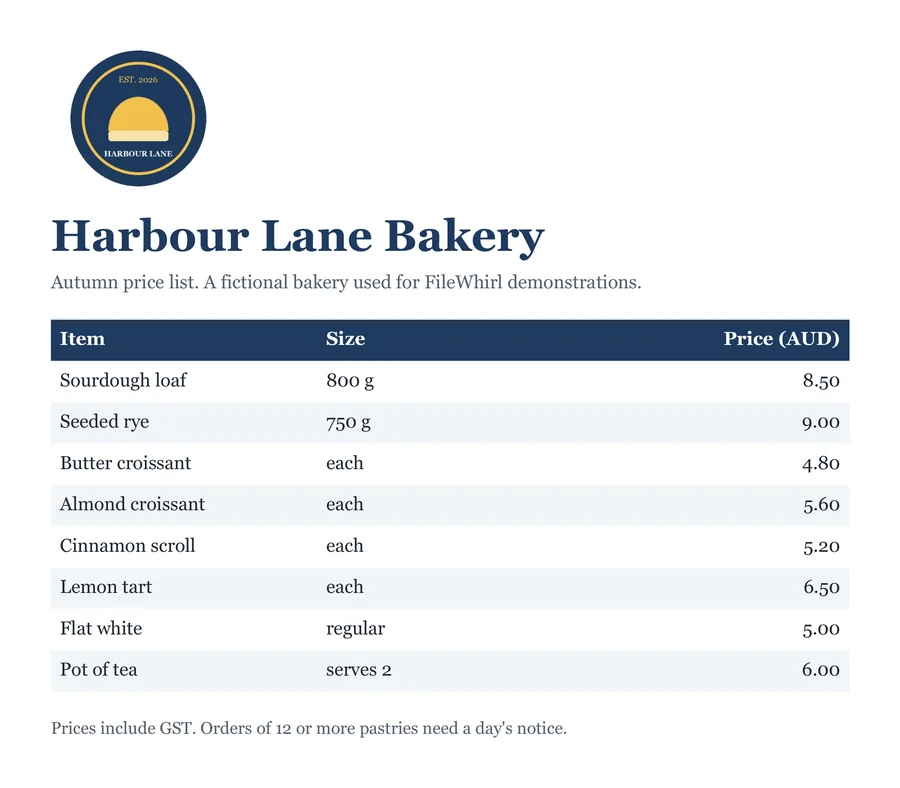
harbour-lane-price-list.docx
harbour-lane-price-list.pdf
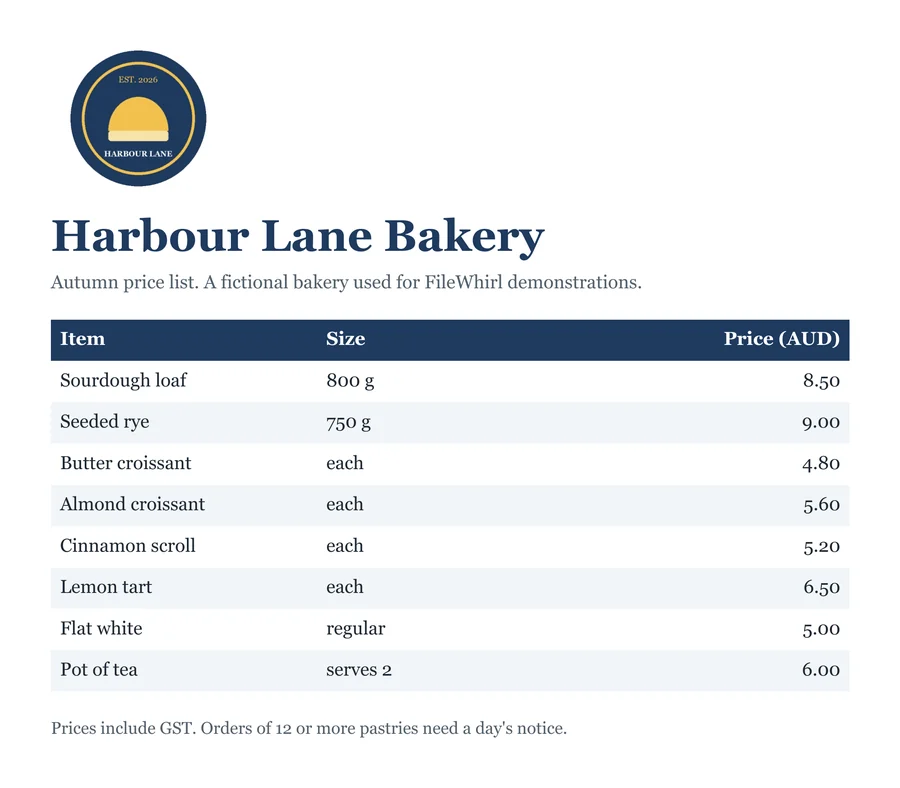
Previews show the sample files from this recorded conversion. Choose Input or Result to focus on one file.
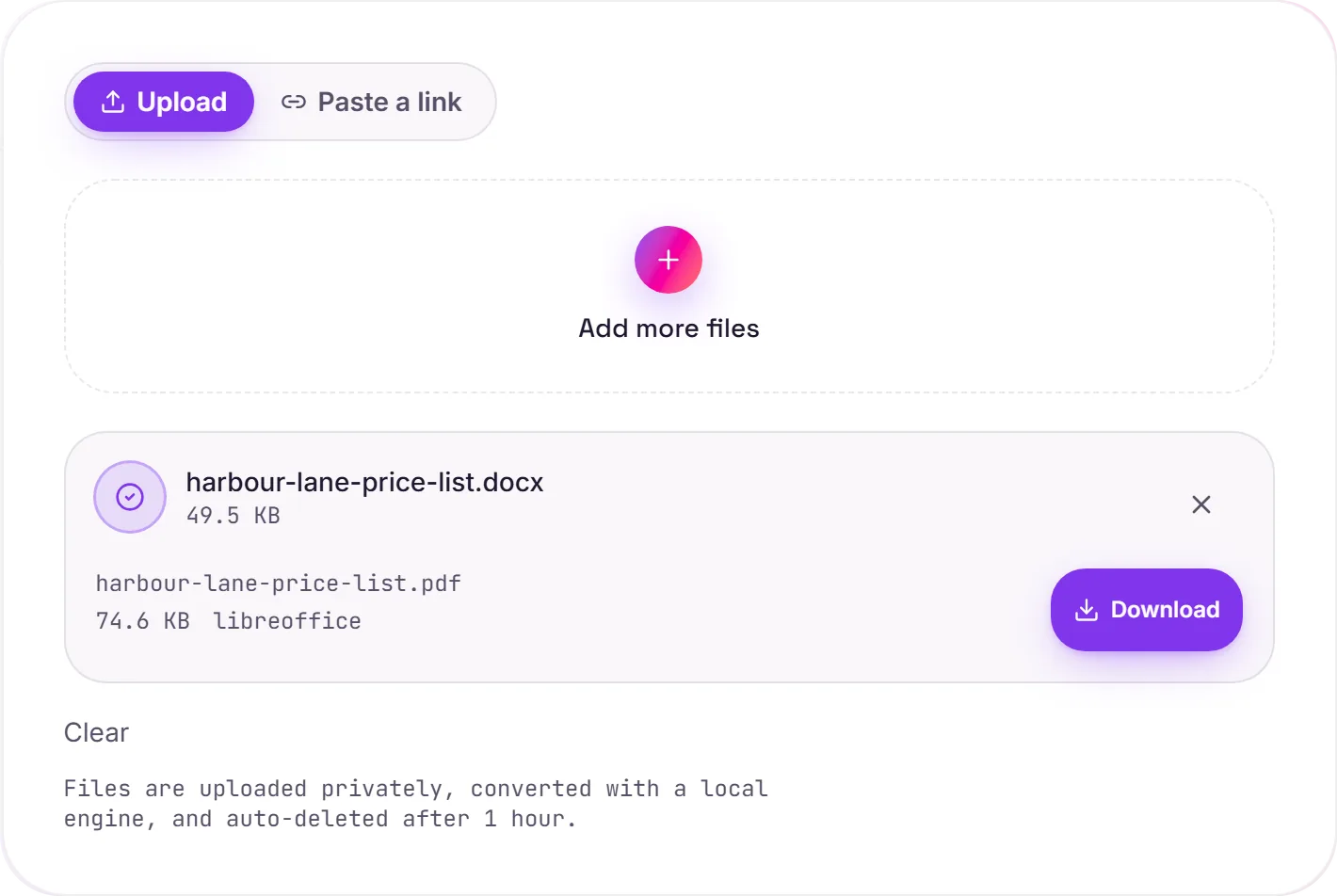
View The Original Run Capture
A screenshot of the completed run, preserved in its original theme. The comparison above adapts to your current theme.
The format you send, not the one you edit
DOCX is built for writing, which is exactly why it's the wrong thing to send. Open someone's Word file without their fonts and the page reflows; open it on a phone and the layout drifts; open it in a different version of Word and the spacing shifts. A PDF freezes the document so a CV looks like a CV and a contract's clauses don't move around.
CVs, contracts, cover letters
These are the documents where presentation matters most, and where "it looked fine on my machine" isn't good enough. Converting to PDF is the standard final step before anything important leaves your hands.
Need to go the other way?
If you've been sent a PDF you need to edit, PDF to Word turns it back into an editable document.
How it works
- 01
Upload your DOCX
Drop your Word file, or click to browse. Private by default.
- 02
Convert with LibreOffice
The document is rendered to PDF with LibreOffice, no paid API in the loop.
- 03
Download
Grab your PDF, ready to send or print.
Page breaks and spacing fixed in place
Looks identical on every device
Ideal for CVs, contracts and letters
Private uploads, auto-deleted after 1 hour
Free and open-source engine, no watermark
DOCX to PDF
Your DOCX is rendered to a fixed-layout PDF with fonts embedded, so it looks the same on any device and can't be accidentally reflowed. Unusual fonts may shift a little, worth a glance if exact layout matters.
Common questions
Will the formatting stay the same?+
LibreOffice renders the document and embeds the result, so layout and common fonts carry over, and the PDF then displays the same everywhere. A font the converter does not have is swapped for a similar one: see the next question.
Why do fonts change?+
A PDF can only use fonts the converter has. Common fonts such as Calibri, Arial and Times New Roman came through as themselves in our test. Aptos (the default font in newer versions of Office) and downloaded fonts are not on our converter, so that text is drawn in a similar substitute font and line breaks can move. To avoid it, turn on Embed fonts in the file in your Office save options before uploading, or export to PDF from Word itself.
Does it work with old .doc files?+
Yes. Both modern .docx and legacy .doc are accepted.
Is it free?+
Yes. Convert DOCX to PDF free. No signup and no watermark. Free covers 10 server conversions a day, up to 100 MB a file. Pro removes the daily limit and raises the file limit to 2 GB.
Is my file private?+
Uploads go to a private bucket, are converted, and auto-delete after 1 hour. Files never touch a third-party converter.