Convert PPS to PDF.
A .pps or .ppsx file is a PowerPoint Show. It launches straight into a slideshow, and won't open at all without PowerPoint. Turn it into a PDF anyone can read, print or attach.
Inside The Conversion
See The Input. Inspect The Result.
A real PPS to PDF conversion using a sample file. Compare the files below, then use the converter above with your own file.
Recorded Sample
Converted on the server in this run.
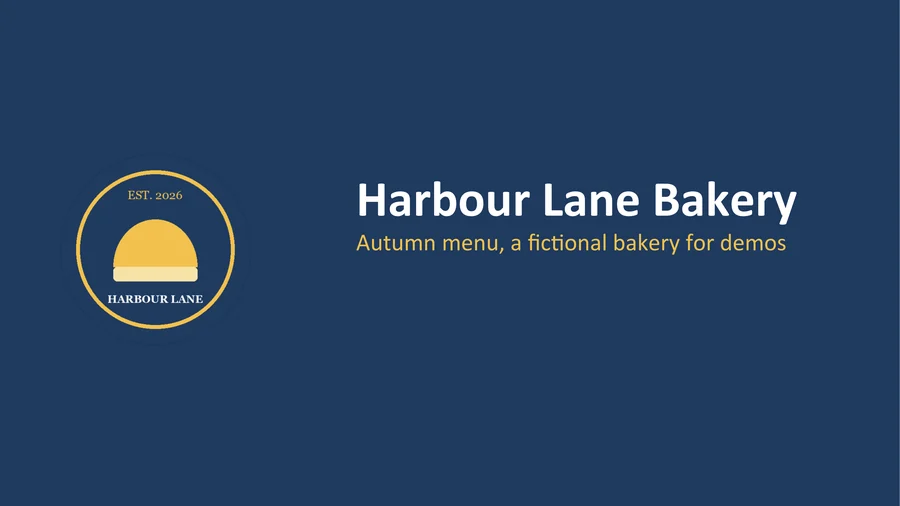
harbour-lane-price-list.pps
harbour-lane-price-list.pdf
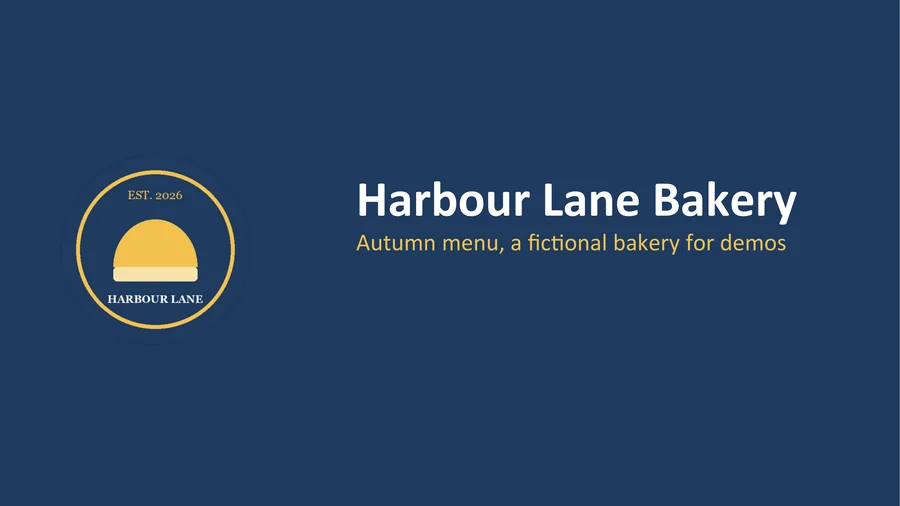
Previews show the sample files from this recorded conversion. Choose Input or Result to focus on one file.
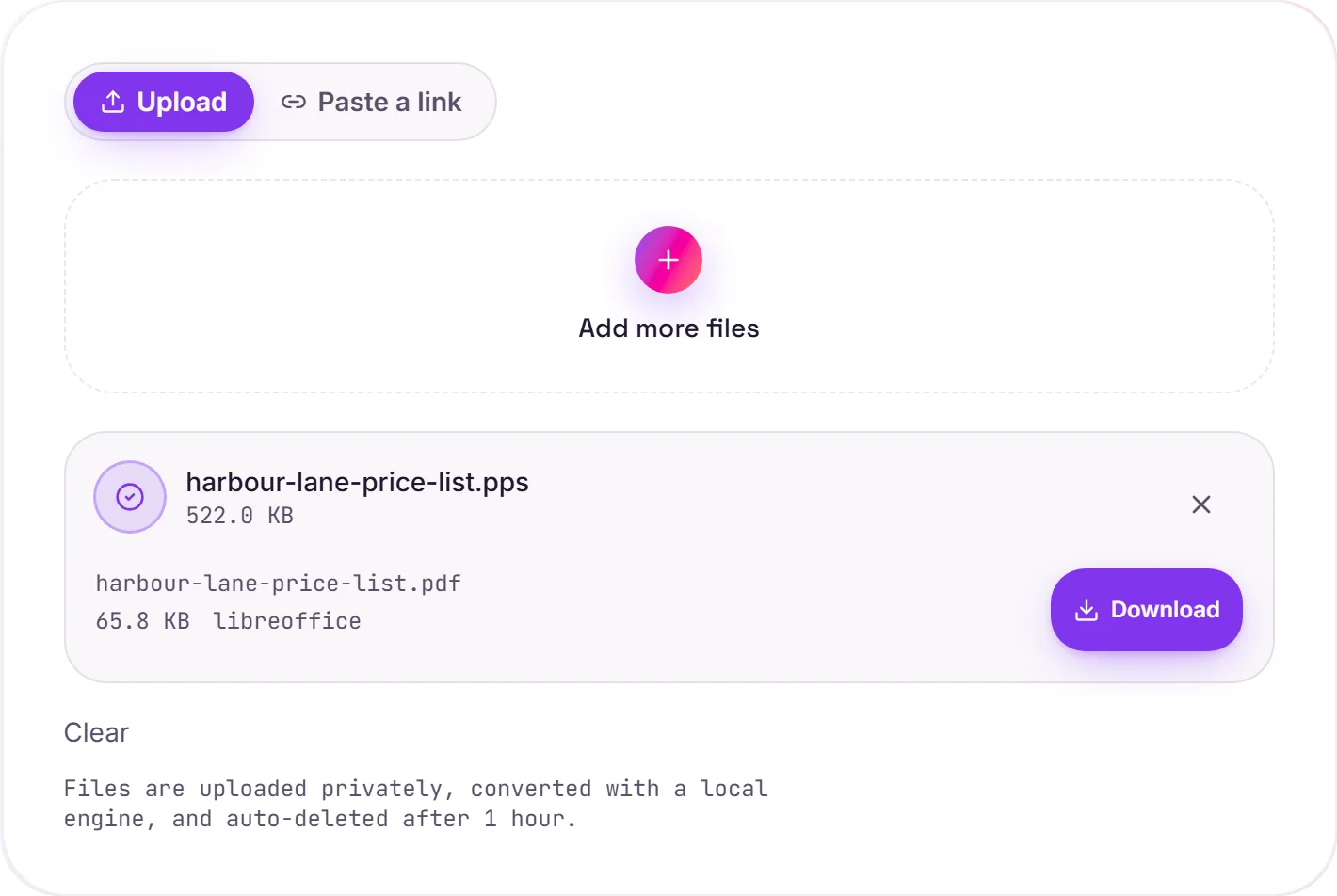
View The Original Run Capture
A screenshot of the completed run, preserved in its original theme. The comparison above adapts to your current theme.
The slideshow that won't open
Someone emails you a .pps (or the newer .ppsx) and your computer just shrugs. It's a "PowerPoint Show". The exact same deck as a .ppt/.pptx, but saved to launch straight into full-screen presentation mode. Without PowerPoint installed, there's nothing to launch it with. Converting to PDF sidesteps all of that: you get a normal document, one page per slide, that opens on anything.
Read now, edit later
PDF is the right call when you just need to see the deck: review it, print a handout, or forward it. If you actually need to change the slides, convert to PPTX instead and open it in any modern slides app.
How it works
- 01
Upload your PPS
Drop a .pps or .ppsx file, or click to browse. Private by default.
- 02
Convert with LibreOffice
Each slide is rendered to a PDF page with LibreOffice, no paid API in the loop.
- 03
Download
Grab your PDF, one page per slide, ready to share.
Opens the auto-play PowerPoint Show format
One clean PDF page per slide
Readable on any device, no PowerPoint needed
Private uploads, auto-deleted after 1 hour
Free and open-source engine, no watermark
PPS to PDF
Your PPS is rendered to a fixed-layout PDF with fonts embedded, so it looks the same on any device and can't be accidentally reflowed. Unusual fonts may shift a little, worth a glance if exact layout matters.
Common questions
What's the difference between PPS and PPTX?+
They hold the same slides, a .pps/.ppsx just opens directly in presentation mode instead of the editor. That's convenient if you have PowerPoint and confusing if you don't, which is why a PDF is often easier to share.
Is it free?+
Yes. Convert PPS to PDF free. No signup and no watermark. Free covers 10 server conversions a day, up to 100 MB a file. Pro removes the daily limit and raises the file limit to 2 GB.
Is my file private?+
Uploads go to a private bucket, are converted, and auto-delete after 1 hour. Files never touch a third-party converter.
Can I get the editable slides back?+
If you need to edit rather than read, convert to PPTX instead, then open it in PowerPoint, Keynote or Google Slides.