Convert TIFF to PDF.
Turn a TIFF scan or fax into a PDF with a searchable OCR text layer. The format scanners and archives love, made shareable, printable and selectable.
Inside The Conversion
See The Input. Inspect The Result.
A real TIFF to PDF conversion using a sample file. Compare the files below, then use the converter above with your own file.
Recorded Sample
Converted on the server in this run.
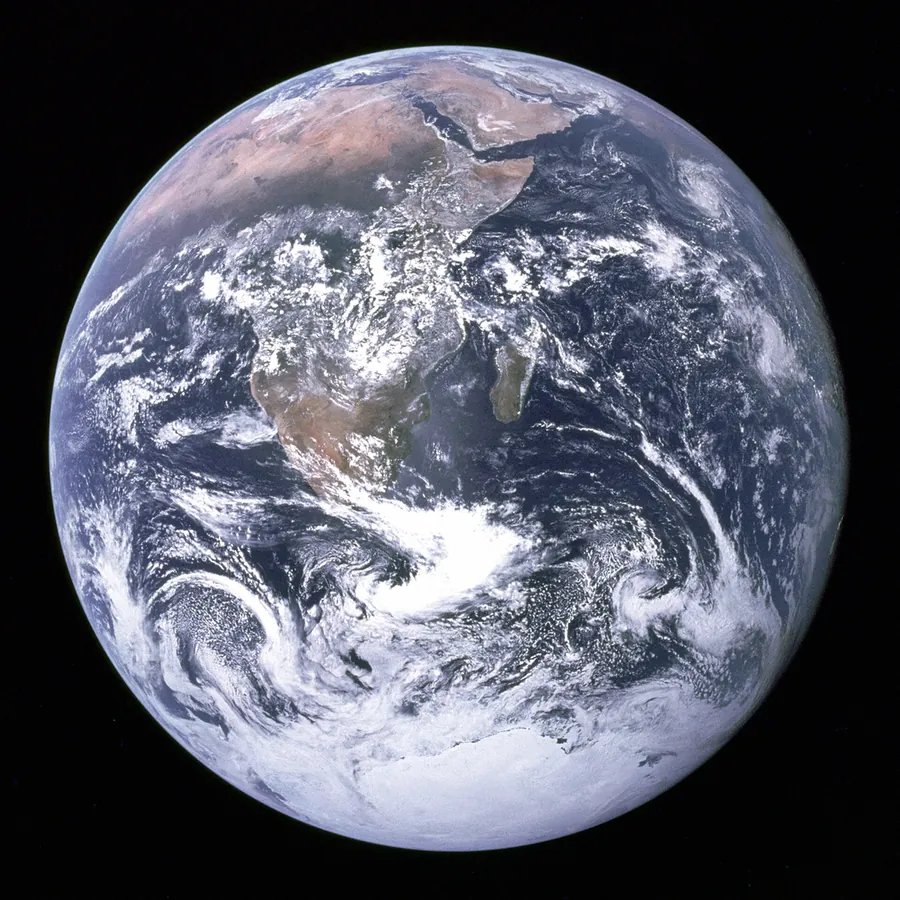
blue-marble-apollo-17.tiff
blue-marble-apollo-17.pdf
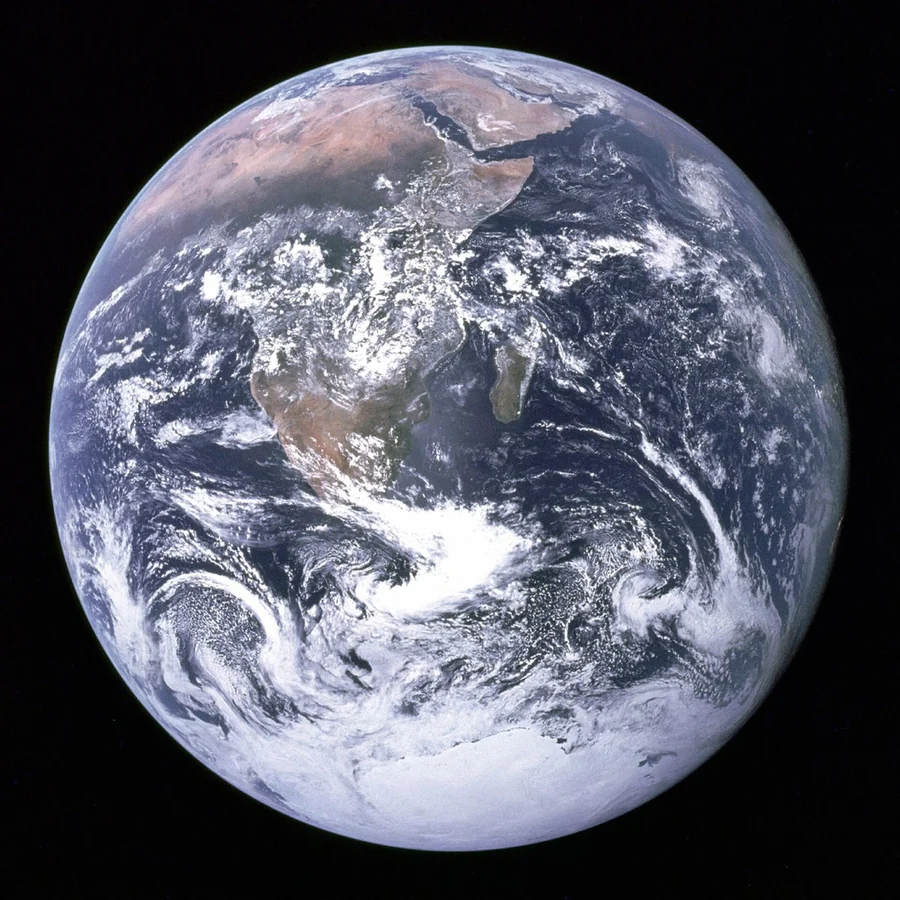
Previews show the sample files from this recorded conversion. Choose Input or Result to focus on one file.
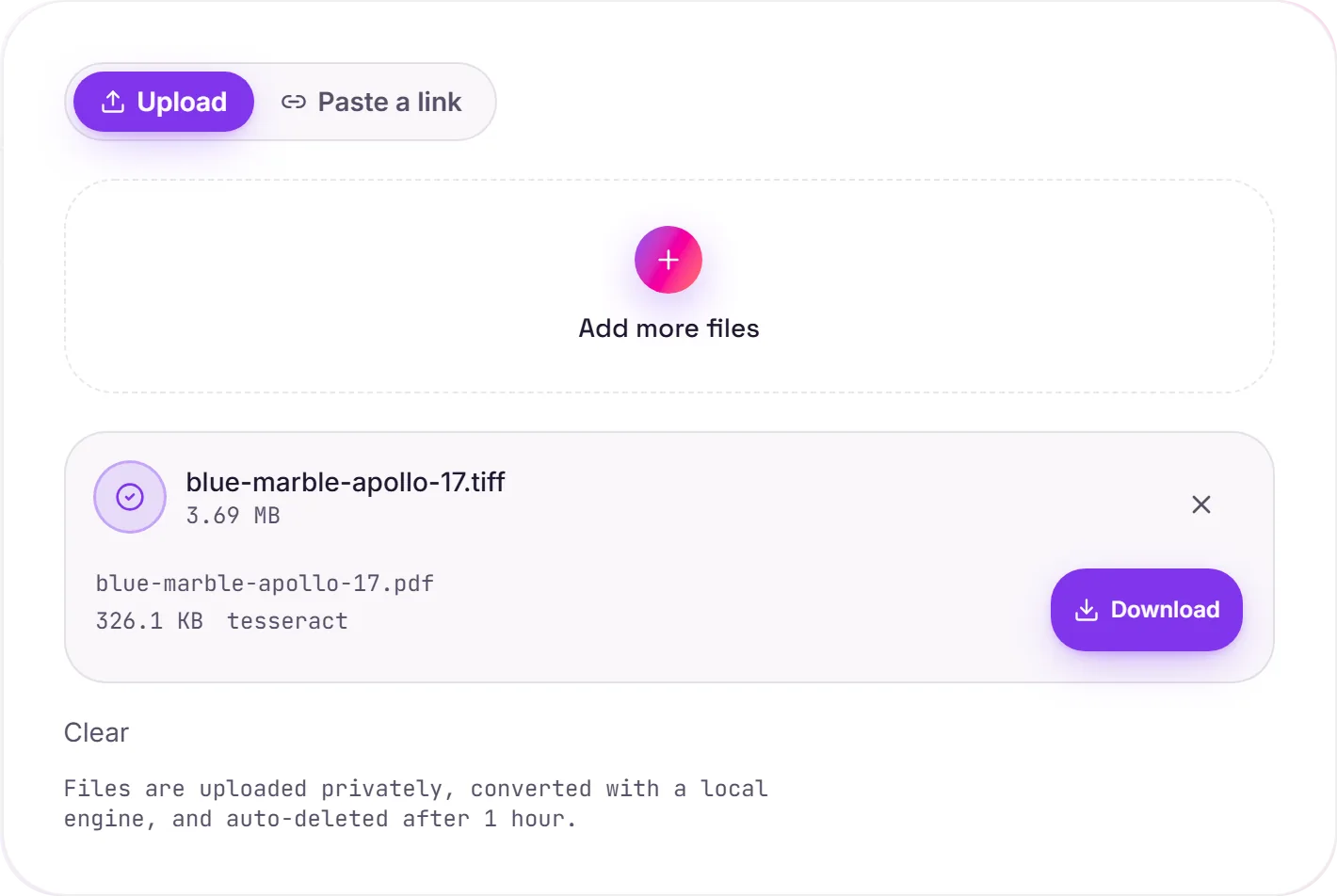
View The Original Run Capture
A screenshot of the completed run, preserved in its original theme. The comparison above adapts to your current theme.
TIFF to a searchable PDF
TIFF is the format scanners, fax machines and archives reach for, high quality and lossless, but awkward to share, since many viewers and phones can't open a .tiff. Converting to PDF makes the document open everywhere, and OCR adds an invisible text layer so the scan becomes searchable and the text selectable.
Multi-page scans
A single TIFF can hold many pages, common for faxes and bulk scans, and those come through as a proper multi-page PDF, in order, rather than separate files.
About the OCR
Clean, straight scans read very accurately; faint, skewed or low-resolution pages are harder and may contain the odd recognition error. That's the nature of OCR. If you only need the raw text rather than a formatted document, PDF to text pulls it straight out.
How it works
- 01
Upload your TIFF
Drop a scan or fax (.tiff/.tif) or pick one from your device. Private by default.
- 02
Read with OCR
Tesseract, a best-in-class open-source OCR engine, reads the text, no paid API in the loop.
- 03
Download
Grab your PDF.
Built for scanned and faxed documents
Searchable, selectable text via Tesseract 5 OCR
Private uploads, auto-deleted after 1 hour
No watermark, no signup to try
Free and open-source engine
What you get from TIFF to PDF
Your TIFF is uploaded and placed onto a PDF page at full resolution on our servers, so it prints and shares cleanly. Where the image holds text, a Tesseract OCR pass adds a searchable, selectable layer underneath. The picture itself is unchanged.
Common questions
Is it free?+
Yes. Convert TIFF to PDF free. No signup and no watermark. Free covers 10 server conversions a day, up to 100 MB a file. Pro removes the daily limit and raises the file limit to 2 GB.
Why convert TIFF to PDF?+
TIFF is great for scanners and archives but awkward to share. Many viewers and phones can't open it. A PDF opens everywhere and stays high quality.
Will the text be selectable?+
Yes. Any text in the scan is read with Tesseract OCR and added as an invisible, selectable layer over the page, so the PDF is searchable.