Convert WMA to MP3.
WMA is Microsoft's old audio format, fine on a Windows PC, awkward everywhere else. Convert it to MP3 so it plays on your phone, in the car, and in every app you own.
Inside The Conversion
See The Input. Inspect The Result.
A real WMA to MP3 conversion using a sample file. Compare the files below, then use the converter above with your own file.
Recorded Sample
Converted on the server in this run.
gymnopedie-no-1.wma
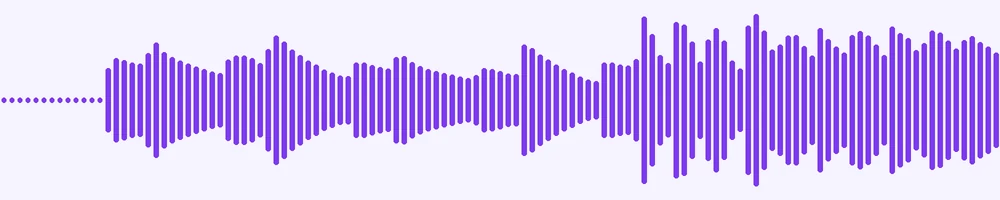
Waveform Preview, 20 s of audio
gymnopedie-no-1.mp3
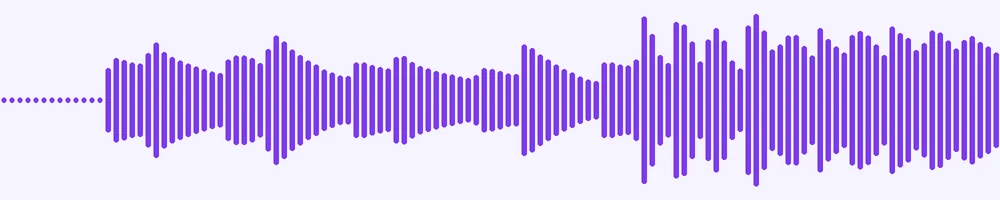
Waveform Preview, 20 s of audio
Previews show the sample files from this recorded conversion. Choose Input or Result to focus on one file.
View The Original Run Capture
A screenshot of the completed run, preserved in its original theme. The comparison above adapts to your current theme.
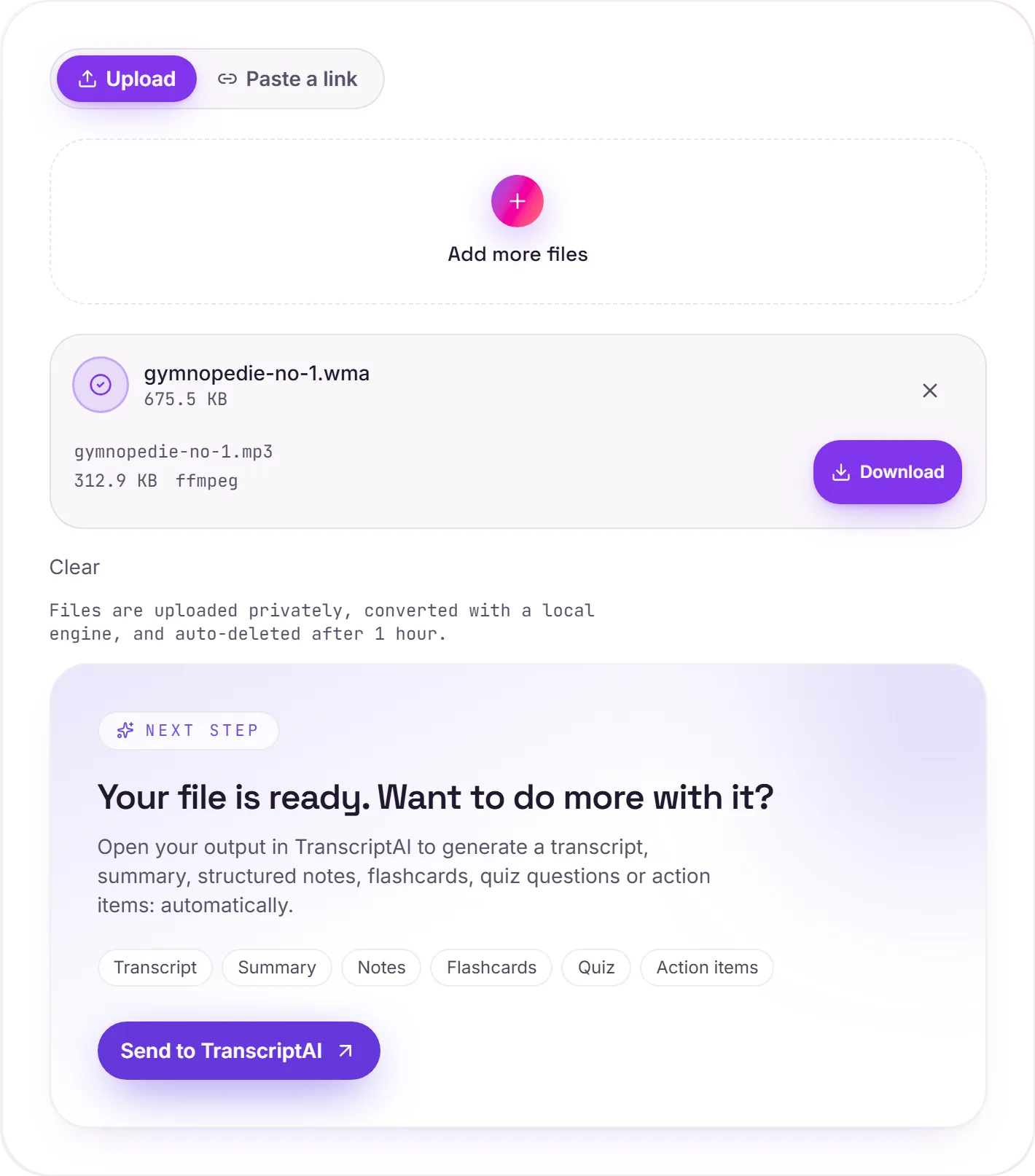
A format from the Windows Media era
.wma was everywhere when Windows Media Player ruled the desktop: ripped CDs, downloaded tracks, old voice recordings. It still plays fine on Windows, but the moment a file lands on a phone, a Mac, or a car's USB port, it tends to go quiet. MP3 is the universal default that just works.
Rescue an old library
If you've got a folder of WMA tracks from years ago, batch-convert the lot to MP3 in one go and download them back as a zip, a tidy way to move an old music collection onto modern devices.
How it works
- 01
Add your WMA
Drop one or many .wma files, or click to browse. Private by default.
- 02
Convert with a local engine
WMA becomes MP3 with ffmpeg, no paid API in the loop.
- 03
Download or transcribe
Grab your MP3, or send it to TranscriptAI for a transcript.
Plays on every phone, car stereo and app
High-bitrate, faithful audio
Private uploads, auto-deleted after 1 hour
Batch convert a whole music folder at once
No watermark, no signup to try
Transcript-ready output
WMA to MP3: re-encoded
MP3 is a compressed, lossy audio format, so this re-encodes the sound and the file gets smaller. Every lossy re-encode sheds a little quality, so convert from the best source you have rather than chaining conversions.
Need more than a conversion?
Send your audio or video to TranscriptAI to generate a transcript, summary, structured notes, flashcards, quiz questions or action items: automatically.
Common questions
Why won't my WMA play on my phone?+
WMA is a Microsoft format that Windows handles natively but iPhones, many Android players and car stereos don't. MP3 plays on essentially everything, so converting fixes the compatibility once and for all.
Is it free?+
Yes. Convert WMA to MP3 free. No signup and no watermark. Free covers 10 server conversions a day, up to 100 MB a file. Pro removes the daily limit and raises the file limit to 2 GB.
Is my file private?+
Uploads go to a private bucket, are converted, and auto-delete after 1 hour. Files never touch a third-party converter.
Will quality drop?+
Both are lossy, so this is a re-encode, but at a high bitrate the difference is inaudible for music and speech.