Convert MP4 to GIF.
Turn an MP4 video into a high-quality animated GIF. Two-pass palette rendering keeps colors clean and crisp.
Inside The Conversion
See The Input. Inspect The Result.
A real MP4 to GIF conversion using a sample file. Compare the files below, then use the converter above with your own file.
Recorded Sample
Converted on the server in this run.
earthrise-apollo-8.mp4
earthrise-apollo-8.gif
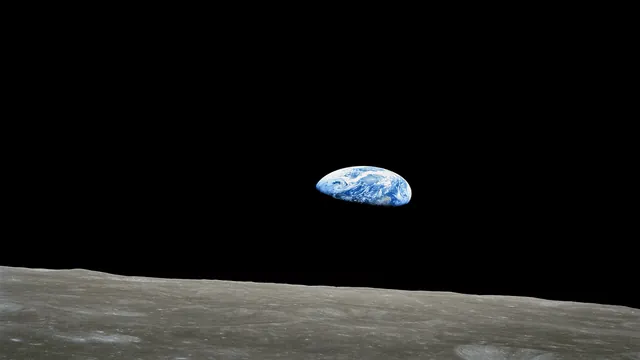
Previews show the sample files from this recorded conversion. Choose Input or Result to focus on one file.
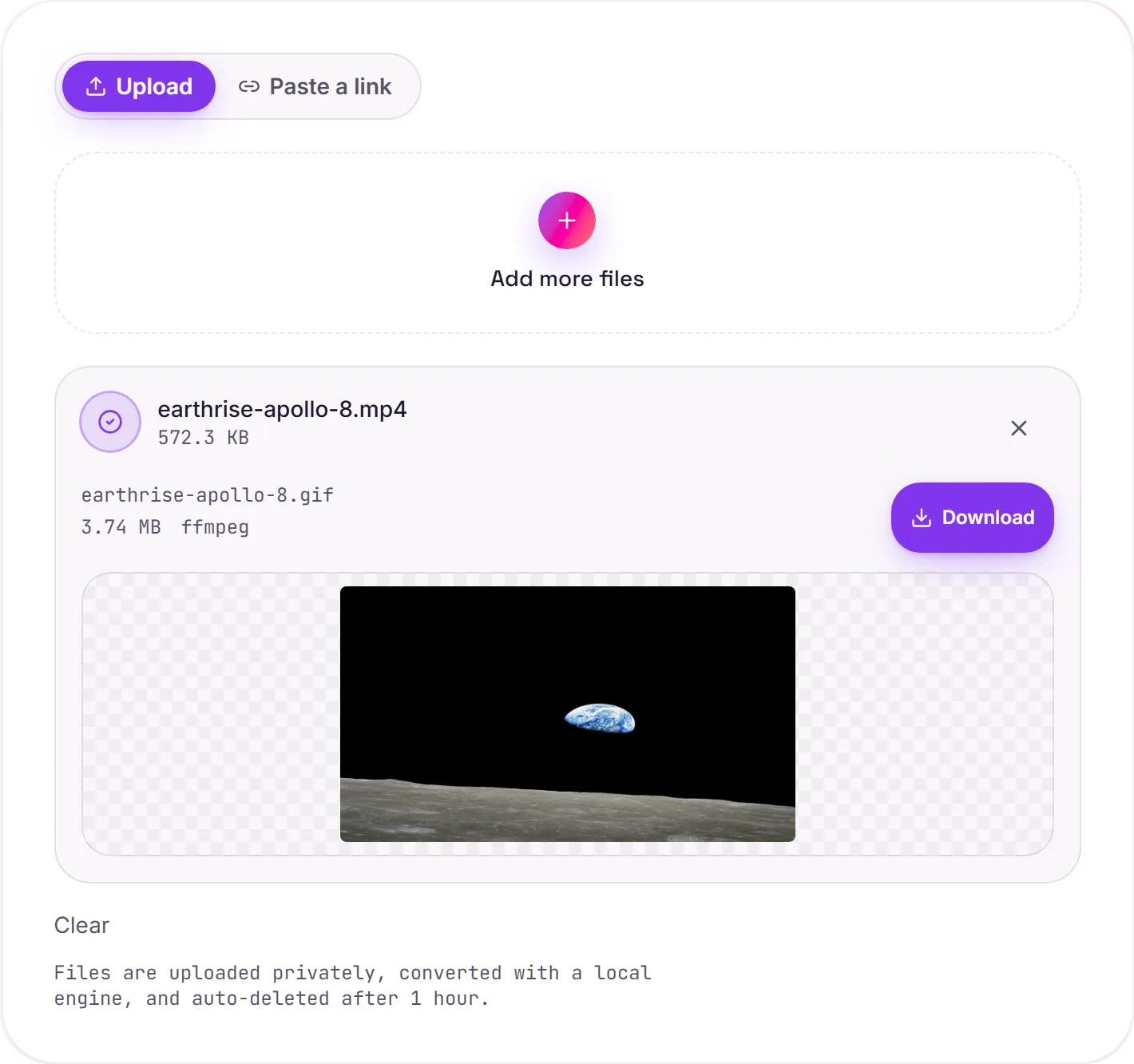
View The Original Run Capture
A screenshot of the completed run, preserved in its original theme. The comparison above adapts to your current theme.
When a GIF is the right call
A GIF's superpower is that it autoplays, loops and embeds in places a video won't, a chat box, a doc, an email, or a GitHub README where you want a short demo to just play. For a quick reaction clip or a UI walkthrough, that drop-anywhere behaviour is exactly what you want.
Keep it short
GIFs are an inefficient way to store video, a few seconds is fine, but a long clip balloons in size fast. If the destination can play video, an MP4 is dramatically smaller and smoother; only reach for GIF when you specifically need that looping-image behaviour.
About the colour
GIF is limited to 256 colours per frame, so naive conversion can look banded. Building a custom palette from the video first. The two-pass approach used here: keeps gradients and skin tones looking clean. Changed your mind? GIF to MP4 goes the other way for a far smaller file.
How it works
- 01
Upload your MP4
Drop a file or pick one from your device. Private by default.
- 02
Convert with ffmpeg
ffmpeg renders GIF with palette-optimized quality, no paid API in the loop.
- 03
Download or hand off
Grab your GIF, or open it in TranscriptAI to do more.
Two-pass palette for clean GIF color
Smooth playback, optimized file size
Private uploads, auto-deleted after 1 hour
No watermark, no signup to try
Free and open-source engine (ffmpeg)
Direct handoff to TranscriptAI
MP4 to GIF
This turns a clip into an animated GIF that auto-plays and loops almost everywhere. GIFs are capped at 256 colours and grow large fast, so short, small-dimension clips look best.
Need more than a conversion?
Send your audio or video to TranscriptAI to generate a transcript, summary, structured notes, flashcards, quiz questions or action items: automatically.
Common questions
Is it free?+
Yes. Convert MP4 to GIF free. No signup and no watermark. Free covers 10 server conversions a day, up to 100 MB a file. Pro removes the daily limit and raises the file limit to 2 GB.
Is my file private?+
Uploads go to a private bucket, are converted, and auto-delete after 1 hour. Files never touch a third-party converter.
Will the quality be good?+
Yes. Ffmpeg builds an optimal colour palette in a first pass, then applies it, so gradients and skin tones stay clean instead of banded within GIF's 256-colour limit.