Convert SRT subtitles to WebVTT.
Turn .srt captions into web-ready .vtt for HTML5 video. Converts in your browser in milliseconds, no upload, no desktop app needed.
Inside The Conversion
See The Input. Inspect The Result.
A real SRT to VTT conversion using a sample file. Compare the files below, then use the converter above with your own file.
Recorded Sample
Converted in the browser in this run.
earthrise-captions.srt
Opening Lines
1
00:00:00,500 --> 00:00:03,000
Apollo 8, December 1968.

2
00:00:03,200 --> 00:00:06,000
The first crewed flight around the Moon.

3
00:00:06,200 --> 00:00:08,000
Earth rises over the lunar horizon.
earthrise-captions.vtt
Opening Lines
WEBVTT

00:00:00.500 --> 00:00:03.000
Apollo 8, December 1968.

00:00:03.200 --> 00:00:06.000
The first crewed flight around the Moon.

00:00:06.200 --> 00:00:08.000
Earth rises over the lunar horizon.
Previews show the sample files from this recorded conversion. Choose Input or Result to focus on one file.
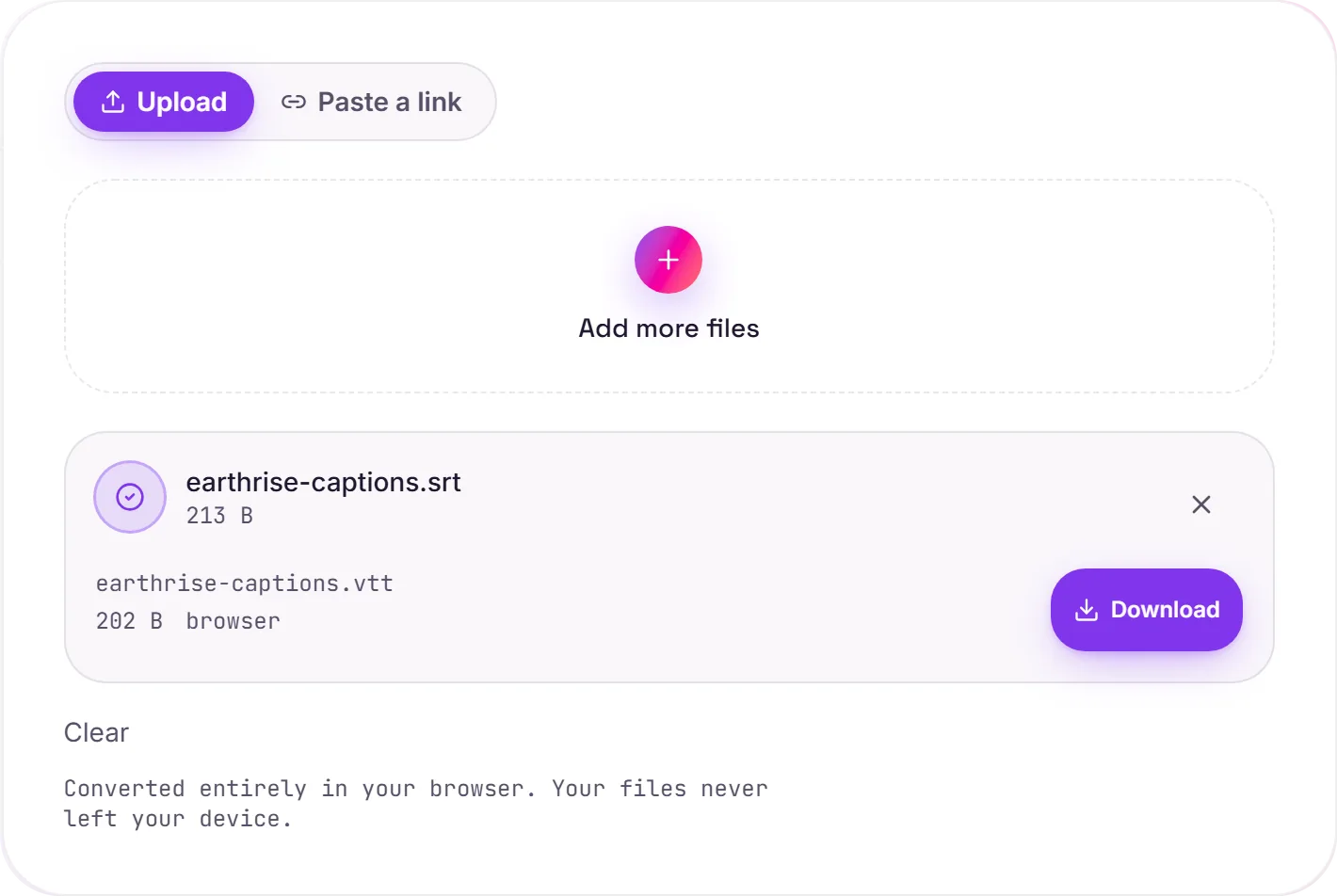
View The Original Run Capture
A screenshot of the completed run, preserved in its original theme. The comparison above adapts to your current theme.
Why WebVTT for web video
SRT is the most common subtitle format, but browsers won't load it into an HTML5 <video>. The web standard for captions is WebVTT (.vtt). It's what the <track> element expects. The two are very close (timed lines of text), so the conversion is quick and faithful; the differences are that VTT starts with a WEBVTT header, uses a dot for the millisecond separator (00:00:01.500 instead of SRT's comma), and can carry optional positioning and styling cues.
Adding captions to a video
Once you have the .vtt, point a <track> at it inside your video:
<video controls>
  <source src="clip.mp4" type="video/mp4">
  <track kind="captions" src="captions.vtt" srclang="en" label="English" default>
</video>
Private by design
Because subtitles are just text, this conversion runs entirely in your browser. The file never uploads. Only have audio or video so far? Audio to text can generate the captions first.
How it works
- 01
Choose your SRT
Drop a file or pick one from your device. Private by default.
- 02
Convert with a local engine
SRT becomes VTT using a best-in-class open engine, no paid API in the loop.
- 03
Download or hand off
Grab your VTT, or open it in TranscriptAI to do more.
Best available engine, honest about limits
Converts in your browser, never uploaded
No watermark, no signup to try
Handles large files
Transcript-ready output
Direct handoff to TranscriptAI
Need more than a conversion?
Send your audio or video to TranscriptAI to generate a transcript, summary, structured notes, flashcards, quiz questions or action items: automatically.
Common questions
Is it free?+
Yes. Convert SRT to VTT free. No signup, no watermark, no daily cap.
Is my file private?+
It runs entirely in your browser. Your file never leaves your device or touches our servers.
Will quality hold up?+
We use the strongest open engine for this route. High-bitrate, faithful output.
Related conversions