Convert XML to JSON.
Convert XML into clean JSON: attributes, text and nesting preserved so it round-trips back to valid XML.
Inside The Conversion
See The Input. Inspect The Result.
A real XML to JSON conversion using a sample file. Compare the files below, then use the converter above with your own file.
Recorded Sample
Converted in the browser in this run.
harbour-lane-price-list.xml
Opening Lines
<?xml version="1.0" encoding="UTF-8"?>
<menu bakery="Harbour Lane Bakery">
  <item><name>Sourdough loaf</name><size>800 g</size><price_aud>8.5</price_...
  <item><name>Seeded rye</name><size>750 g</size><price_aud>9.0</price_aud>...
  <item><name>Butter croissant</name><size>each</size><price_aud>4.8</price...
  <item><name>Almond croissant</name><size>each</size><price_aud>5.6</price...
  <item><name>Cinnamon scroll</name><size>each</size><price_aud>5.2</price_...
  <item><name>Lemon tart</name><size>each</size><price_aud>6.5</price_aud><...
  <item><name>Flat white</name><size>regular</size><price_aud>5.0</price_au...
  <item><name>Pot of tea</name><size>serves 2</size><price_aud>6.0</price_a...
</menu>
harbour-lane-price-list.json
Opening Lines
{
  "menu": {
    "item": [
      {
        "name": "Sourdough loaf",
        "size": "800 g",
        "price_aud": "8.5"
      },
      {
        "name": "Seeded rye",
        "size": "750 g",
        "price_aud": "9.0"
Previews show the sample files from this recorded conversion. Choose Input or Result to focus on one file.
View The Original Run Capture
A screenshot of the completed run, preserved in its original theme. The comparison above adapts to your current theme.
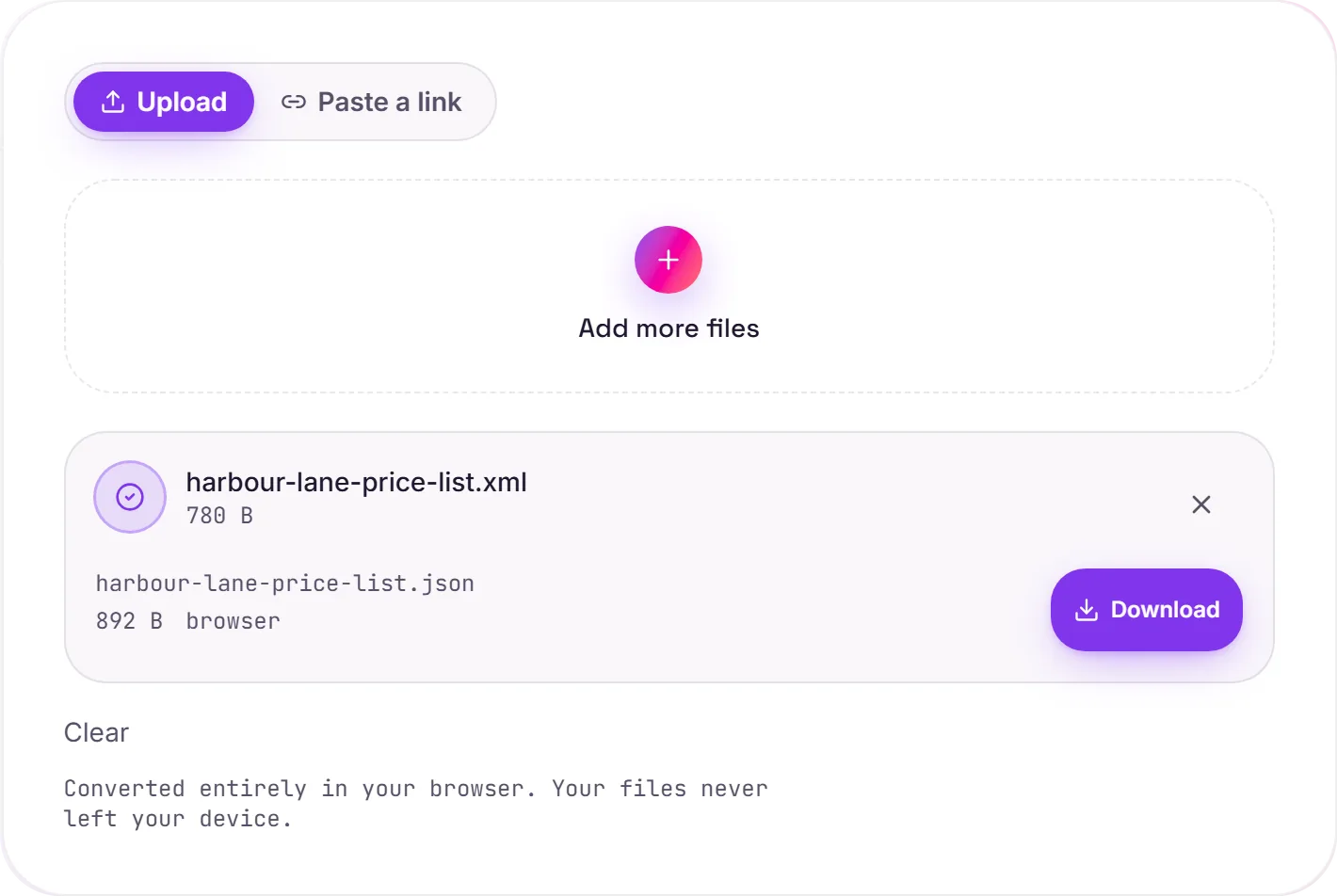
XML to JSON, with attributes preserved
XML still powers RSS feeds, sitemaps, SOAP responses and plenty of legacy config. Converting it to JSON drops it straight into modern tooling: fetch, jq, JavaScript and document databases all speak JSON natively.
How elements map
Each element becomes a key; nested elements nest; and when a tag repeats, those siblings become a JSON array. Attributes aren't thrown away. They're kept as keys prefixed with @_ (so <item id="1"> becomes "@_id": "1"), which means the result round-trips back to equivalent XML.
Worth knowing
Whitespace-only text between tags is ignored, and an element that holds both text and child elements (mixed content) is uncommon in data XML but flattens to a node with both a text value and child keys. For clean data-style XML, the mapping is lossless.
How it works
- 01
Choose your XML
Drop a file or pick one from your device. Private by default.
- 02
Convert losslessly
XML elements, attributes and text become JSON right in your browser. Nothing uploaded.
- 03
Download
Grab your JSON.
Lossless, structure-preserving conversion
Converts in your browser, never uploaded
No watermark, no signup to try
Handles large files
Free and open-source engine
XML to JSON
XML and JSON are structured-data formats. This parses your XML and re-serialises the same data as valid JSON, entirely in your browser. Nothing is uploaded. Key order and whitespace may be normalised; the data itself is preserved.
Common questions
Is it free?+
Yes. Convert XML to JSON free. No signup, no watermark, no daily cap.
Is my data private?+
It runs entirely in your browser. Your file never leaves your device or touches our servers.
Is the conversion accurate?+
Yes. We use a faithful, lossless engine. Keys, values and nesting are preserved so the output round-trips back to your source.