Convert JPG to lossless PNG.
Get a crisp, lossless PNG with transparency support. Runs instantly in your browser. Nothing leaves your device.
Inside The Conversion
See The Input. Inspect The Result.
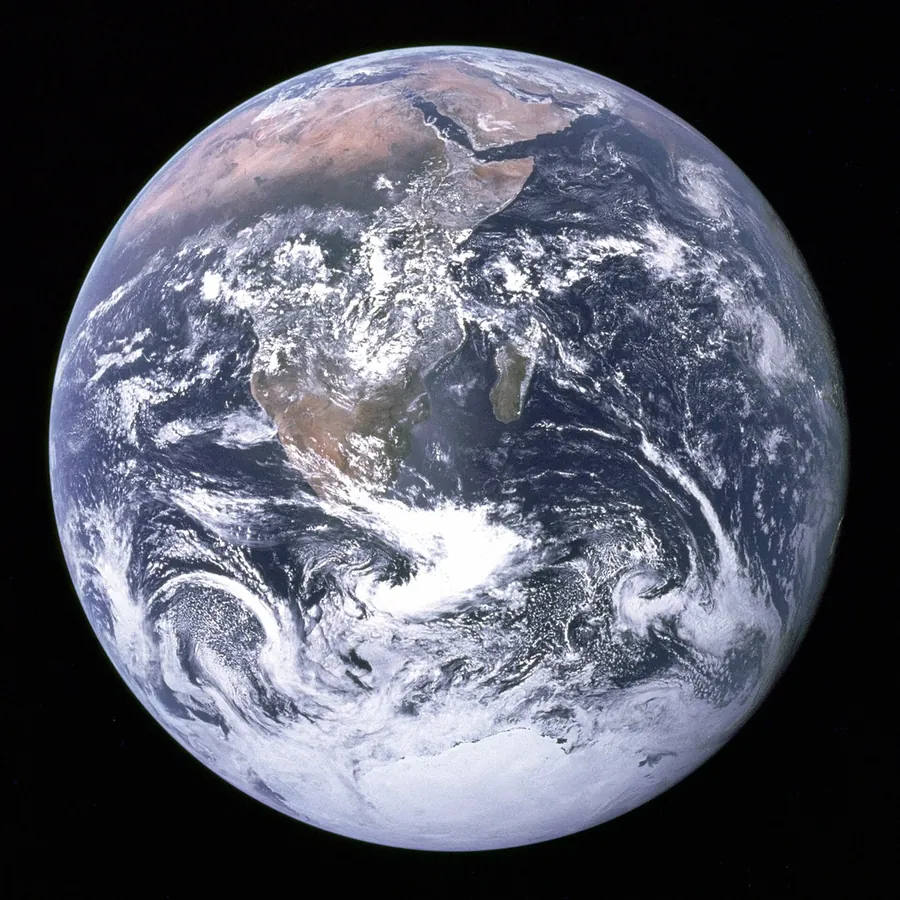
A real JPG to PNG conversion using a sample file. Compare the files below, then use the converter above with your own file.
Recorded Sample
Converted in the browser in this run.
blue-marble-apollo-17.jpg
blue-marble-apollo-17.png
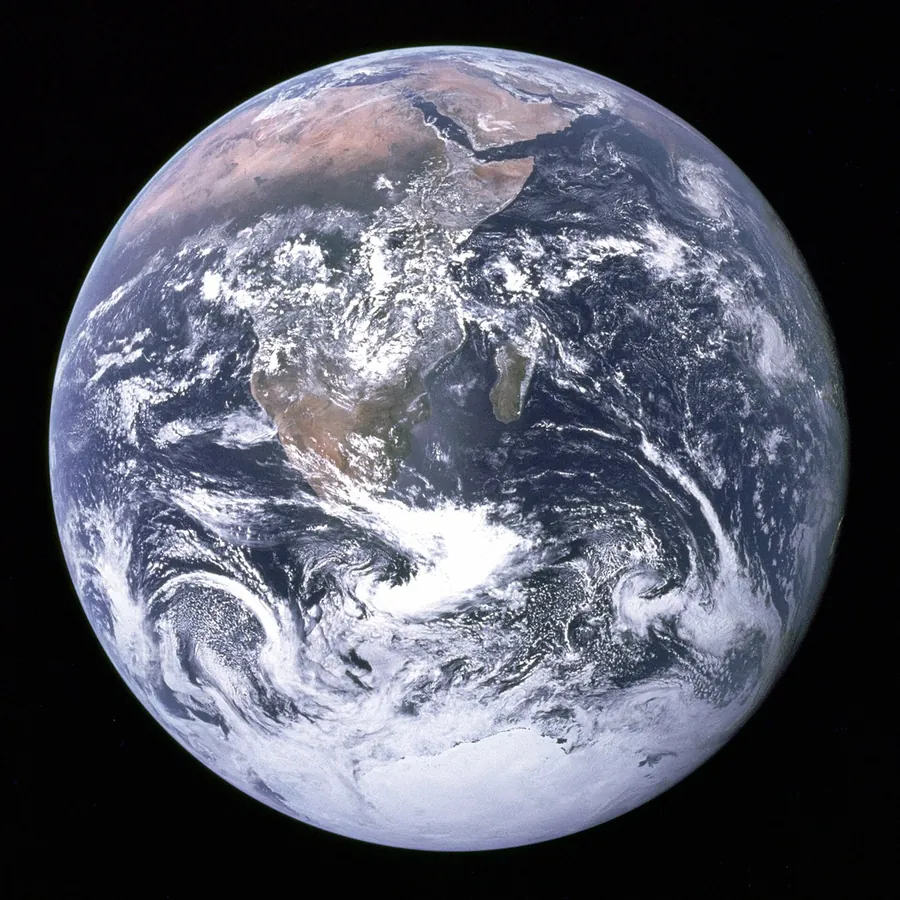
Previews show the sample files from this recorded conversion. Choose Input or Result to focus on one file.
View The Original Run Capture
A screenshot of the completed run, preserved in its original theme. The comparison above adapts to your current theme.

JPG to PNG: lossless from here on
A JPG has already thrown away some detail to stay small, and converting to PNG can't bring it back. What PNG does give you is a lossless container with transparency support, so from this point the image won't lose any more quality, no matter how many times you edit and re-save it.
When PNG is the right move
Reach for PNG when you'll edit and re-export repeatedly (each JPG save degrades the image a little more), when you need to add a transparent background in an editor, or when a tool or platform specifically requires PNG.
One trade-off
Because PNG is lossless, the file is usually larger than the JPG, sometimes much larger for photographs. If size matters more than re-editing, keeping the JPG (or using WebP) stays smaller.
How it works
- 01
Choose your JPG
Drop a file or pick one from your device. Private by default.
- 02
Convert in your browser
Your browser decodes the JPG and saves it as a lossless PNG on a canvas, instant, nothing uploaded.
- 03
Download
Grab your PNG.
Runs in your browser. Your file never uploads
Lossless PNG output (no further quality loss)
No watermark, no signup to try
Instant, even for large images
Ready for editors that need PNG
JPG to PNG: lossless
PNG stores every pixel exactly (lossless) and keeps transparency, so there's no added quality loss. The trade-off is a larger file than a lossy format like JPG, great for graphics, screenshots and further editing, less so for photos you want kept small.
Common questions
Is it free?+
Yes. Convert JPG to PNG free. No signup, no watermark, no daily cap.
Is my file private?+
These conversions run entirely in your browser. Your file never uploads to a server.
Does it improve the quality?+
No conversion can restore detail the original JPG already discarded. But the PNG is lossless from here on, so editing and re-saving won't degrade it further the way re-saving a JPG does.