Convert PNG to compact JPG.
Shrink large PNGs into smaller, share-ready JPGs at high quality. Instant, private, in-browser.
Inside The Conversion
See The Input. Inspect The Result.
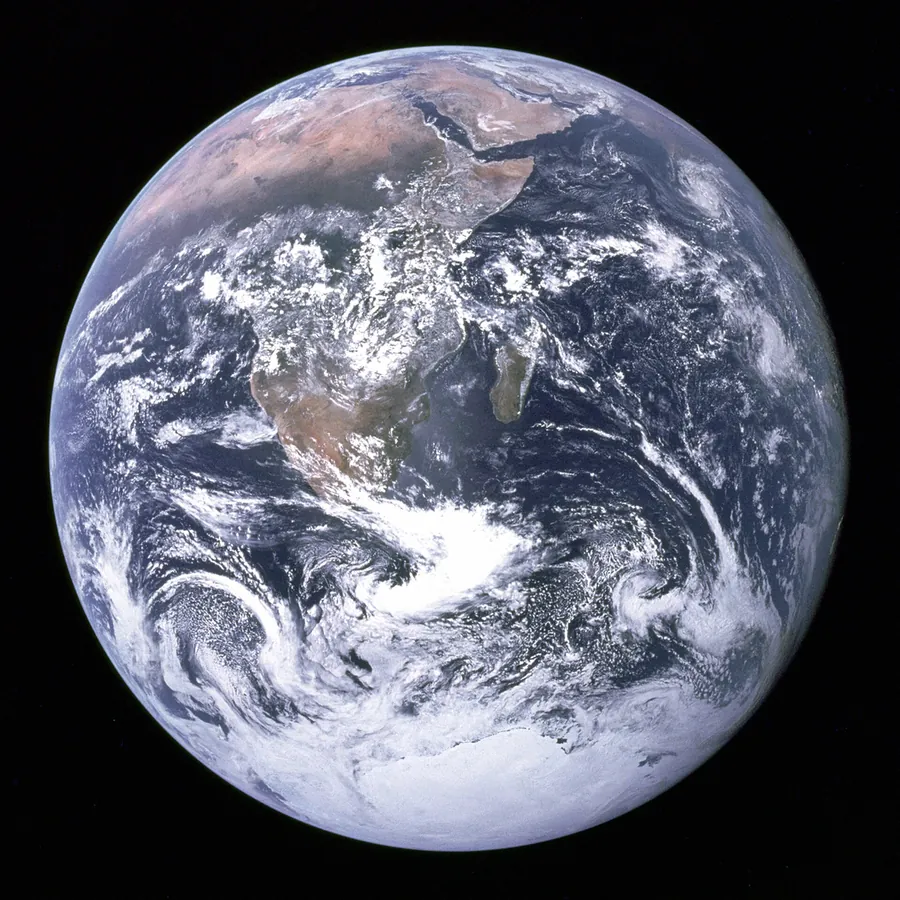
A real PNG to JPG conversion using a sample file. Compare the files below, then use the converter above with your own file.
Recorded Sample
Converted in the browser in this run.
blue-marble-apollo-17.png
blue-marble-apollo-17.jpg
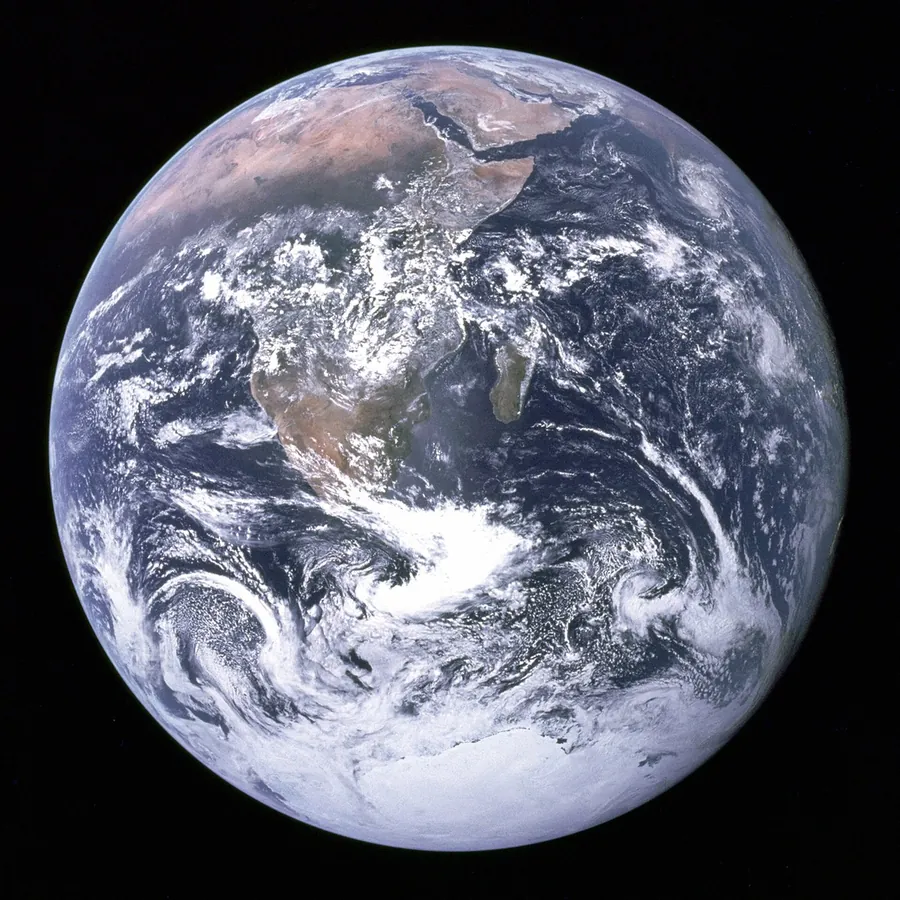
Previews show the sample files from this recorded conversion. Choose Input or Result to focus on one file.
View The Original Run Capture
A screenshot of the completed run, preserved in its original theme. The comparison above adapts to your current theme.

PNG to JPG: when smaller wins
PNG is lossless and supports transparency, which makes it perfect for screenshots, logos and flat graphics, but it produces large files for anything photographic. JPG trades a little detail for a much smaller file, so converting a photo-heavy PNG to JPG is the quickest way to cut size for email, uploads or the web.
It's lossy, and that's the point
JPG discards detail you can't easily see to shrink the file. On photographs at high quality that's invisible; on sharp text, screenshots or hard-edged graphics it can introduce faint halos, so those are better left as PNG (or converted to WebP, which compresses well without the same artifacts).
What about transparency?
JPG has no alpha channel, so any transparent areas in the PNG are filled with white. If you need transparency preserved, keep the PNG or use WebP instead.
Not sure which format fits your image? Our PNG vs JPG guide breaks down lossless vs lossy, transparency and file size to help you choose.
How it works
- 01
Choose your PNG
Drop a file or pick one from your device. Private by default.
- 02
Convert in your browser
Your browser re-encodes the PNG to a high-quality JPG on a canvas, instant, and nothing is uploaded.
- 03
Download
Grab your JPG.
Runs in your browser. Your file never uploads
Big size savings on photo-style images
No watermark, no signup to try
Instant, even for large images
Transparency is flattened to white
PNG to JPG: smaller, lossy
JPG uses lossy compression tuned for photographs, so the file gets much smaller while staying visually close to the original. It has no transparency (transparent areas fill with a solid colour), so it suits photos rather than logos or line art.
Common questions
Is it free?+
Yes. Convert PNG to JPG free, with no signup or watermark.
Is my file private?+
These conversions run entirely in your browser. Your file never uploads to a server.
Will quality hold up?+
JPG is a lossy format, but at the high quality we use the difference is invisible for photos. For sharp text or flat graphics, keep PNG: JPG can show artifacts on hard edges.