Convert HEIC to PDF.
Turn an iPhone HEIC photo into a PDF with a searchable OCR text layer, ideal for a photographed document, receipt or whiteboard you need to share, print or file.
Inside The Conversion
See The Input. Inspect The Result.
A real HEIC to PDF conversion using a sample file. Compare the files below, then use the converter above with your own file.
Recorded Sample
Converted on the server in this run.
blue-marble-apollo-17.heic
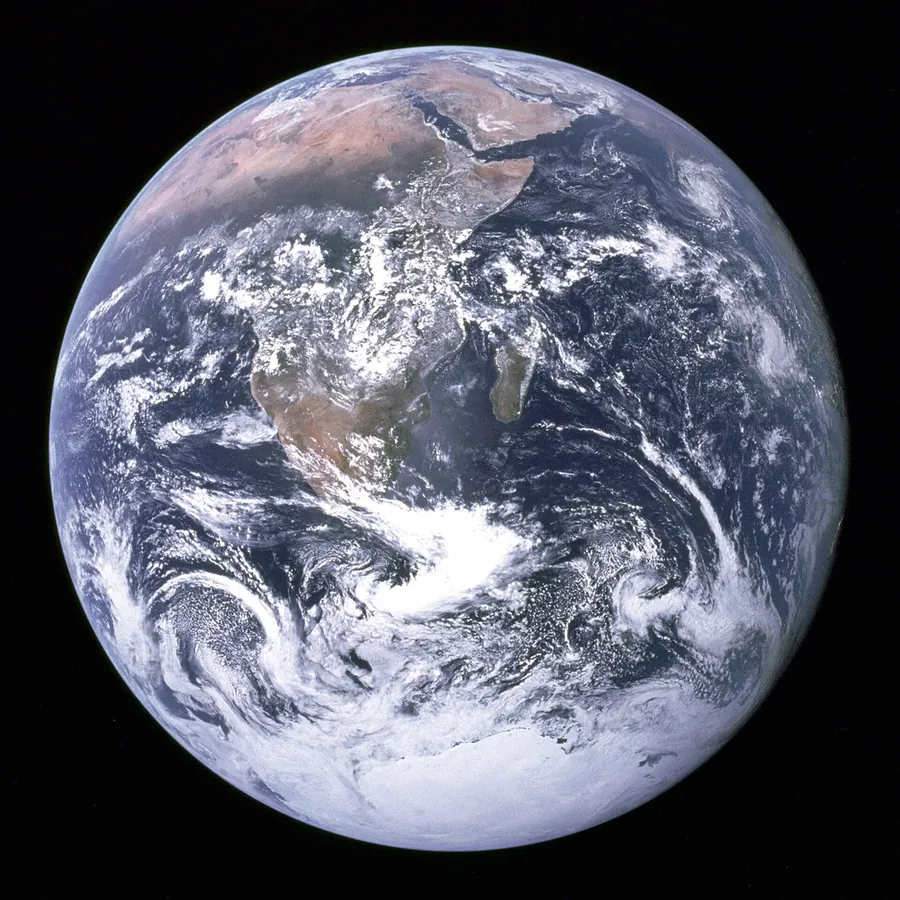
blue-marble-apollo-17.pdf
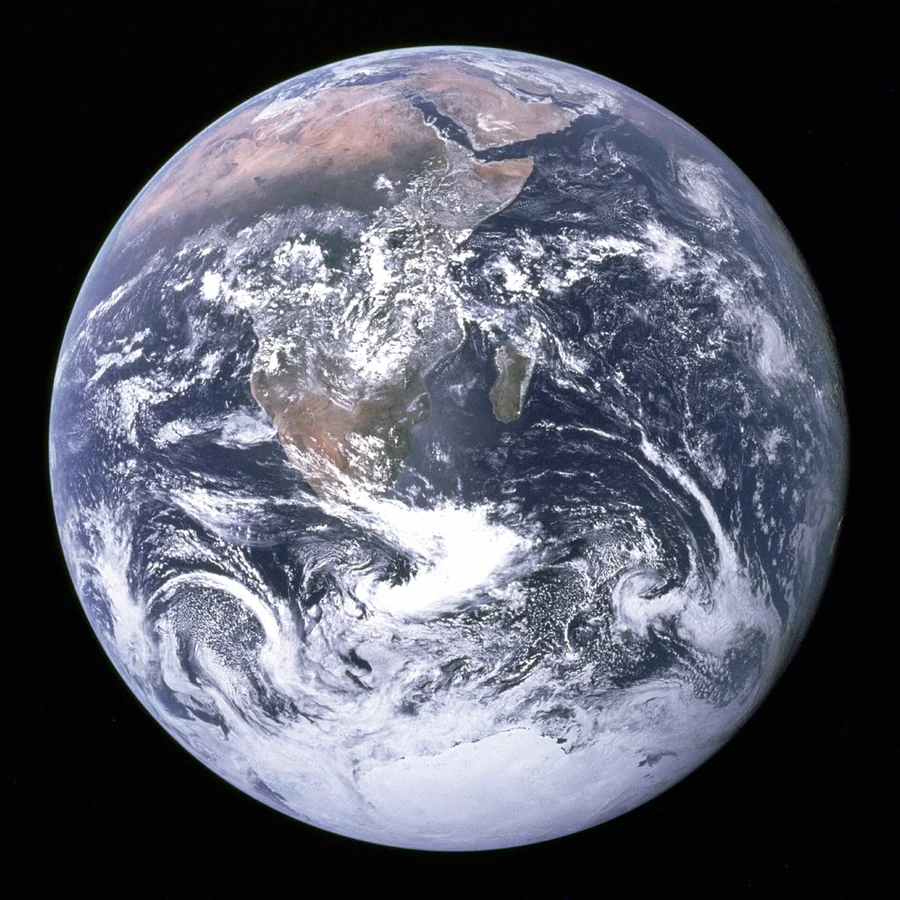
Previews show the sample files from this recorded conversion. Choose Input or Result to focus on one file.
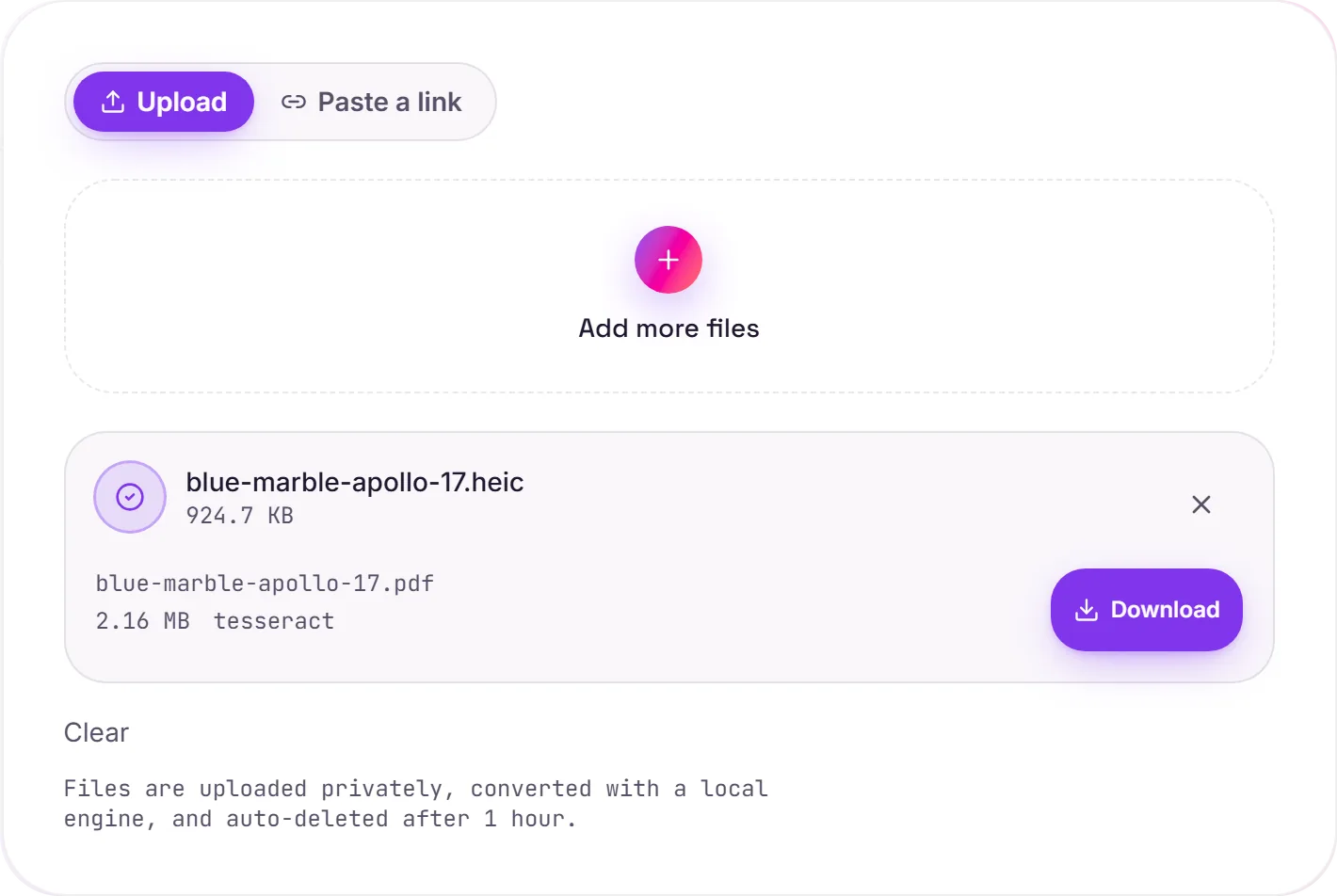
View The Original Run Capture
A screenshot of the completed run, preserved in its original theme. The comparison above adapts to your current theme.
Your iPhone scanner, in one step
iPhones save photos as HEIC, so when you snap a document, receipt, form or whiteboard, you're left with a file half the world can't open. This converts it straight to a PDF: universally shareable and printable, and runs OCR in the same pass, so the text in your photo becomes searchable and selectable. No more emailing a HEIC nobody can read.
One step, not three
You could convert HEIC to JPG and then JPG to PDF, but this does the decode, the page build and the OCR in a single conversion: quicker, and the text layer is added automatically.
For the cleanest result
Shoot straight-on with good light and steady hands: clear photos OCR almost perfectly, while dim or angled shots are harder. Want just the picture as an image instead? HEIC to JPG handles that.
How it works
- 01
Upload your HEIC
Drop a photo straight from your iPhone or Mac. Private by default.
- 02
Decode + OCR
We decode the HEIC and read any text with Tesseract, a best-in-class open-source OCR engine, no paid API in the loop.
- 03
Download
Grab your PDF.
Made for iPhone photos of documents
Searchable, selectable text via Tesseract 5 OCR
Private uploads, auto-deleted after 1 hour
No watermark, no signup to try
Free and open-source engine
What you get from HEIC to PDF
Your HEIC is uploaded and placed onto a PDF page at full resolution on our servers, so it prints and shares cleanly. Where the image holds text, a Tesseract OCR pass adds a searchable, selectable layer underneath. The picture itself is unchanged.
Common questions
Is it free?+
Yes. Convert HEIC to PDF free. No signup and no watermark. Free covers 10 server conversions a day, up to 100 MB a file. Pro removes the daily limit and raises the file limit to 2 GB.
Why won't my HEIC open elsewhere?+
HEIC is Apple's format and many tools can't read it. FileWhirl decodes it for you and produces a universally shareable PDF.
Will the text be selectable?+
Yes. Any text in the photo is read with Tesseract OCR and added as an invisible, selectable layer over the page, so the PDF is searchable.