Convert EPS to PNG.
Rasterize EPS artwork to a high-resolution PNG with transparency at 200 DPI. Clean, print-quality output.
Inside The Conversion
See The Input. Inspect The Result.
A real EPS to PNG conversion using a sample file. Compare the files below, then use the converter above with your own file.
Recorded Sample
Converted on the server in this run.
harbour-lane-bakery-logo.eps

harbour-lane-bakery-logo.png

Previews show the sample files from this recorded conversion. Choose Input or Result to focus on one file.
View The Original Run Capture
A screenshot of the completed run, preserved in its original theme. The comparison above adapts to your current theme.
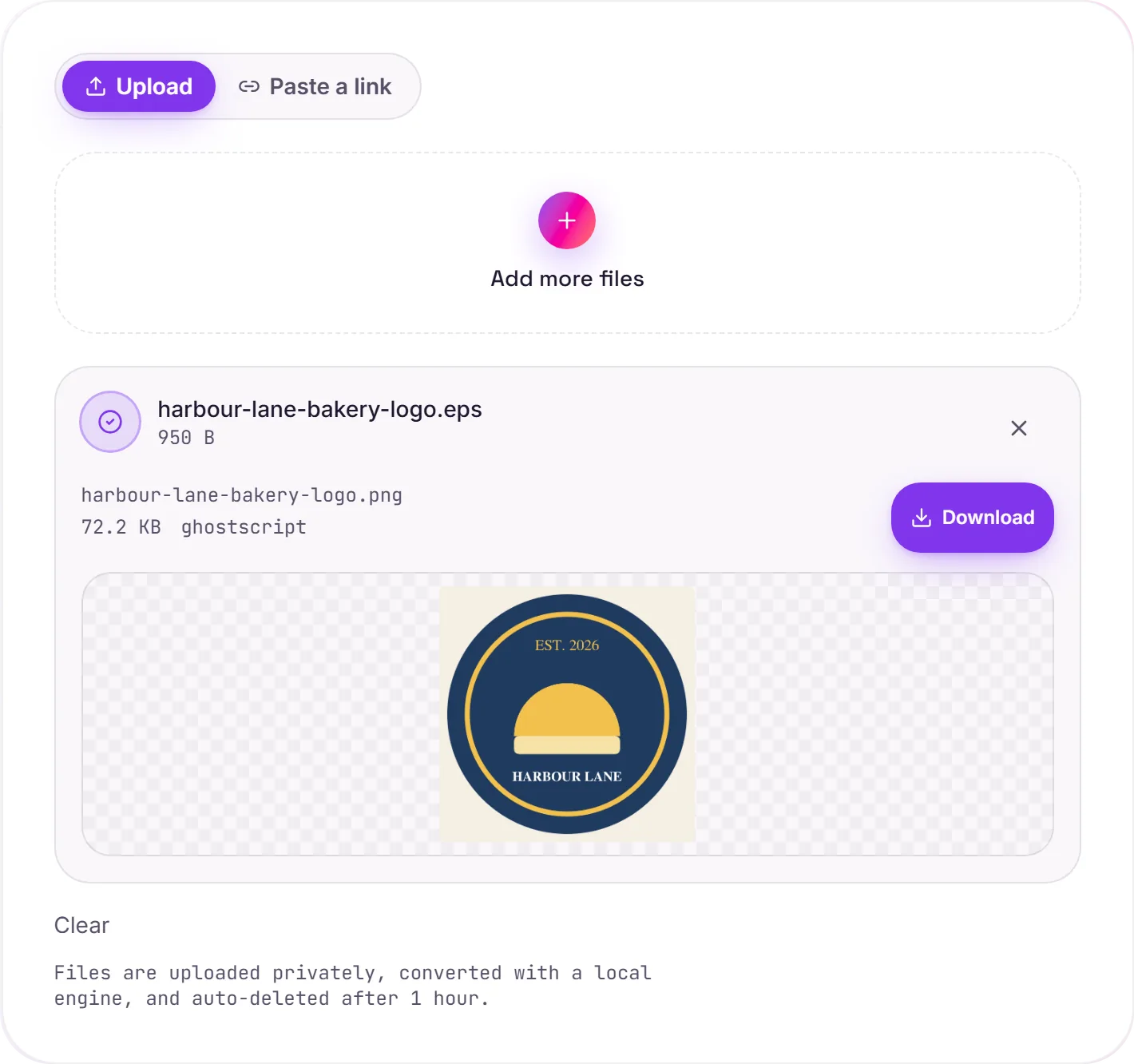
Rasterizing EPS vector art
EPS is a vector format: paths and curves rather than pixels. PNG is a fixed-resolution raster with transparency. You rasterize to PNG when you need a flat image: dropping a logo into a web page or slide, making a thumbnail, or handing it to a tool that won't open EPS or PDF. It's rendered at a high DPI so the edges stay crisp.
Vector or raster?
Once it's a PNG, the artwork no longer scales infinitely. You've committed to a resolution. If you need something that stays sharp at any size for print, keep it vector with EPS to PDF instead.
Transparency is kept
PNG has an alpha channel, so transparent areas of the EPS stay transparent, handy for logos and graphics that need to sit on any background, unlike a JPG which would fill them white.
How it works
- 01
Upload your EPS
Drop a file or pick one from your device. Private by default.
- 02
Convert with Ghostscript
EPS becomes PNG using Ghostscript, a best-in-class open-source engine, no paid API in the loop.
- 03
Download
Grab your PNG.
High-resolution, edge-crisp rendering
Private uploads, auto-deleted after 1 hour
No watermark, no signup to try
Handles large and complex graphics
Free and open-source engine
EPS to PNG (rasterising)
EPS is vector artwork; PNG is a pixel image. We render it at a sensible resolution, which fixes how sharp it stays when scaled up later. Pick a generous size if you'll enlarge it: pixels can't be added back afterwards.
Common questions
Is it free?+
Yes. Convert EPS to PNG free. No signup and no watermark. Free covers 10 server conversions a day, up to 100 MB a file. Pro removes the daily limit and raises the file limit to 2 GB.
Is my file private?+
Uploads go to a private bucket, are converted, and auto-delete after 1 hour. Files never touch a third-party converter.
Will quality hold up?+
Yes. We render with Ghostscript at high fidelity. Edges stay crisp and colors accurate.