Convert PDF pages to JPG images.
Render a PDF to a high-quality JPG image, great for thumbnails, previews and sharing.
Inside The Conversion
See The Input. Inspect The Result.
A real PDF to JPG conversion using a sample file. Compare the files below, then use the converter above with your own file.
Recorded Sample
Converted on the server in this run.
harbour-lane-price-list.pdf
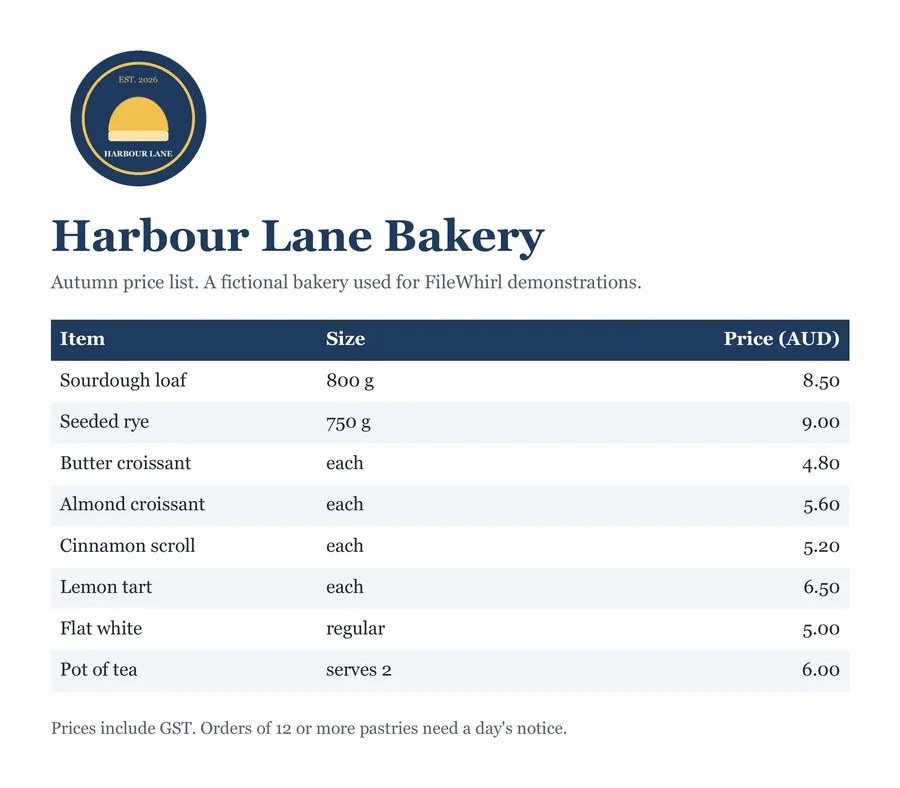
harbour-lane-price-list.jpg
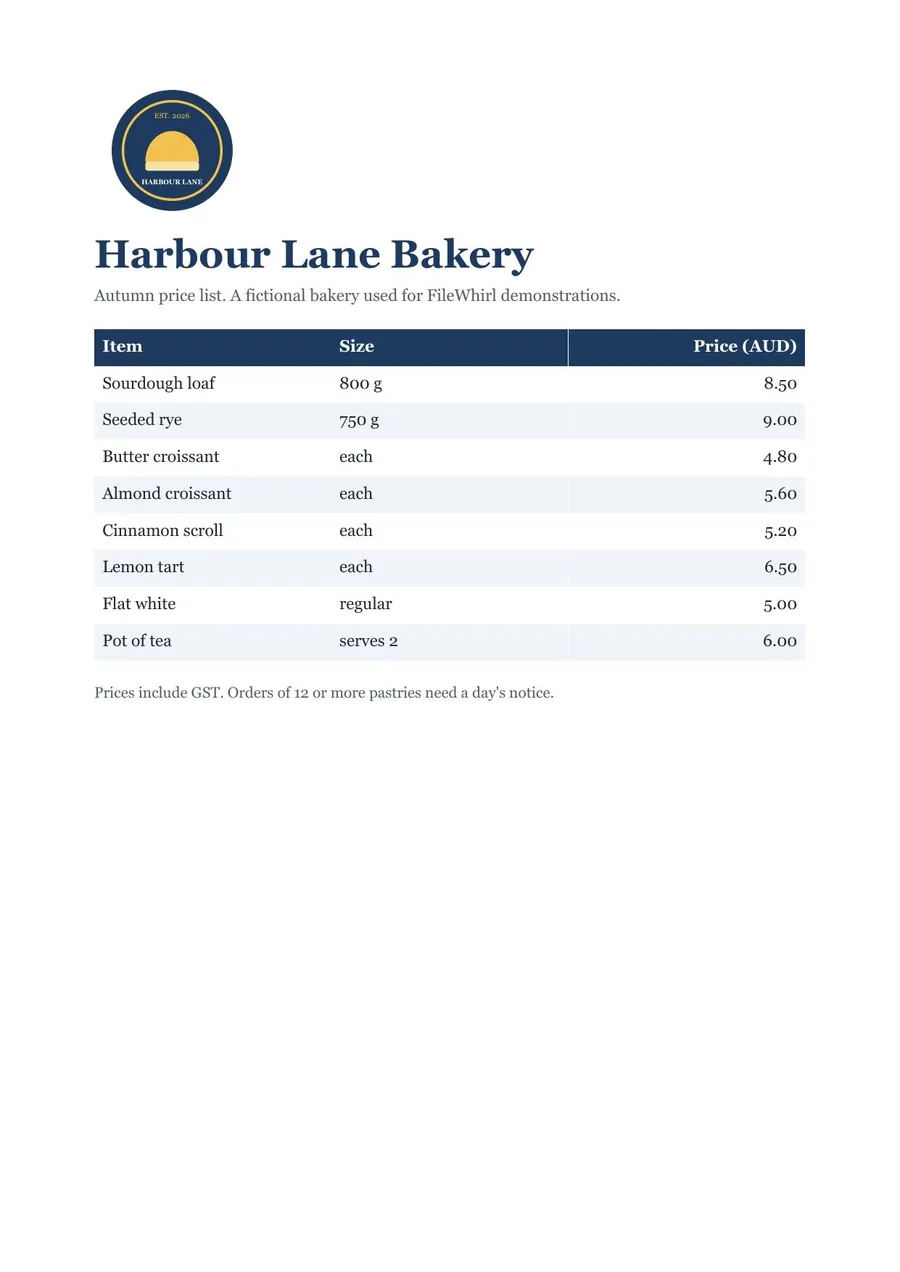
Previews show the sample files from this recorded conversion. Choose Input or Result to focus on one file.
View The Original Run Capture
A screenshot of the completed run, preserved in its original theme. The comparison above adapts to your current theme.

Turning a PDF page into an image
A JPG of a PDF page is handy when you need a picture rather than a document, a thumbnail for a listing, a preview to drop into a slide or chat, or a single page to share with someone who won't open a PDF. The page is rendered exactly as it looks, fonts and all.
It becomes pixels
Once a page is a JPG it's a flat image: the text is no longer selectable or searchable. If you actually need the words, use PDF to text or PDF to Word instead. For crisp line art or screenshots, PDF to PNG keeps edges sharper than JPG.
Got many pages?
To export every page of a document at once, PDF to images gives you the whole set bundled in a zip, ready to download in one go.
How it works
- 01
Add your PDF
Drop one or many files, or click to browse. Private by default.
- 02
Convert on our server
PDF becomes JPG using a best-in-class open engine, no paid API in the loop.
- 03
Download
Grab your JPG (or a zip of many).
Best available engine, honest about limits
Private uploads, auto-deleted after 1 hour
Batch convert many at once, download as a zip
No watermark, no signup to try
Fast, faithful conversion
Common questions
Is it free?+
Yes. Convert PDF to JPG free, with no signup.
Is my file private?+
Uploads go to a private bucket, are converted, and auto-delete after 1 hour.
Will quality hold up?+
Rendered at 150 DPI; crisp and clear.