Convert HTML to PDF.
Render an HTML page to a pixel-faithful PDF using headless Chromium, full CSS, web fonts and backgrounds, paginated A4.
Inside The Conversion
See The Input. Inspect The Result.
A real HTML to PDF conversion using a sample file. Compare the files below, then use the converter above with your own file.
Recorded Sample
Converted on the server in this run.
harbour-lane-price-list.html
Opening Lines
<!doctype html><html><head><meta charset="utf-8"><title>Harbour Lane Bakery...
<style>body{font-family:Georgia,serif;margin:48px;color:#1f2933}h1{color:#1...
p.sub{color:#52606d;margin:0 0 24px}table{border-collapse:collapse;width:10...
td{border-bottom:1px solid #d9e2ec;padding:8px}td.r,th.r{text-align:right}p...
<body><img src="data:image/png;base64,iVBORw0KGgoAAAANSUhEUgAAAgAAAAIACAYAA...
<p class="sub">Autumn price list. A fictional bakery used for FileWhirl dem...
<table width="100%" cellpadding="8" cellspacing="0"><colgroup><col width="3...
<p class="note">Prices include GST. Orders of 12 or more pastries need a da...harbour-lane-price-list.pdf
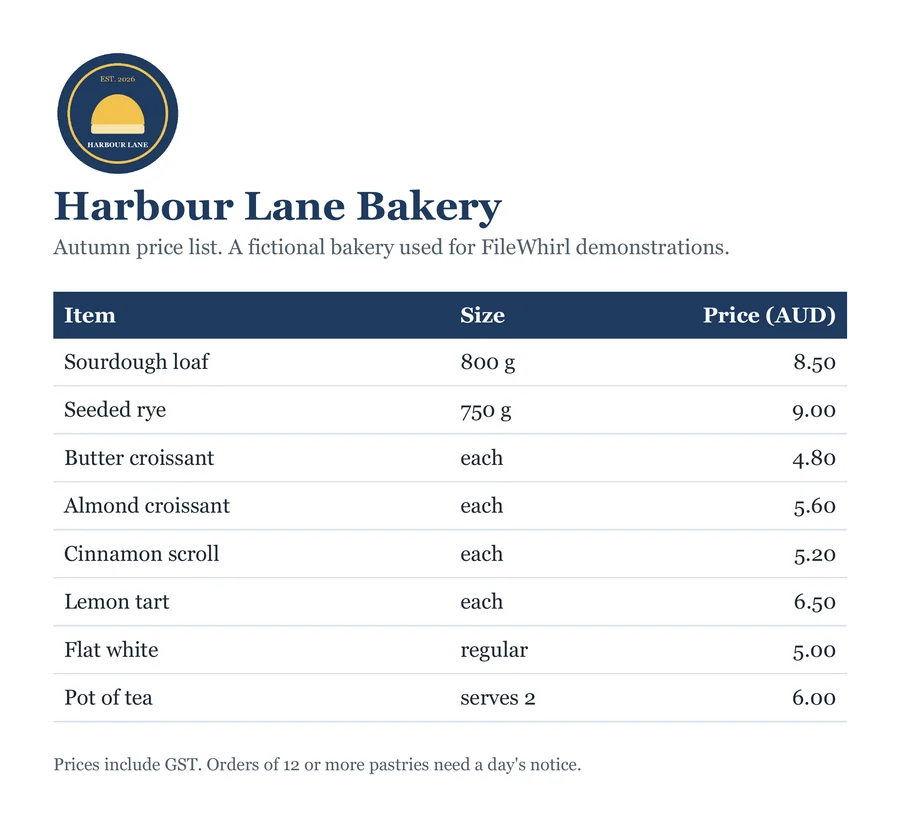
Previews show the sample files from this recorded conversion. Choose Input or Result to focus on one file.
View The Original Run Capture
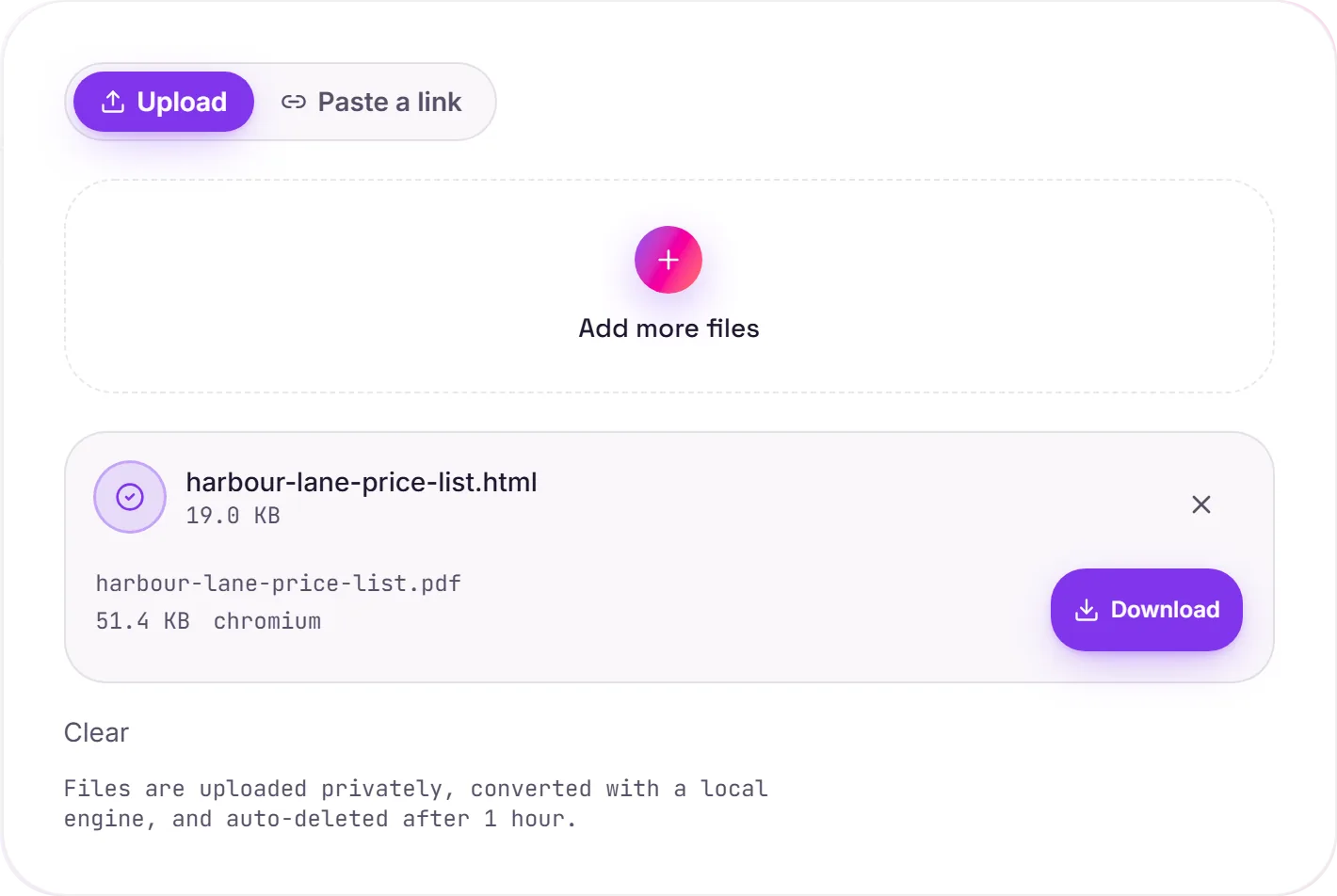
A screenshot of the completed run, preserved in its original theme. The comparison above adapts to your current theme.
HTML to PDF, exactly as a browser prints it
This renders your HTML with headless Chromium, the very engine inside Chrome, so the PDF looks identical to what you'd get from the browser's own "Print to PDF". Full CSS, web fonts, backgrounds, flexbox and grid all render correctly. It's the dependable way to produce invoices, receipts, reports or an archived copy of a page.
Control the output with print CSS
Because it's a real browser, your page's @media print and @page rules apply. Set the page size and margins, force or avoid page breaks, and hide on-screen-only elements, just as the browser does when you print.
Make sure assets resolve
Since the HTML is converted on its own, any images, stylesheets or fonts it pulls in by URL need to be reachable or embedded in the file: otherwise they'll be missing in the PDF. The page is rendered in its initial state, so content that only appears after JavaScript runs may not be captured.
How it works
- 01
Upload your HTML
Drop a file or pick one from your device. Private by default.
- 02
Render with Chromium
HTML is rendered to PDF by headless Chromium, exactly as a browser would print it, no paid API in the loop.
- 03
Download
Grab your PDF.
Pixel-faithful CSS, web fonts & backgrounds
Paginated A4 with clean margins
Private uploads, auto-deleted after 1 hour
No watermark, no signup to try
Free and open-source engine (Chromium)
HTML to PDF
This converts HTML markup to PDF, mapping headings, lists, links and emphasis across. The PDF is paginated for printing and sharing; review long or table-heavy documents.
Common questions
Is it free?+
Yes. Convert HTML to PDF free. No signup and no watermark. Free covers 10 server conversions a day, up to 100 MB a file. Pro removes the daily limit and raises the file limit to 2 GB.
Is my file private?+
Uploads go to a private bucket, are converted, and auto-delete after 1 hour. Files never touch a third-party converter.
Will it match my browser?+
Yes. We render with headless Chromium, the same engine as Chrome. CSS, fonts and backgrounds render exactly as you'd see them.