Convert DDS to PNG.
DDS is the texture format games and 3D engines use, and almost no image viewer opens it. Convert it to PNG you can preview, edit and share in any tool.
Inside The Conversion
See The Input. Inspect The Result.
A real DDS to PNG conversion using a sample file. Compare the files below, then use the converter above with your own file.
Recorded Sample
Converted on the server in this run.
blue-marble-apollo-17.dds
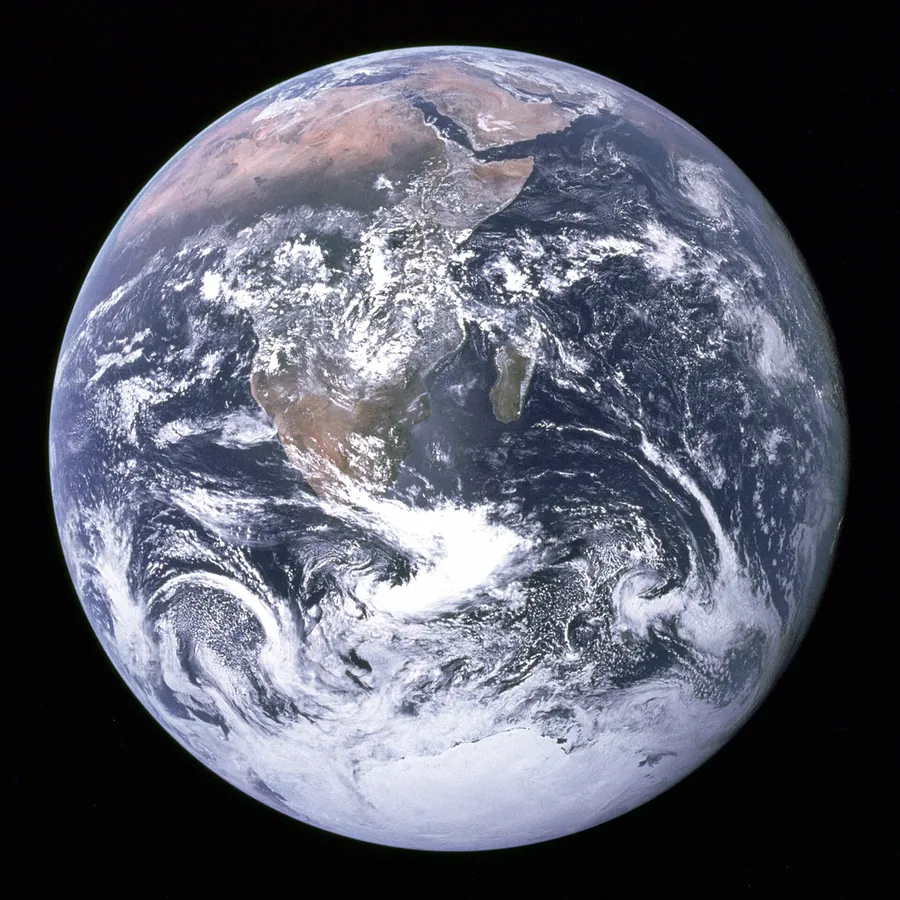
blue-marble-apollo-17.png
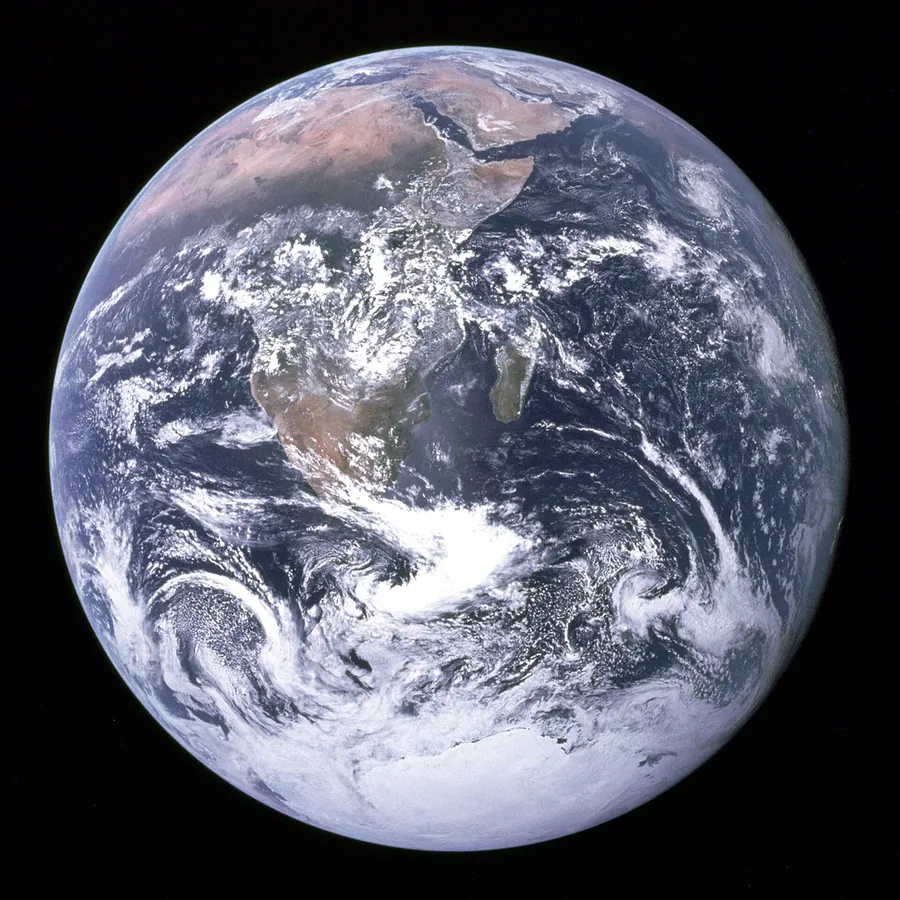
Previews show the sample files from this recorded conversion. Choose Input or Result to focus on one file.
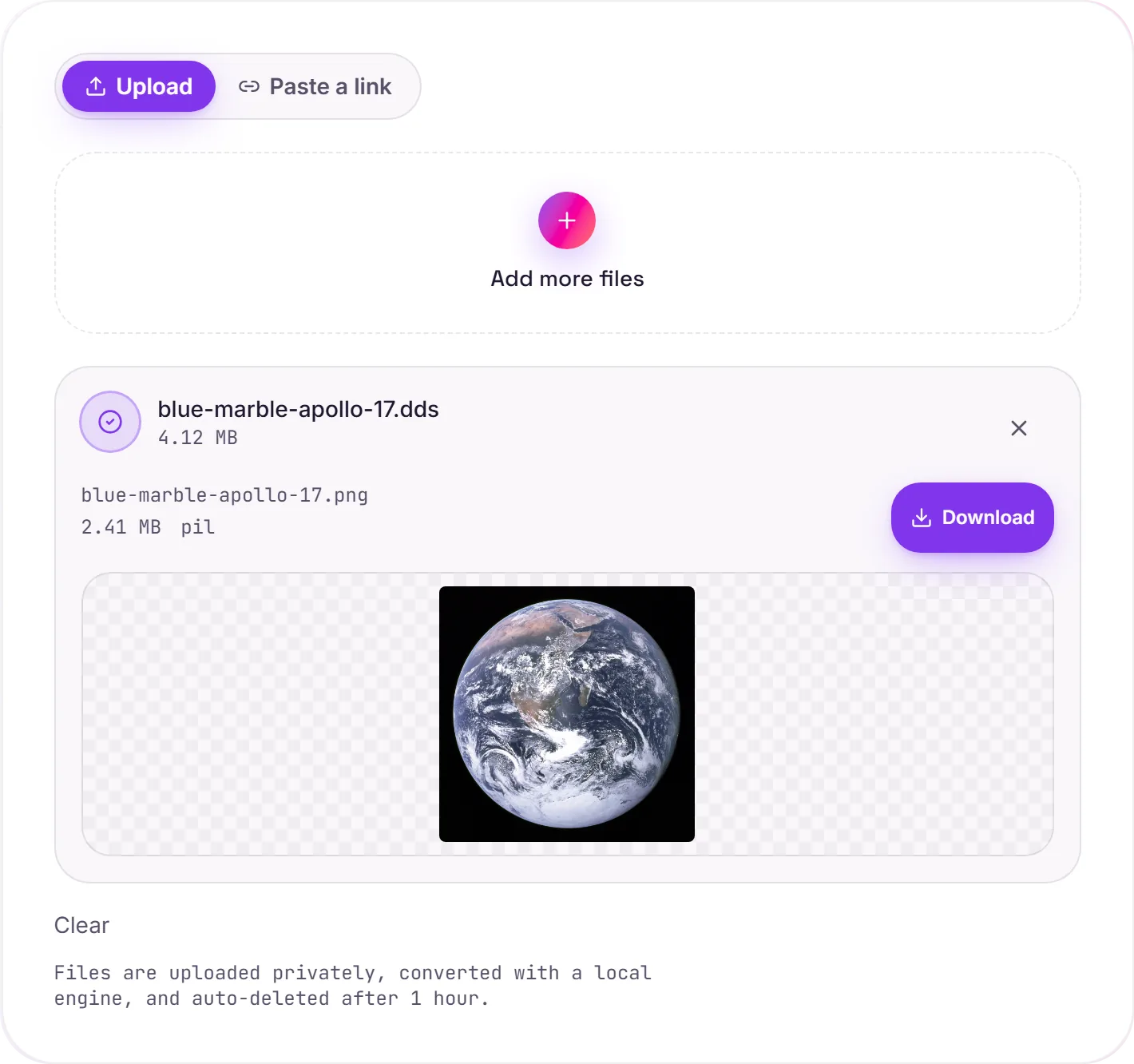
View The Original Run Capture
A screenshot of the completed run, preserved in its original theme. The comparison above adapts to your current theme.
Built for GPUs, not for looking at
If you're modding a game or digging through its assets, you'll run into .dds files everywhere. They store textures in a form the graphics card can sample directly, which is brilliant for performance and useless for a quick preview: double-click one and most systems have no idea what to do. Converting to PNG turns a texture into an ordinary image you can actually see and edit.
For modders and artists
PNG is the natural working format: lossless and universally supported (note that transparent areas are currently filled with solid black for now). Edit the texture in your tool of choice, and convert it back to DDS when it's time to put it in the game.
How it works
- 01
Add your DDS
Drop one or many .dds files, or click to browse. Private by default.
- 02
Convert with Pillow
DDS is decoded to PNG with the Pillow imaging engine, no paid API in the loop.
- 03
Download
Grab your PNG, ready to edit or view.
Opens the DirectDraw Surface texture format
Lossless PNG that opens in any editor
Edit in Photoshop, GIMP, Krita, anything
Private uploads, auto-deleted after 1 hour
Batch convert a whole texture set at once
Free and open-source engine, no watermark
DDS to PNG: lossless
PNG stores every pixel exactly (lossless), so there's no added quality loss. Transparent areas are currently filled with solid black. The trade-off is a larger file than a lossy format like JPG, great for graphics, screenshots and further editing, less so for photos you want kept small.
Common questions
What is a DDS file?+
DDS (DirectDraw Surface) is Microsoft's texture format, used heavily in games and 3D engines because the GPU can read its compressed data directly. That efficiency is why ordinary image viewers can't open it. It's built for hardware, not for previewing.
Will transparency survive?+
Not yet. The converter currently fills transparent areas with solid black, so a texture with an alpha channel loses it in the PNG.
Is it free?+
Yes. Convert DDS to PNG free. No signup and no watermark. Free covers 10 server conversions a day, up to 100 MB a file. Pro removes the daily limit and raises the file limit to 2 GB.
Is my file private?+
Uploads go to a private bucket, are converted, and auto-delete after 1 hour. Files never touch a third-party converter.