Convert MP3 to Text.
Transcribe an MP3 audio file into accurate text with Whisper AI: podcasts, interviews, voice notes and lectures.
Inside The Conversion
See The Input. Inspect The Result.
A real MP3 to TEXT conversion using a sample file. Compare the files below, then use the converter above with your own file.
Recorded Sample
Converted on the server in this run.
we-choose-to-go-to-the-moon.mp3
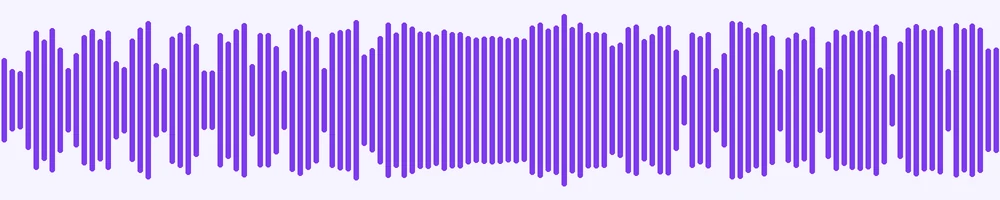
Waveform Preview, 52.8 s of audio
we-choose-to-go-to-the-moon.txt
Opening Lines
But why some say the moon, why choose this as our goal? And they may well a...
Previews show the sample files from this recorded conversion. Choose Input or Result to focus on one file.
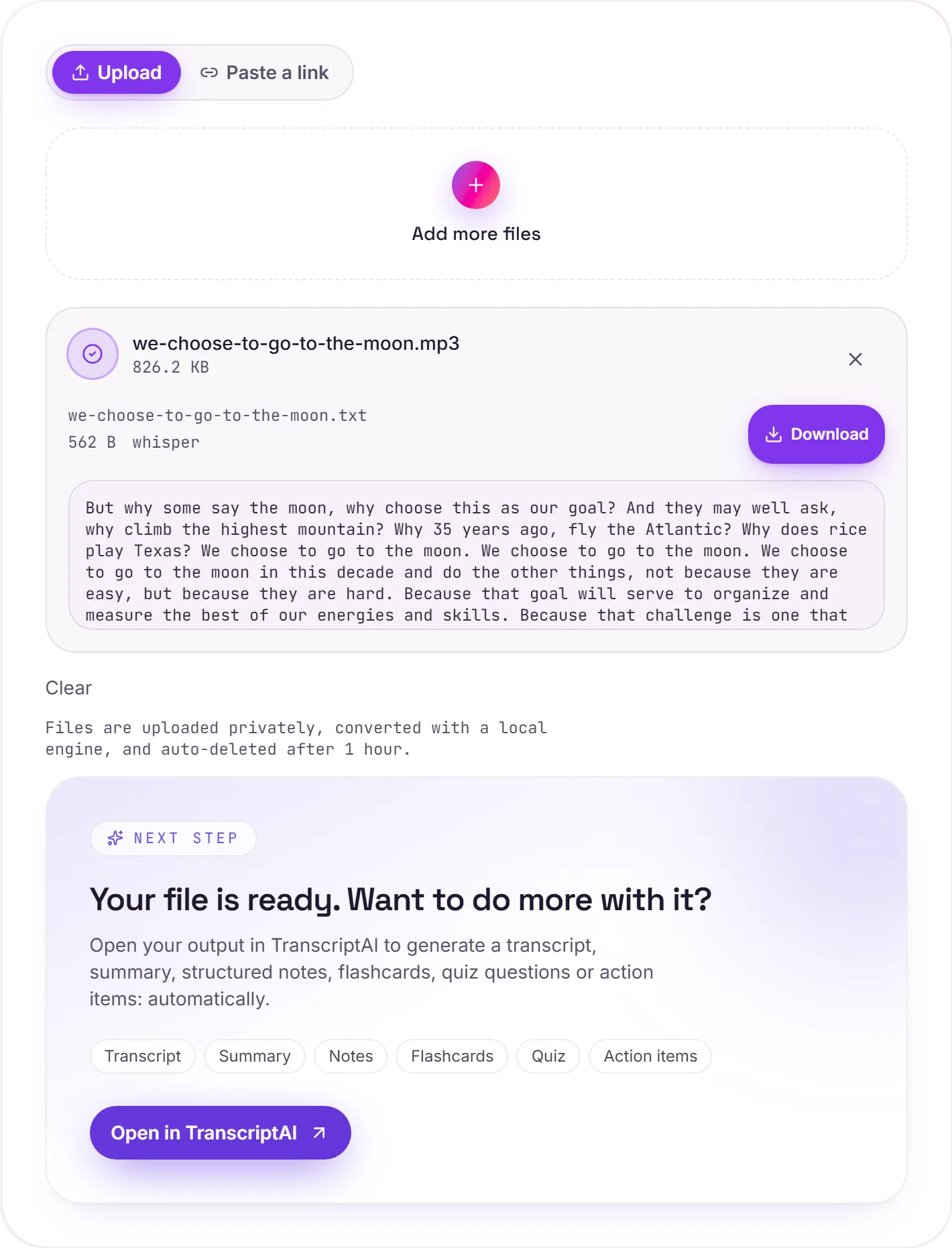
View The Original Run Capture
A screenshot of the completed run, preserved in its original theme. The comparison above adapts to your current theme.
How the transcription works
Your MP3 is transcribed with Whisper, the open-source speech model, running on our own servers rather than a third-party API. Voice-activity detection trims silence and long pauses so the output stays clean, and the model handles a wide range of accents and speaking styles well.
What it's great for
Single-speaker recordings (voice memos, dictation, a solo podcast, a lecture) transcribe cleanly. A clear recording with minimal background noise beats a long, echoey room every time, so a little care at capture pays off in the result.
More than one speaker?
If you need the transcript to label who said what, use Audio to text and the TranscriptAI workspace, which add speaker diarization and timestamps on top of the raw text, then you can summarize it, pull action items, or turn it into notes.
How it works
- 01
Upload your MP3
Drop a file or pick one from your device. Private by default.
- 02
Transcribe with Whisper
faster-whisper (small model + voice activity detection) produces an accurate transcript, no paid API in the loop.
- 03
Open in TranscriptAI
Grab your Text, or open it in TranscriptAI for notes, summaries, flashcards and action items.
Accurate Whisper AI transcription
Voice activity detection for clean output
Private uploads, auto-deleted after 1 hour
No watermark, no signup to try
Free and open-source engine (Whisper)
Unlock notes & summaries in TranscriptAI
Need more than a conversion?
Send your audio or video to TranscriptAI to generate a transcript, summary, structured notes, flashcards, quiz questions or action items: automatically.
Common questions
Is it free?+
Yes. Convert MP3 to Text free. No signup and no watermark. Free covers 10 server conversions a day, up to 100 MB a file. Pro removes the daily limit and raises the file limit to 2 GB.
Is my recording private?+
Uploads go to a private bucket, are transcribed on our own engine, and auto-delete after 1 hour. Files never go to an outside transcription service.
How accurate is it?+
We use Whisper's small model with voice activity detection: strong accuracy across accents, and clean handling of pauses and silence.