Convert WOFF2 to TTF.
Convert WOFF2 to TTF online: every glyph outline, advance width and hinting table comes back as the original font had it. Free, private, no signup.
Inside The Conversion
See The Input. Inspect The Result.
A real WOFF2 to TTF conversion using a sample file. Compare the files below, then use the converter above with your own file.
Recorded Sample
Converted on the server in this run.
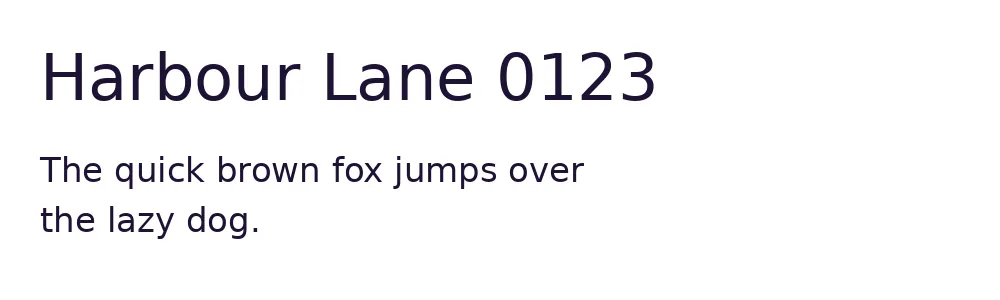
dejavu-sans.woff2
dejavu-sans.ttf
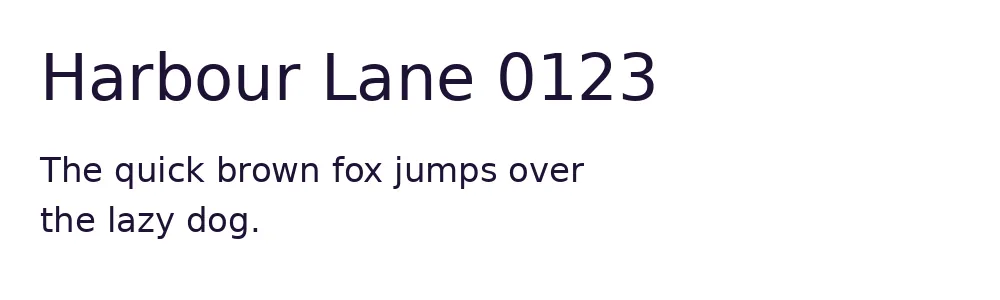
Previews show the sample files from this recorded conversion. Choose Input or Result to focus on one file.
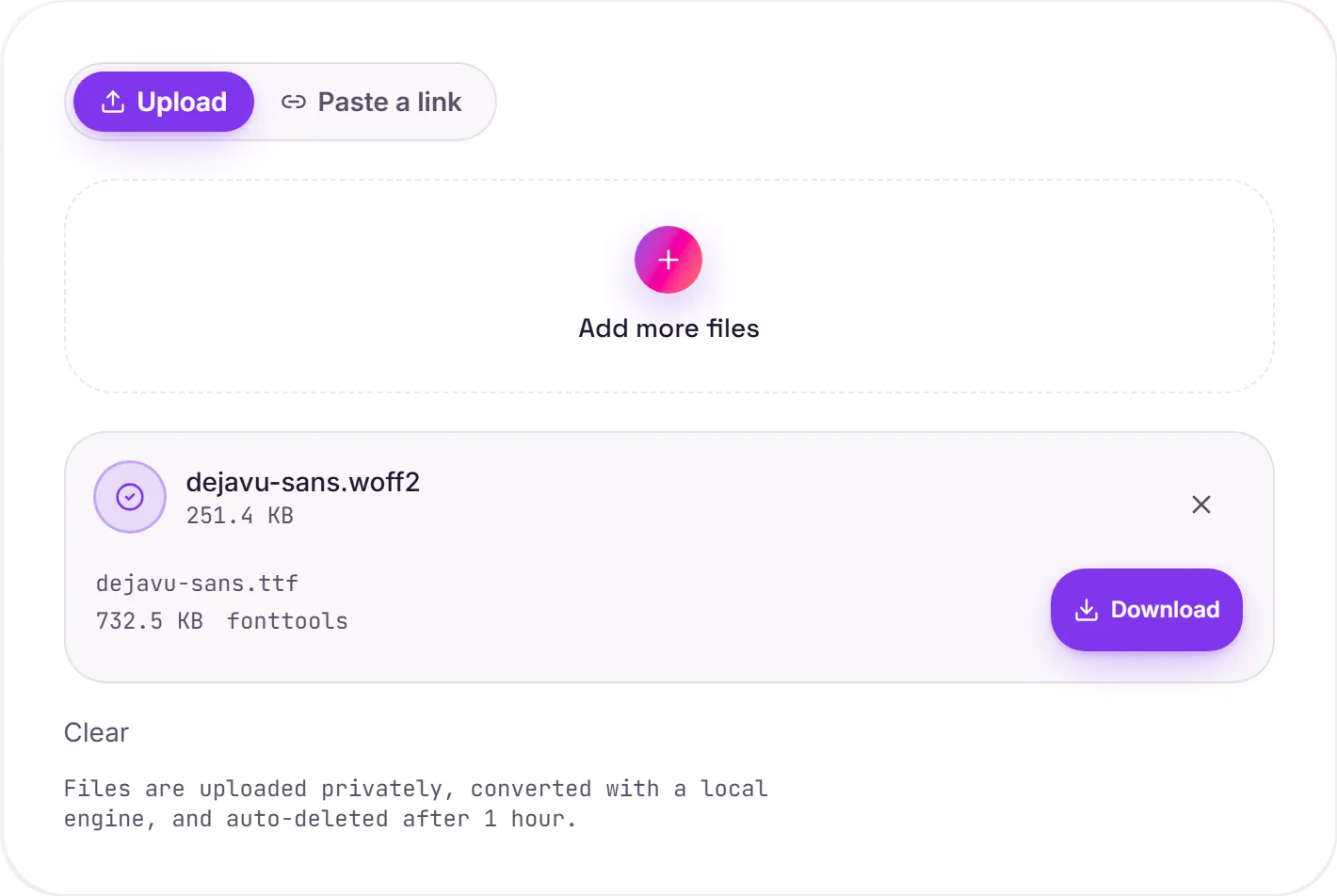
View The Original Run Capture
A screenshot of the completed run, preserved in its original theme. The comparison above adapts to your current theme.
Getting a desktop font back out of WOFF2
WOFF2 is a web-only wrapper, great for @font-face, but operating systems and design tools can't install or open it directly. Converting to TTF gives you the raw font again, so you can install it on your machine, load it into Figma, Illustrator or a font editor, or inspect it with other tooling.
A lossless unwrap
WOFF2 is the font's own data, compressed with Brotli and with the glyph tables stored in a compact form. Decompressing rebuilds them: in our test every glyph outline, every advance width and the hinting came back identical to the original desktop font. Nothing about the typeface is altered in the process.
Check the licence first
One important caveat: many web fonts are licensed for web embedding only. Turning a WOFF2 back into an installable TTF is technically easy, but installing or redistributing it on the desktop may breach that licence. Make sure you have the right to use the font this way before you do.
How it works
- 01
Upload your WOFF2
Drop a font file or pick one from your device. Private by default.
- 02
Convert with fontTools
fontTools decompresses the WOFF2 and writes the font out as a plain desktop font file. No paid API in the loop.
- 03
Download
Grab your TTF.
Lossless, every glyph preserved
WOFF2 uses Brotli for the smallest size
Private uploads, auto-deleted after 1 hour
No watermark, no signup to try
Free and open-source engine (fontTools)
WOFF2 to TTF
This repackages the same glyph outlines from WOFF2 into TTF. TTF is a desktop/install font container. The typeface design is unchanged.
Common questions
Is it free?+
Yes. Convert WOFF2 to TTF free. No signup and no watermark. Free covers 10 server conversions a day, up to 100 MB a file. Pro removes the daily limit and raises the file limit to 2 GB.
Is my font private?+
Uploads go to a private bucket, are converted, and auto-delete after 1 hour. Files never touch a third-party converter.
Are the glyphs changed?+
No. We measured it on Arial and Georgia: after WOFF2 and back, every glyph outline and advance width was identical to the original font, and the hinting tables were kept. Only the container changes; the typeface does not.
Why is the TTF bigger than the WOFF2?+
WOFF2 is compressed with Brotli and TTF is not. In our test Arial was 434 KB as WOFF2 and 1,044 KB as TTF, about the size of the original desktop font.
What if the WOFF2 came from an OTF font?+
Then the outlines are CFF (PostScript) curves, and they stay CFF: we change the container, not the outline format. The file you download ends in .ttf but holds an OpenType CFF font. If an app refuses it, rename the file to .otf.
Can I use the TTF in Word, Figma or on my desktop?+
Technically yes, a TTF installs like any desktop font. Check the licence first: many web fonts are licensed for web embedding only.
Related conversions